

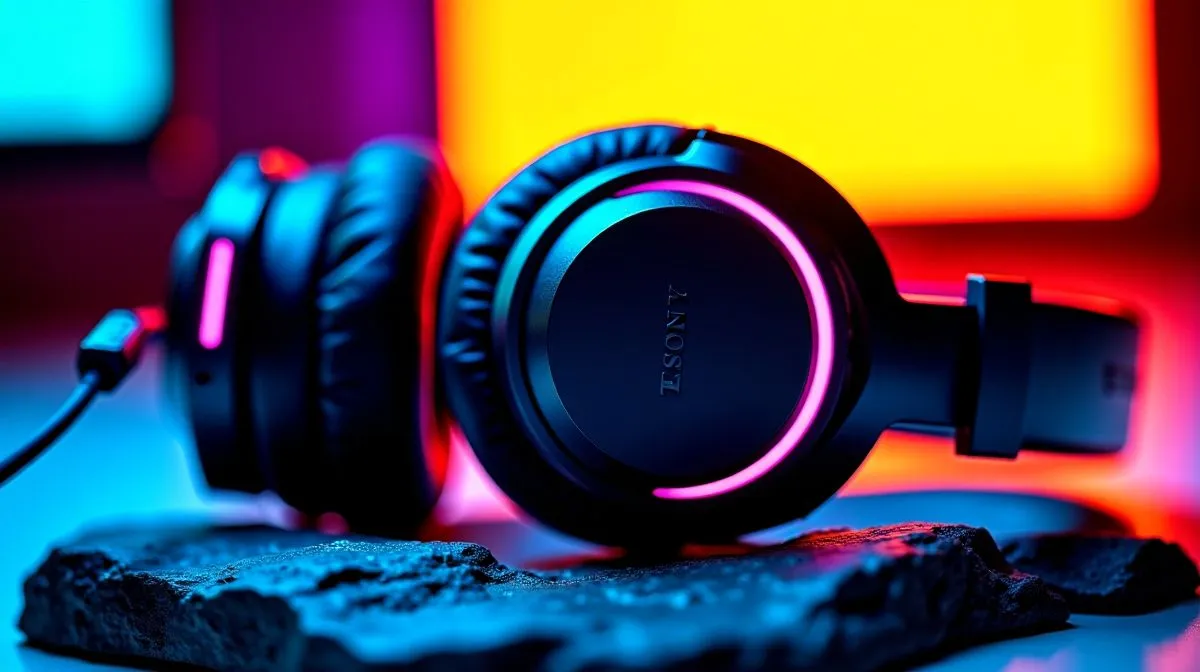
Multi-Platform Gaming Headset: PC, Console, and Mobile Setup for SA players
So you’ve got a PC for sweaty ranked… a console for couch co-op… and a phone for when downtime hits. The big question is simple: will one headset actually work across all of that without sounding muddy or dying mid-session? 🎧
In this Deep Dives guide, we’ll build a practical multi-platform gaming setup around a Multi-Platform Gaming Headset: PC, Console, and Mobile Setup mindset. You’ll learn what to prioritise, how to wire it up, and how to tune audio so footsteps and comms stay clear.
Multi-Platform Gaming Headset basics that matter across devices
Not all “wireless” is the same. For a true multi-platform gaming headset, focus on these three areas first:
Connectivity that doesn’t lock you in
Look for a mix of 2.4GHz wireless (PC/console dongle) and Bluetooth (mobile). If the headset is only Bluetooth, you may get lag on PC gaming. If it’s only a dongle, your phone becomes a workaround project. 😅
Mic clarity for team comms
A good boom mic is table stakes. But even better is a headset that supports clear voice capture and basic mic monitoring. When you’re leading squads, clarity beats “extra bass” every time.
Comfort for long sessions
Check weight and clamp force. If you’re gaming for hours in summer, comfort matters more than marketing. Your ears will feel it.
Audio modes and surround
Some headsets offer surround profiles. If you’re comparing models, note whether they support virtual 7.1 or a simpler stereo mode. That choice affects positional audio feel.
Multi-Platform Gaming Headset setup: PC, Console, and Mobile
PC setup (low latency, dialled in)
Start with the dongle if your headset supports it. Then test in-game settings:
- Enable your headset as the primary playback device.
- Pick the correct audio profile (Stereo vs 7.1, if offered).
- Set mic input to the headset mic, not your webcam mic.
If your PC supports multiple audio devices, you don’t want chat and game audio fighting each other. 🔧
Console setup (find the right input fast)
On most consoles, USB wireless dongles are usually the simplest. For wired headsets, you’ll often need a controller-compatible connection.
A quick rule: if teammates complain, don’t immediately blame your mic quality. First, confirm the console chat output is actually going to the headset.
Mobile setup (Bluetooth done right)
On mobile, Bluetooth is the typical path. Before your next match:
- Re-check audio output in the phone settings.
- Restart the app if latency feels off.
- Consider using Stereo mode when the game supports it, because some virtual surround implementations can sound “phasey” on mobile.
Multi-Platform Gaming Headset picking tips from Evetech ranges
If you’re shopping in South Africa, it helps to compare within one product family so you’re not guessing compatibility. Start with Evetech’s curated selection here:
- Browse Razer headsets and related options at https://www.evetech.co.za/components/headphone-headsets-10
And if you want a known wireless route, this deal page is worth checking:
- Razer Barracuda X Chroma Wireless (great for multi-device use cases) at https://www.evetech.co.za/razer-barracuda-x-chroma-wireless-headset-phantom-white/best-deal/24367
If you want to compare multiple models by category and spec fit, use Evetech’s headphone hubs:
- Explore more headphone and headset options at https://www.evetech.co.za/components/headphone-headsets-100?attributes-audio=7.1
Prefer a simpler approach? Use stereo-focused comparisons:
- View stereo-oriented options at https://www.evetech.co.za/components/headphone-headsets-100?attributes-audio=Stereo
For a wider Razer-specific comparison, start here:
- Razer headphones and headsets range at https://www.evetech.co.za/PC-Components/razer-headphones-headsets-105
Productivity Pro Tip ⚡
On Windows, use the PowerToys FancyZones utility to create custom snap layouts for your windows. It's a lifesaver for managing multiple apps on an ultrawide monitor, letting you organise your timeline, preview window, and asset folders perfectly for video editing.
Multi-Platform Gaming Headset tuning: make it sound competitive
After setup, spend 5 minutes tuning:
- Turn off heavy EQ for comms. Save “maximum bass” for chill modes.
- Keep in-game voice volume separate from game volume, if supported.
- Test footsteps in one map you know well. Then switch back to defaults if it feels worse.
You don’t need perfect audio. You need consistent audio across devices… so your aim and callouts stay sharp.
Multi-Platform Gaming Headset: final checks before you buy
Before you commit, confirm these points on the product page:
- Wireless type (dongle vs Bluetooth)
- Mic type and boom placement
- Whether it offers Stereo and/or virtual 7.1 profiles
- Compatibility with your main platforms (PC, PS/Xbox, Android/iOS)
When those boxes are ticked, you stop reconfiguring mid-game and start focusing on the win. 🚀
Ready to Find Your Perfect Match? The Mac vs Windows debate is complex, but for maximum power, choice, and value in South Africa, Windows is hard to beat. Explore our massive range of laptop specials and find the perfect machine to conquer your world.











