

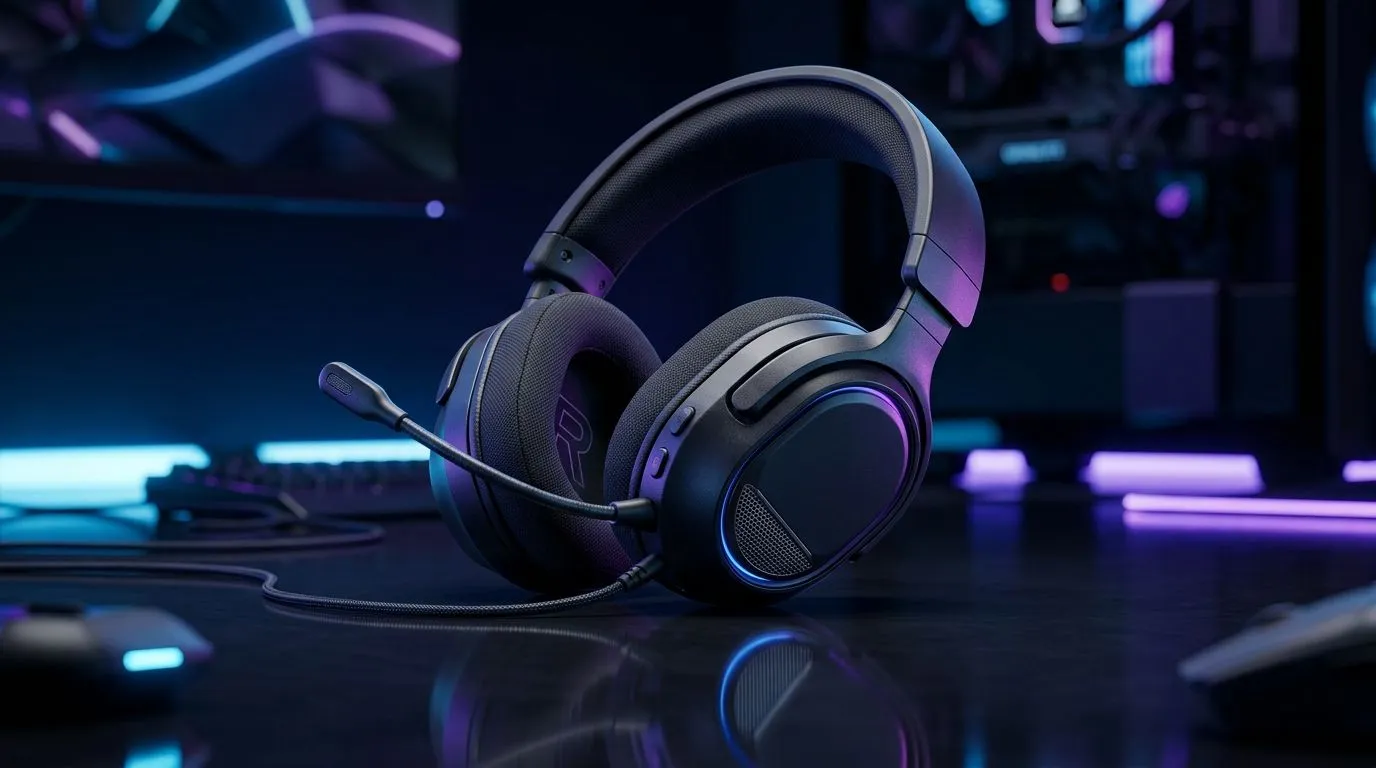
Multi-Platform Gaming Headset: South African Buyers, Let’s Get Real
Buying a headset for Xbox, PlayStation, PC, and your phone… sounds efficient. Until it starts cutting out on one device, or your mic won’t behave. If you’re in South Africa, you’ve also got another reality to deal with: availability, load shedding, and the fact that deals change fast.
So, should you buy a multi-platform gaming headset: should you buy one in South Africa? If you game across more than one platform, the answer is usually “yes”… with the right checklist. Let’s break it down. 🎧✨
What “Multi-Platform” Actually Means (and What It Doesn’t)
A multi-platform gaming headset is typically one that can connect to more than one device type, such as:
- PC via USB/USB dongle (often best for stable audio)
- Console via 3.5mm (simple and consistent)
- Wireless via proprietary dongles (great range, but not always universal)
- Bluetooth (useful for phone and laptop, but may add latency for gaming) 🔧
Important… “wireless” is not one thing. If a headset only supports wireless through a specific dongle, it may not work the same way across Xbox and PlayStation.
Multi-Platform Gaming Headset Setup: The Fastest Way to Avoid Regret
Before you buy, confirm three practical details for your setup:
- Connection types you’ll actually use (USB/3.5mm/Bluetooth).
- Mic behaviour on console. Some headsets switch modes automatically, others need manual settings.
- Audio controls (volume, mute) that work without extra software.
Productivity Pro Tip ⚡
On Windows, install the latest audio drivers from your motherboard vendor or the Windows Update catalogue, then test mic monitoring and default input. If you game in Discord and on the same PC, set Discord input output device once, then lock it in so your headset doesn’t “flip” during updates.
Real Options in Evetech’s Range (What to Look For)
If you want a clean wireless experience for PC and compatible devices, Evetech has models like the Razer Barracuda X Chroma. Check it out here: Razer Barracuda X Chroma Wireless Headset (Phantom White) at Evetech. This is a good direction when you prioritise comfort and wireless convenience… and you’re happy to work within the headset’s supported connection method.
For broader choice, start with Evetech’s category view: Razer Headphones & Headsets. When you browse, filter your needs mentally:
- Do you need console 3.5mm support?
- Do you want RGB and profiles, or just reliable sound?
- Are you gaming mostly at a desk… or moving around a lot?
If you want to compare across brands and styles, the wider headset collection is your friend: Headphone Headsets on Evetech. That’s where multi-platform buyers usually find the sweet spot between connectivity and comfort.
Price Reality in South Africa: Buying Smart Under Changing Deals
You don’t just buy a headset. You buy fewer headaches. If you’re paying in ZAR, prioritise value in this order:
- Correct connection for every device you use
- Comfort for long sessions
- Mic clarity for squad chat
- Extra features only after the basics work
If a headset is “cheap” but forces you to juggle adapters or switch inputs constantly, that cost shows up later, in frustration… not savings.
Multi-Platform Gaming Headset: Your Quick Decision Checklist (Yes/No)
Ask yourself:
- Do I use more than one platform regularly?
- Does it support my console connection (often 3.5mm) and my PC connection?
- Is the mic reliable where I need it?
- Will it still work during load shedding scenarios where you rely on battery-powered devices and mobile hotspots?
If you said yes to two or more, a multi-platform gaming headset is likely a smart buy in South Africa… especially if you choose one with the connections you actually need. 🚀
Ready to Find Your Perfect Match? The Mac vs Windows debate is complex, but for maximum power, choice, and value in South Africa, Windows is hard to beat. Explore our massive range of laptop specials and find the perfect machine to conquer your world.











