

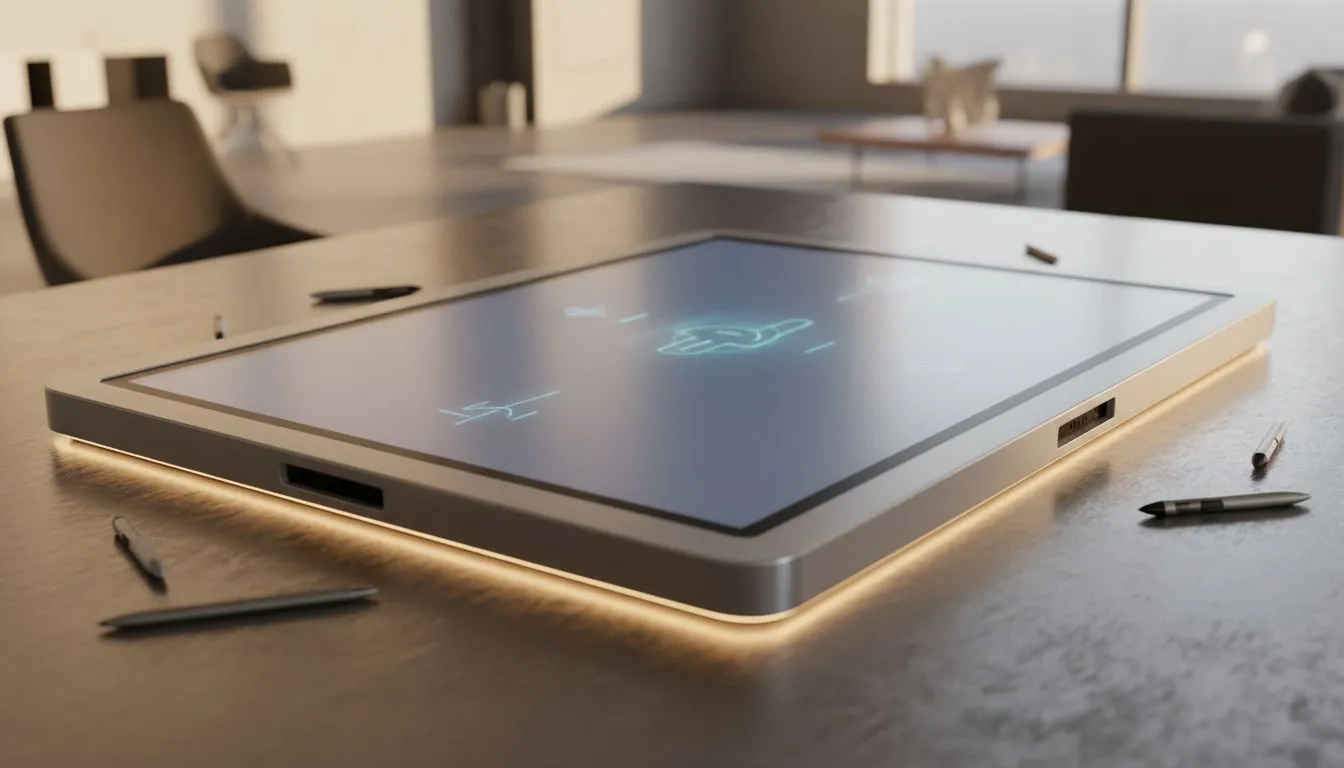
Multi-Touch Brainstorming for South African teams
Multi-touch brainstorming doesn't have to feel like herding ideas on sticky notes. In under an hour you can turn chaotic group sessions into focused, visual collaboration that sticks — whether you're in Cape Town, Jo'burg, or remote. "Multi-Touch Brainstorming: Transform Group Sessions" is a practical approach, not a theory; here's how to set up the kit and run sessions that actually produce usable outcomes. 🚀
Multi-Touch brainstorming: hardware that helps ideas flow
Successful multi-touch brainstorming starts with the right display and input gear. For smooth pointer tracking and low latency, choose a monitor with adaptive sync technology — Evetech lists options for FreeSync (great with AMD GPUs) here: FreeSync monitors. If you prefer a broad inventory to compare sizes and refresh rates, check Evetech's full monitor range: PC monitors. For setups that support multiple GPUs or mixed hardware, look at displays tagged just for Adaptive Sync: Adaptive Sync selection.
Multi-Touch brainstorming: screen type and comfort matter
Choose the panel and form factor that match your room and team habits. Competitive drawing or precision work favours IPS panels for consistent colour and wide viewing angles — see Evetech's IPS options here: IPS monitors. Curved screens can help larger groups maintain sight lines; flat screens fit tight meeting tables better. Compare curved and flat choices on Evetech: Curved monitors and Flat monitors. If your team uses NVIDIA GPUs, consider G-Sync compatible displays for smoother pointer movement: G-Sync monitors.
Productivity Pro Tip ⚡
On Windows, use the PowerToys FancyZones utility to create custom snap layouts for your windows. It's a lifesaver for managing multiple apps on an ultrawide monitor, letting you organise your timeline, preview window, and asset folders perfectly for video editing.
Multi-Touch brainstorming: workflow techniques that keep ideas actionable
Hardware is only half the story. Try this session flow:
- Warm up with a 5-minute lightning round to get everyone talking.
- Use a shared whiteboard app with touch support so multiple people can write at once.
- Assign roles: facilitator, scribe, converger. Rotate them each session.
- Timebox divergence and convergence; aim for three concrete actions by the end.
Micro-story: A Pretoria studio switched to a multi-touch routine and halved their post-meeting follow-ups. The key was forcing rapid convergence: ideas that didn't have an owner were archived, not discussed forever.
Multi-Touch brainstorming: final setup checklist
- Confirm the monitor supports your GPU's sync tech (FreeSync, G-Sync, Adaptive Sync) — use the Evetech filters above to match models to hardware.
- Set ergonomics: table height, stylus availability, and seating for clear sight lines.
- Test with a dry run; latency issues show up fast with touch input.
CALLTOACTION
Ready to Find Your Perfect Match? The Mac vs Windows debate is complex, but for maximum power, choice, and value in South Africa, Windows is hard to beat. Explore our massive range of laptop specials and find the perfect machine to conquer your world.











