Tired of the dongle nightmare? Your sleek new laptop is a powerhouse, but with only two USB-C ports, it feels like you're constantly juggling adapters. From charging your phone to connecting your monitor, it's a mess. What if one compact device could solve it all? A quality multi-USB-C hub is the key to decluttering your desk and unlocking your setup's true potential, right here in South Africa. Let's get you sorted. ✨
Why a Multi-USB-C Hub is Non-Negotiable in 2024
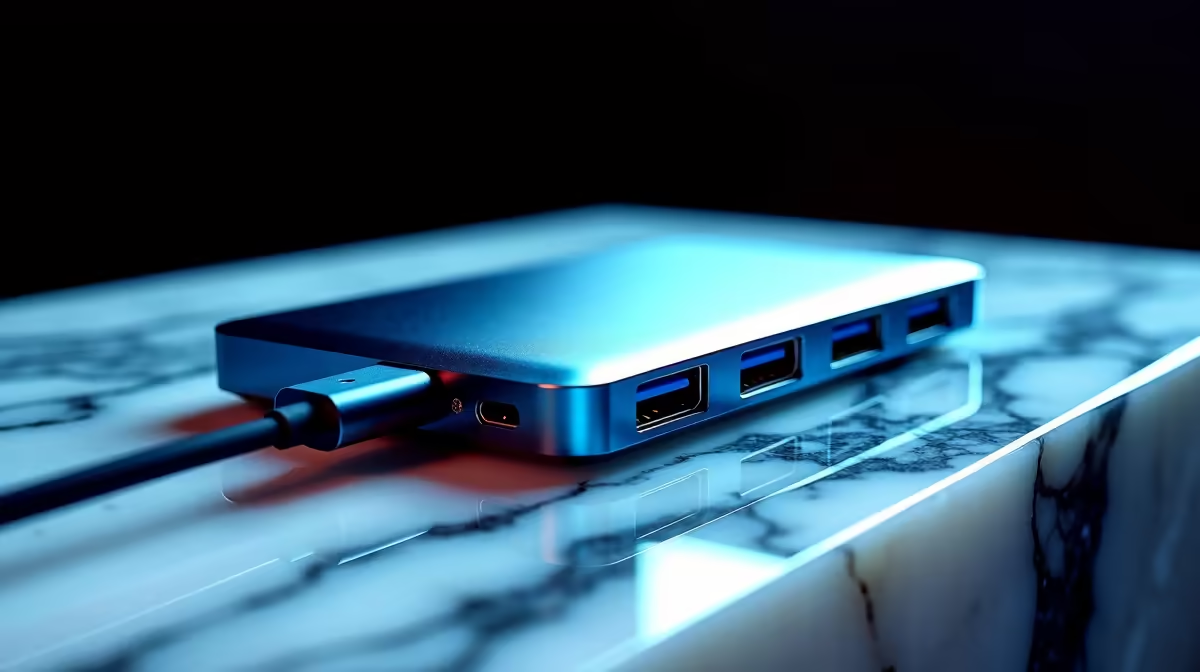
Modern laptops, from MacBooks to ultralight Windows machines, have embraced the minimalist approach. While this looks clean, it often leaves us scrambling for ports. A multi-USB-C hub acts as a central command station for your peripherals. It transforms a single USB-C port on your laptop into a versatile array of connections, allowing you to plug in everything you need simultaneously... no more choosing between charging your machine and using your external mouse.
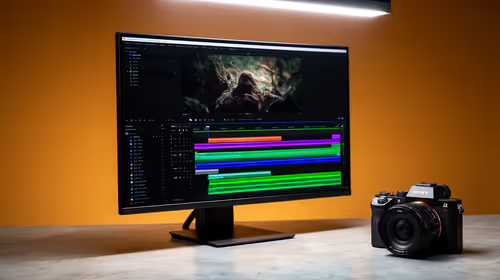
For gamers and creators, this means connecting high-refresh-rate monitors, wired peripherals for zero latency, and SD cards for transferring footage, all through one sleek device. It’s about maximising efficiency and keeping your workspace tidy. 🔧
Key Features to Look For in a USB-C Hub
Not all hubs are created equal. To find the best multi-USB-C hub for your needs, you need to look past the port count and consider the specs that truly matter for a modern tech setup.
Port Selection: The Right Tools for the Job
Think about your daily workflow. Do you need to connect to an external 4K monitor? Look for a hub with an HDMI 2.0 port that supports 4K at 60Hz. Need a stable connection for those intense online matches? An RJ45 Gigabit Ethernet port is a must. Common ports to look for include:
- USB-A 3.0: For your mouse, keyboard, and older flash drives.
- HDMI/DisplayPort: For external displays.
- SD/MicroSD Card Readers: Essential for photographers and videographers.
- Ethernet Port: For a rock-solid internet connection.
- USB-C Power Delivery (PD): To charge your laptop through the hub itself.
Check Your Wattage! ⚡
Always match your hub's Power Delivery (PD) output to your laptop's charger. If your laptop came with a 96W charger, a hub with only 60W PD might charge it slowly or not at all under heavy load. Check the specs before you buy!
Build Quality and Durability
A hub is an investment in your productivity. Look for models with aluminium casings, which offer better heat dissipation and durability than their plastic counterparts. A well-built hub will feel solid and reliable. For those who travel, a compact design and a braided cable can make all the difference. You can find premium options from trusted brands like Promate that are built to last.
Finding the Perfect Hub for Your Budget
The good news is that there’s a great USB-C hub for every price point. You don't need to break the bank to reclaim your ports and organise your setup.
For basic connectivity like adding a few USB-A ports and an HDMI output, you can find some excellent, budget-friendly hubs under R1000 that cover the essentials. These are perfect for students or professionals with simpler needs.
If you need more ports, faster charging, or 4K 60Hz video output, exploring options up to R2000 opens up a world of high-performance multi-USB-C hubs designed for power users and complex setups. Take a moment to browse the full range of docking stations to see what fits your specific needs and helps complete your dream desk. 🚀