

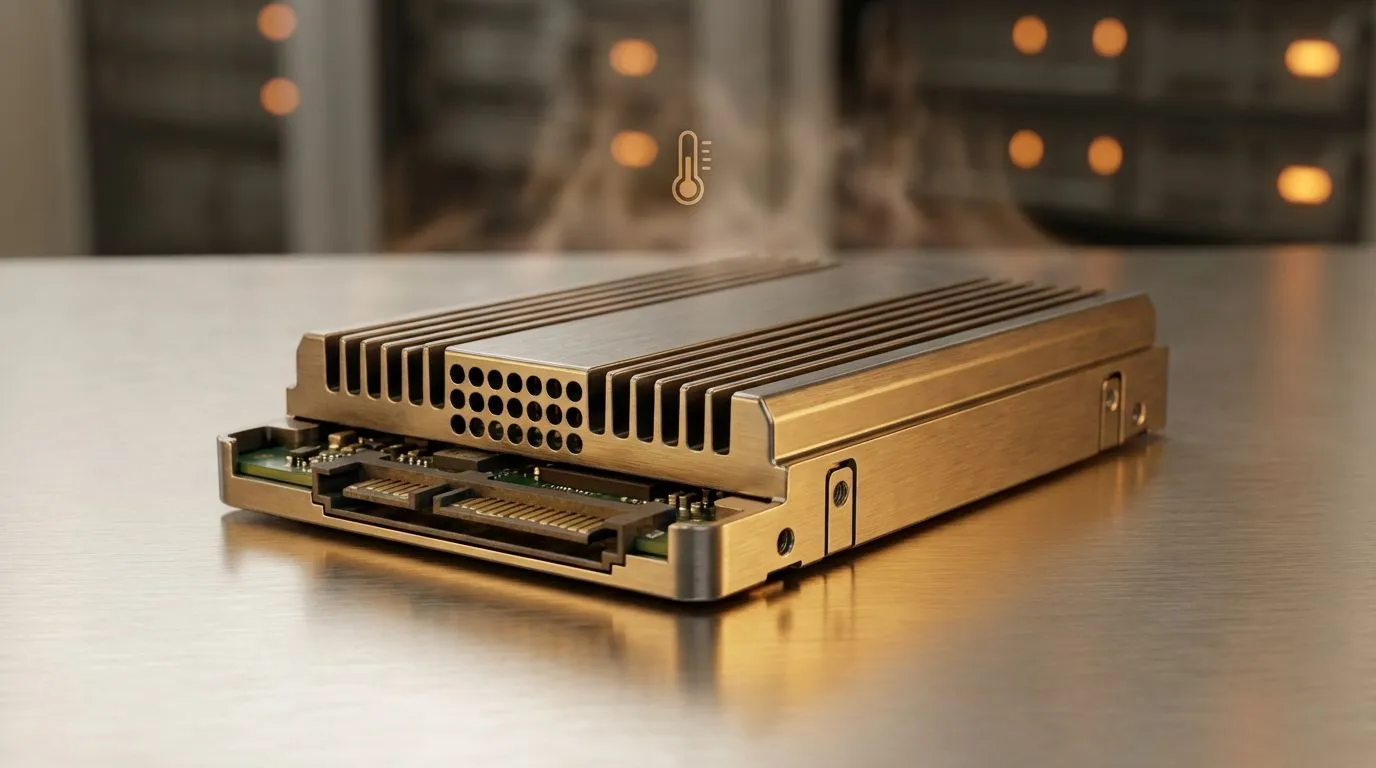
South African summers are brutal for electronics. When the mercury hits 35 degrees in Pretoria or Durban, your home server feels the burn. If you are running a NAS SSD for Hot Climates, you need to think about heat, airflow, and reliability before your data starts cooking. Swapping old mechanical drives for flash storage is a smart move, but heat management is critical for longevity.
Managing Heat in High-Temperature Environments
Operating a server in a room without air conditioning is risky. Heat is the primary enemy of flash memory. While many users look for the latest solid state drives, they often forget how local ambient temperatures affect performance. Thermal throttling occurs when a drive gets too hot... it slows down to protect itself. This can cause lag in your media server or failed file backups during a heatwave.
Cooling Pro Tip ⚡
Always leave at least one empty bay between your NAS drives if space allows. This small gap improves airflow significantly. If your NAS is tucked away in a cupboard, consider installing a small USB-powered fan to exhaust the hot air... it can lower temperatures by up to 10 degrees.
Reliability and Brand Choice for NAS SSD for Hot Climates
Not all drives are equal. When building a resilient setup, choosing the right brand matters. We often recommend ADATA storage for its balance of price and performance in local builds. For those who prioritise endurance, Western Digital SSDs offer specialised firmware designed for 24/7 operation. Similarly, Kingston drives are known for consistency in high-demand environments. These brands design their hardware to handle the constant read/write cycles of a NAS without breaking a sweat 🚀.
Airflow and Interface Standards
Airflow is just as important as the drive itself. A cramped chassis with no fans will kill an SSD quickly. If you are using the PCI Express (NVMe) interface, ensure your motherboard or expansion card has a decent heatsink. While everyone wants Gen 5 (NVMe) speeds, these drives generate significant heat. In a hot South African server closet, Gen 4 or even SATA might be more reliable if cooling is limited 🔧.
External Solutions and Portability
Sometimes a built-in solution is not feasible. You might need a reliable external SSD to move large data sets between locations during loadshedding. Choosing a drive with a specific external form factor often provides better passive cooling through aluminium enclosures. This is vital when working on-site in the Karoo or the humid coast where hardware takes a beating ✨.
Ready to Protect Your Data? Keeping your data safe in the heat requires the right hardware and a smart cooling strategy. Explore our massive range of SSD specials and find the perfect storage solution to keep your NAS running cool and fast.











