

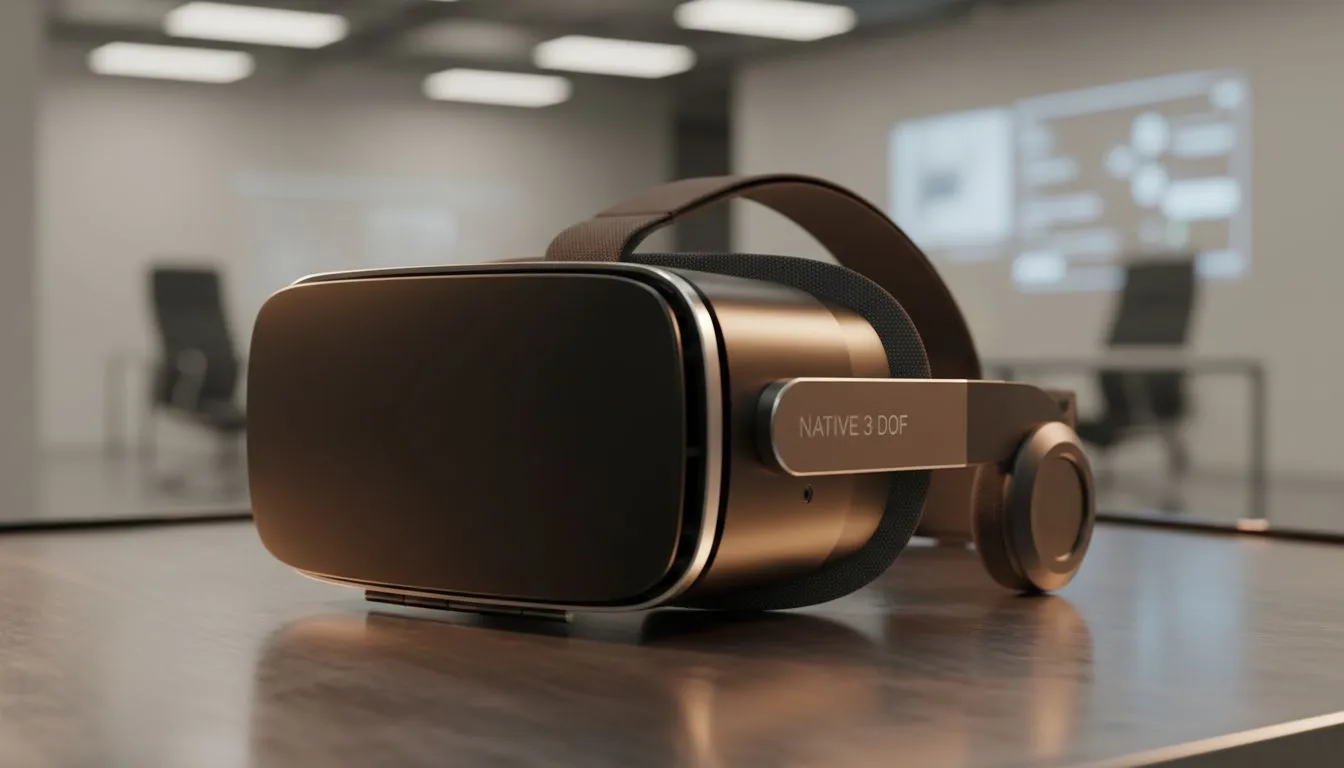
Understanding 3 DoF Head Tracking in Your Office
Imagine sitting at your desk in Joburg, but instead of one tiny monitor, you have three massive screens floating in front of you. With 3 DoF head tracking, your virtual workspace becomes a reality. This technology lets you turn your head to see different windows, just like a real multi-monitor setup. It is the perfect solution for South African professionals who need more screen real estate without the physical clutter.
At its core, 3 DoF stands for "Three Degrees of Freedom." This means the hardware tracks your head’s rotation along three axes: pitch (looking up or down), yaw (turning left or right), and roll (tilting side to side). Unlike 6 DoF, which tracks your physical movement through space, 3 DoF is much more stable for office work. It keeps your virtual screens pinned in space relative to your head. If you want to check your email, you simply glance to the left. If you need to check your code or spreadsheet, you look back to the centre. 🔧
Why a Virtual Workspace Beats Physical Monitors
Setting up a triple-monitor array in South Africa can be expensive. Between the cost of high-refresh-rate panels and the desk space required, it is a massive commitment. By using specialised AR glasses, you can simulate multiple 100-inch displays for a fraction of the footprint. This is especially useful for those working in smaller apartments in Cape Town or Sandton where desk space is at a premium.
A virtual workspace also offers a level of privacy that traditional monitors cannot match. Since the "screens" are projected directly into your eyes, no one else can see your sensitive data or projects. This makes it an elite choice for freelancers or consultants who often work in public coffee shops or shared hubs.
Choosing the Right Hardware for the Job
To get the most out of this tech, you need hardware that supports a high pixel density. This ensures that text remains crisp and readable... which is vital for long work sessions. When browsing the range of AR glasses available today, look for devices that offer a high field of view. A wider view makes the 3 DoF head tracking feel more natural and less like you are looking through a periscope. ⚡
The integration of 3 DoF head tracking into modern workflows is surprisingly simple. Most devices connect via USB-C and are recognised as external displays by Windows. You can then use software to "pin" these displays in your peripheral vision. If you are looking for premium AR glasses that handle these tasks with ease, ensure they have built-in IMU sensors for low-latency tracking. 🚀
Productivity Pro Tip ⚡
On Windows, use the PowerToys FancyZones utility to create custom snap layouts for your windows. It's a lifesaver for managing multiple apps on an ultrawide monitor, letting you organise your timeline, preview window, and asset folders perfectly for video editing.
Optimising Your Setup for South African Conditions
Lighting is a key factor when using AR for work. While 3 DoF head tracking does not rely on external cameras, your eyes will appreciate a well-lit room to reduce strain. Since our local power grid can be unpredictable, these glasses are often more energy-efficient than powering three separate 27-inch monitors during a stage of load shedding... especially if you are running off a portable power station.
By embracing 3 DoF head tracking, you are not just buying a gadget. You are investing in a more ergonomic and flexible way to work. It allows you to maintain a healthy posture by placing your virtual screens at eye level, reducing the "tech neck" often caused by slouching over a laptop. ✨
Ready to Find Your Perfect Match? The virtual workspace is the future of productivity, offering massive screen real estate without the bulk. For the best tech and value in South Africa, Evetech has you covered. Explore our massive range of AR glasses and find the perfect machine to conquer your world.











