

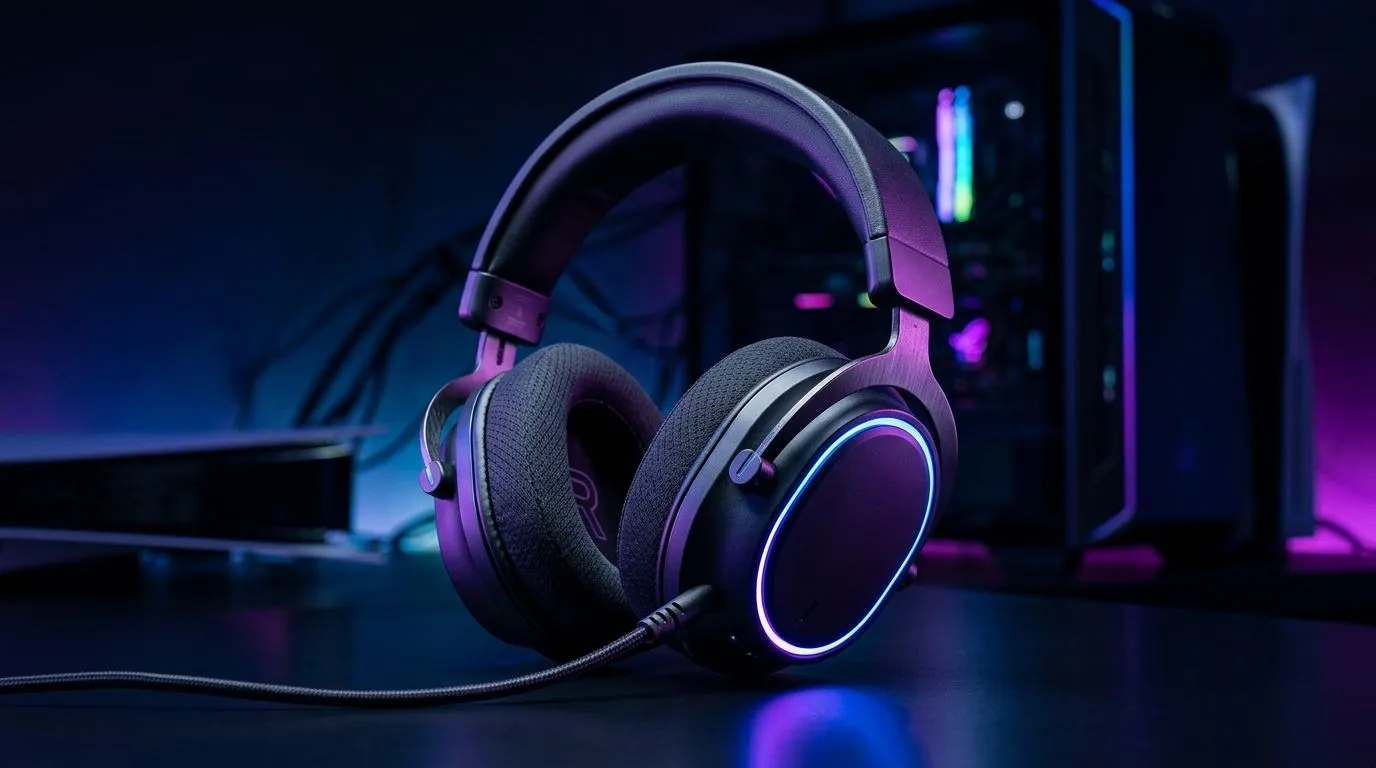
Do You Need 7.1 Surround Sound for PS5 and PC Gaming?
South African gamers know the feeling… you buy new gear, boot up PS5 or PC, and wonder if “7.1” will actually help. The short answer? Maybe. The longer answer depends on your headset, your game, and even how your audio is processed on your platform. 🎧
If you’re shopping right now, you’re probably comparing stereo vs “virtual surround”, weighing comfort for long sessions, and trying to avoid wasting money. Let’s break it down clearly, so you can pick the right headset without guesswork. ✨
What 7.1 Surround Sound Really Means (PS5 vs PC)
“7.1” can be confusing because it doesn’t always mean the same thing.
- True 7.1 usually implies multiple discrete channels being processed and sent to drivers, often using specialised hardware or audio setups.
- Virtual 7.1 is more common in gaming headsets. It uses software to mimic extra channels using stereo drivers, head-related cues, and EQ profiles.
On PC, you often get more control. Many headsets support Windows spatial audio features, plus game-specific audio modes. On PS5, you’re typically working with the console’s audio processing and the headset’s own decoding or profiles.
A reputable way to shop is to check whether the headset listings specify 7.1 or Stereo support on the product pages, then match it to your use case. Evetech’s headset category pages make that comparison easy. 🔧
How to Choose: When 7.1 Helps and When It Doesn’t
7.1 (especially virtual 7.1) can help most when:
- You’re playing tactical shooters where positional audio matters.
- Your headset’s drivers and mic are comfortable enough for long sessions.
- The headset has a clear stereo base and good imaging.
But 7.1 won’t magically fix poor audio hardware. If your headset has muddy drivers or weak clarity, virtual surround can just spread the mess wider.
Quick checklist before you buy
- Sound mode options: Does the headset actually offer 7.1 and/or stereo modes?
- Mic quality for party chat: You’ll feel the difference every night.
- Comfort and weight: Your aim gets worse when your ears get sore.
Buying Pro Tip ✨
“If you’re mostly playing competitive FPS on PC, prioritise imaging clarity over flashy surround labels. Look for headsets sold with clear ‘7.1’ or ‘Stereo’ audio options on the listing, then use your game’s audio settings to confirm footstep direction in a test match before committing to one mode.”
Practical Setups: Best Ways to Test on Your System
Try this 10-minute test:
- Pick a game with reliable sound cues (footsteps, reloads, or directional sounds).
- Compare Stereo versus 7.1 modes back-to-back.
- Focus on left/right, then front/back. If it’s only “wide” but not accurate, stereo may be better.
- Keep volume levels similar. Surround modes can trick your ears if they’re louder.
Recommended headsets to compare (Evetech)
If you’re shopping right now in South Africa, these Evetech categories help you compare styles fast:
- Start with the Razer Barracuda X Chroma range if you want a wireless option to trial against your current headset: Razer Barracuda X Chroma Wireless Headset (Phantom White) best deal
- For broad choice across Razer models (wired and wireless families), check: Razer headphones headsets category
- If you want a quick browse of general headset options, use: Headphone and headset range
- For shoppers specifically targeting “7.1”, look at Evetech’s 7.1 listing filter: Headsets with 7.1 audio options
- If you’re leaning toward a cleaner, sometimes more accurate sound, explore stereo listings too: Headsets with Stereo audio options
Final Answer: Do You Need 7.1 for PS5 and PC?
You don’t need 7.1 to enjoy PS5 or PC gaming. You need the right balance of clarity, comfort, and accurate positioning. For many players, stereo paired with good EQ can outperform weak virtual surround.
So the real question is… can your current setup tell you where enemies are from? If not, upgrading the headset (and testing stereo vs 7.1 modes) will give you the improvement you’re chasing. 🚀
Ready to Find Your Perfect Match? The Mac vs Windows debate is complex, but for maximum power, choice, and value in South Africa, Windows is hard to beat. Explore our massive range of laptop specials and find the perfect machine to conquer your world.











