

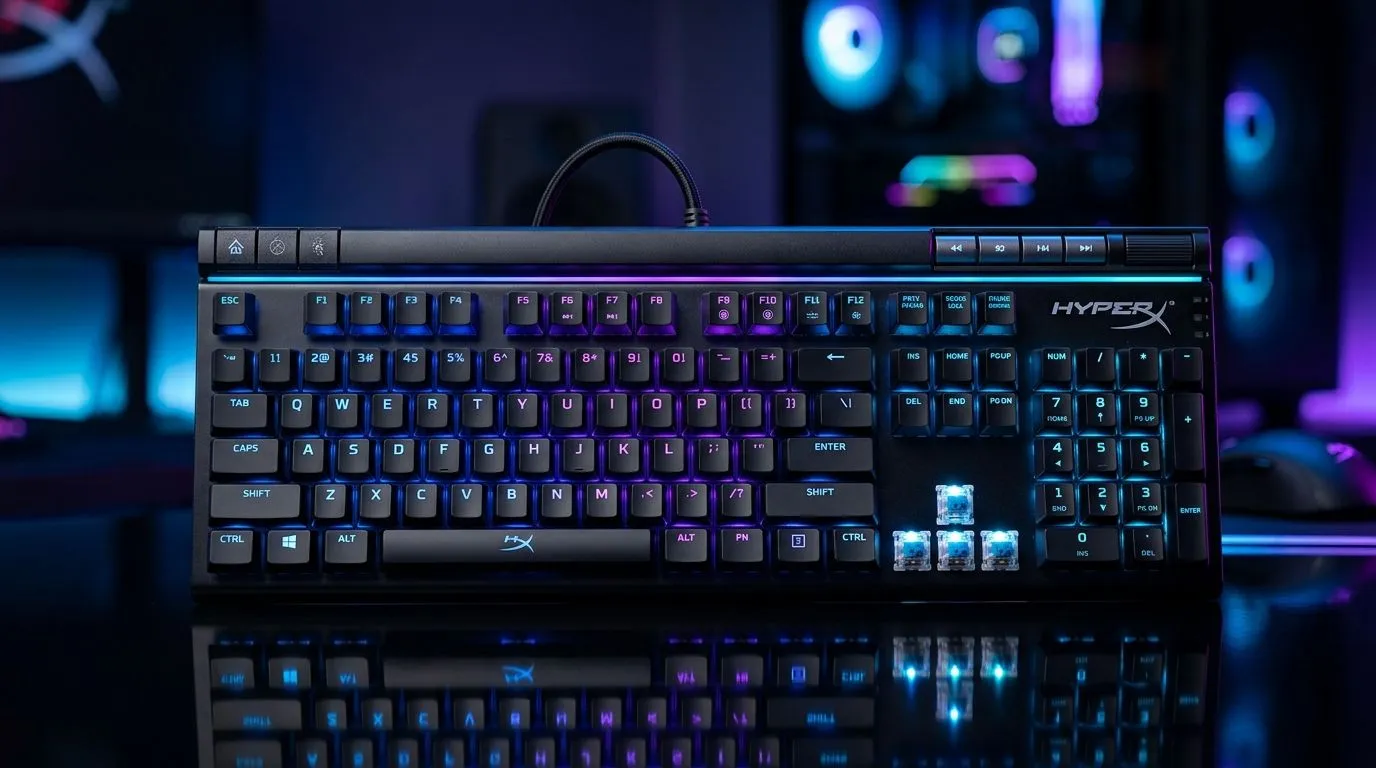
NGENUITY Software Custom Profiles for Gaming and Productivity
If you’ve ever jumped from a late-night Apex session to a morning spreadsheet sprint, you know the pain... your mouse should not feel like a different device every time you switch tasks. That’s where HyperX NGENUITY software custom profiles for gaming and productivity earn their keep. One profile can sharpen your aim. Another can speed up work. For South African gamers who multitask hard, that flexibility matters 🔧
NGENUITY is HyperX’s configuration software for supported mice and peripherals. It lets you adjust key settings, save profiles, and switch behaviour depending on what you’re doing. In simple terms, you can tune your mouse for fast flicks in-game, then swap to a calmer setup for office work, editing, or browsing. That means less fiddling, fewer compromises, and a setup that actually matches your day.
NGENUITY software custom profiles for gaming and productivity explained
At its best, NGENUITY is about control. You can build separate profiles for different games, apps, or tasks, then assign them to a mouse button or let them load automatically where supported. That’s useful if you want one DPI level for competitive shooters and another for productivity work like design, data entry, or school projects.
The real value is consistency. A mouse that feels too twitchy in Excel can also feel too sluggish in a battle royale. Custom profiles help you keep both worlds separate, which is especially handy if you share a PC at home. One person’s ideal settings rarely suit the next person.
If you’re still comparing hardware, it helps to browse the full range of mouse accessories and see what extra controls or replacement parts make sense for your setup. Many gamers only realise the importance of a good mouse once they’ve tried one with onboard customisation.
Why custom mouse profiles matter for South African users
South African gamers often use one machine for everything. That might be a gaming rig in the evening and a work-from-home station during the day. Custom profiles help you get more value from the same hardware, which is always welcome when you’re watching the budget in ZAR.
A profile can store the settings you use most often. That means less time re-tuning your mouse after a Windows reset, a software update, or a weekend LAN session. It also helps if your internet or power situation forces you to work around interruptions. When your setup is already optimised, you spend less time fixing things and more time actually using the PC.
For gamers who prefer a wired setup, a wired mouse remains the most direct option for low-latency control. If you want a cleaner desk, a wireless mouse may suit productivity better. The best choice depends on how you balance speed, comfort, and cable freedom.
How to build smarter NGENUITY profiles
A good starting point is to make profiles around real use cases, not just games.
1. Create one profile for competitive gaming
Keep this profile simple. Use a sensitivity you can trust, and avoid changing it too often. If you play first-person shooters, consistency matters more than novelty.
2. Create one profile for work or study
Use a lower, calmer setup if you do a lot of document work or browsing. If your mouse supports extra buttons, assign shortcuts for copy, paste, or browser navigation.
3. Make a third profile for creative work
If you edit photos, videos, or stream, a dedicated profile can reduce friction. It helps you move faster without re-learning your controls every time.
4. Test each profile for a full session
Don’t judge a profile in two minutes. Use it for a whole match or a full work block. That’s when hidden annoyances show up.
Productivity Pro Tip ⚡
On Windows, use the PowerToys FancyZones utility to create custom snap layouts for your windows. It's a lifesaver for managing multiple apps on an ultrawide monitor, letting you organise your timeline, preview window, and asset folders perfectly for video editing.
NGENUITY software custom profiles for gaming and productivity in real life
Here’s the practical part. A student might keep one profile for lecture notes, one for gaming, and one for photo editing. A remote worker might use a productivity profile by day and a fast-paced gaming profile after hours. A parent sharing a PC with a teen could save everyone’s settings separately. That is where NGENUITY earns respect... it reduces setup friction.
Not every mouse supports the same level of customisation, so it’s worth checking product details before buying. Evetech’s best gaming mouse deals page is a smart place to compare value, while the broader gaming mouse category helps you narrow down features like extra buttons, sensor quality, and ergonomics.
The goal is not to chase the fanciest spec sheet. It’s to buy a mouse that fits your hand and your routine. That’s how custom profiles become useful instead of just being another menu you never open.
Final take on NGENUITY software custom profiles for gaming and productivity
If you use one PC for both play and work, custom profiles are one of the easiest ways to make it feel more personal. NGENUITY gives supported HyperX users a cleaner way to switch between different tasks without constantly reconfiguring the mouse.
For South African buyers, that means better value from every rand spent, especially if you want gear that can handle more than one role. Set it once, test it properly, and your mouse starts working the way you do... not the other way around 🚀
Ready to Find Your Perfect Match? The Mac vs Windows debate is complex, but for maximum power, choice, and value in South Africa, Windows is hard to beat. Explore our massive range of laptop specials and find the perfect machine to conquer your world.











