

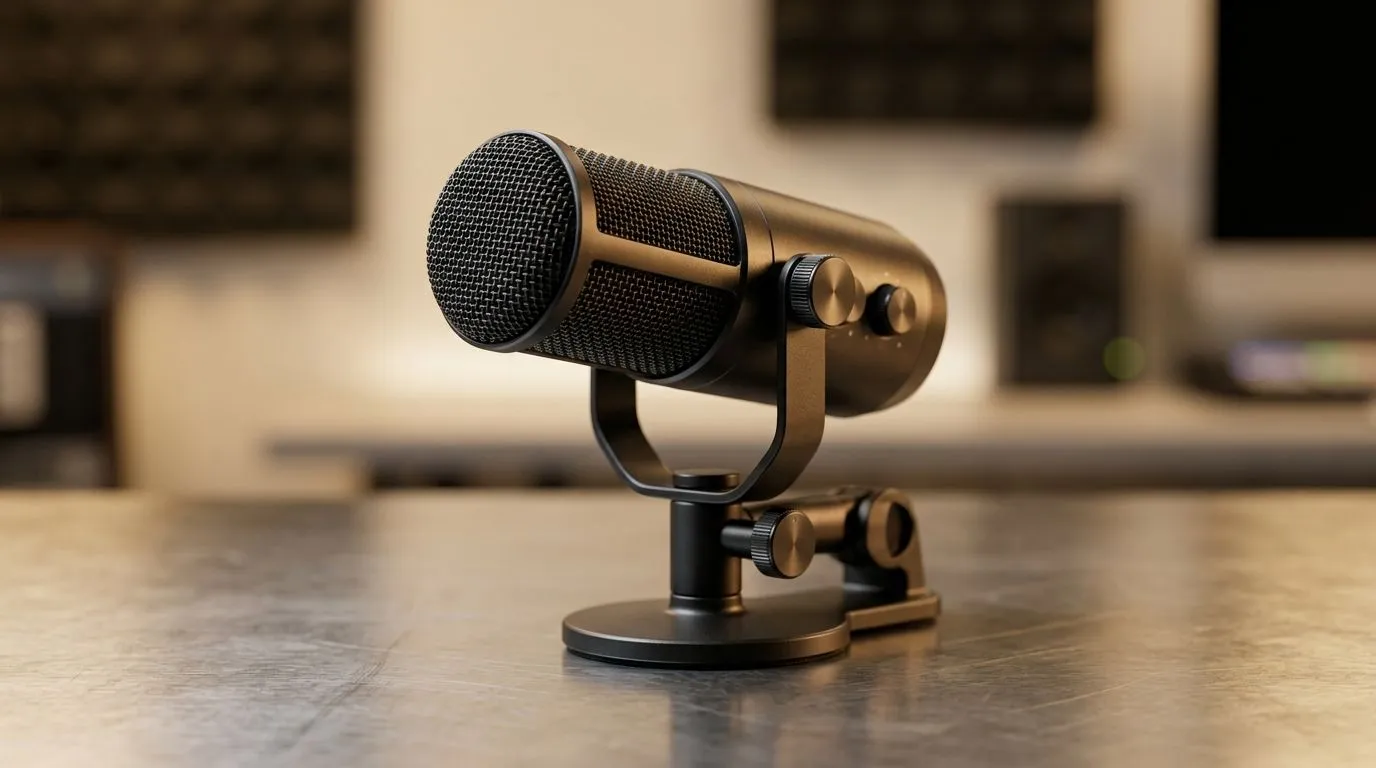
Noise-Cancelling Microphone for Zoom Calls: Worth It? ⚡
If your Zoom calls sound like a Jo’burg taxi rank, the problem is usually not your laptop. It is often the mic. A noise-cancelling microphone for Zoom calls can make you sound clearer, calmer, and far more professional. That matters whether you are pitching a client, attending class, or joining a remote team from home in South Africa. The big question is simple... do you actually need one?
Noise-Cancelling Microphone for Zoom Calls and What It Really Does
Noise-cancelling microphones are designed to reduce background sound around your voice. That can help with keyboard clicks, fans, traffic, and household noise. In practice, they are most useful when you cannot control your environment. Think shared spaces, busy homes, or a room with echo.
They are not magic, though. A good mic still needs a decent fit, sensible positioning, and the right software settings. If you speak too far away from the mic, even the best noise filtering can sound thin. If you sit too close, you can get harsh breath noise. Balance matters.
For a practical example, a headset with a clear mic and strong wireless convenience can be a smart everyday pick. The Razer Barracuda X Chroma Wireless Headset is one of those options that blends work and play nicely. It is not only for Zoom. It can also suit gaming sessions after hours 🔧
Noise-Cancelling Microphone for Zoom Calls: Who Benefits Most?
A noise-cancelling microphone for Zoom calls is worth considering if you:
Work in a noisy home
Kids, pets, extractor fans, neighbours... all of it can leak into calls. A better mic helps keep your voice front and centre.
Join meetings from a small room
Bare walls can create echo. A headset mic usually performs better than a laptop mic in that setup.
Share a workspace
If you work near other people, a directional mic can make your calls easier to follow.
Want fewer repeat-yourself moments
That is the real value. Less “Sorry, can you say that again?” and more getting on with the meeting.
For buyers comparing options, it helps to look through dedicated headset categories rather than guessing. You can browse Razer headphones and headsets on Evetech or explore the broader headphones and headsets range. That makes it easier to compare fit, style, and budget in one place.
Noise-Cancelling Microphone for Zoom Calls: What to Check Before Buying
Mic pickup pattern
A mic that focuses on your mouth usually does better at rejecting room noise.
Comfort
If you sit through long meetings, comfort matters more than flashy extras.
Connection type
USB, 3.5 mm, or wireless each has trade-offs. USB is often simple. Wireless gives freedom. Wired is reliable.
Software support
Some headsets work better with app-based tuning. That can help you adjust mic sensitivity and sidetone.
Budget in ZAR
It is easy to overspend on features you will never use. Set a realistic budget in ZAR and buy for your actual routine, not the spec sheet.
Quick Mic Tip 🚀
Use your headset’s test feature before an important call. In Zoom, check audio input levels and speak at normal volume. If the meter peaks too often, lower the mic gain. If your voice sounds distant, move the mic closer to the corner of your mouth.
Noise-Cancelling Microphone for Zoom Calls: The Honest Verdict
So, is it worth it? For most South African buyers, yes... if you take calls in a noisy place or want a more polished sound. The upgrade is especially noticeable when you are using a laptop mic now. The difference can be immediate.
If you are already in a quiet room and your current mic sounds fine, you may not need to rush. But if your calls are full of background noise, a better mic can save time, reduce stress, and make you sound more professional. That is a small upgrade with daily impact ✨
Ready to Find Your Perfect Match? The Mac vs Windows debate is complex, but for maximum power, choice, and value in South Africa, Windows is hard to beat. Explore our massive range of laptop specials and find the perfect machine to conquer your world.











