Quick Answer
R8,000 gets an actuarial science student a capable Windows laptop — typically an Intel Core i5 or Ryzen 5, 8GB RAM, 256GB SSD — that handles Excel, R, Python, and SAS University Edition comfortably. For heavier modelling in MATLAB or large stochastic simulations, upgrading to 16GB RAM is strongly recommended, which typically starts at R9,500–R10,500.
Software Requirements for Actuarial Students
Actuarial science at UCT, Wits, and UKZN involves:
- Microsoft Excel (with Solver add-in for financial modelling)
- R with actuarial packages (lifecontingencies, actuar)
- Python (numpy, scipy, statsmodels)
- SAS University Edition (free download, requires 8GB RAM minimum)
- MATLAB (university site licence)
SAS University Edition is notably RAM-hungry — it requests 8GB for the virtual machine alone. With 8GB system RAM, SAS will push your laptop to its limits. If SAS is a major part of your curriculum (common at Wits Actuarial), prioritize a 16GB option, even if it means saving a bit longer.
What R8,000 Buys at Evetech
At this price point, expect:
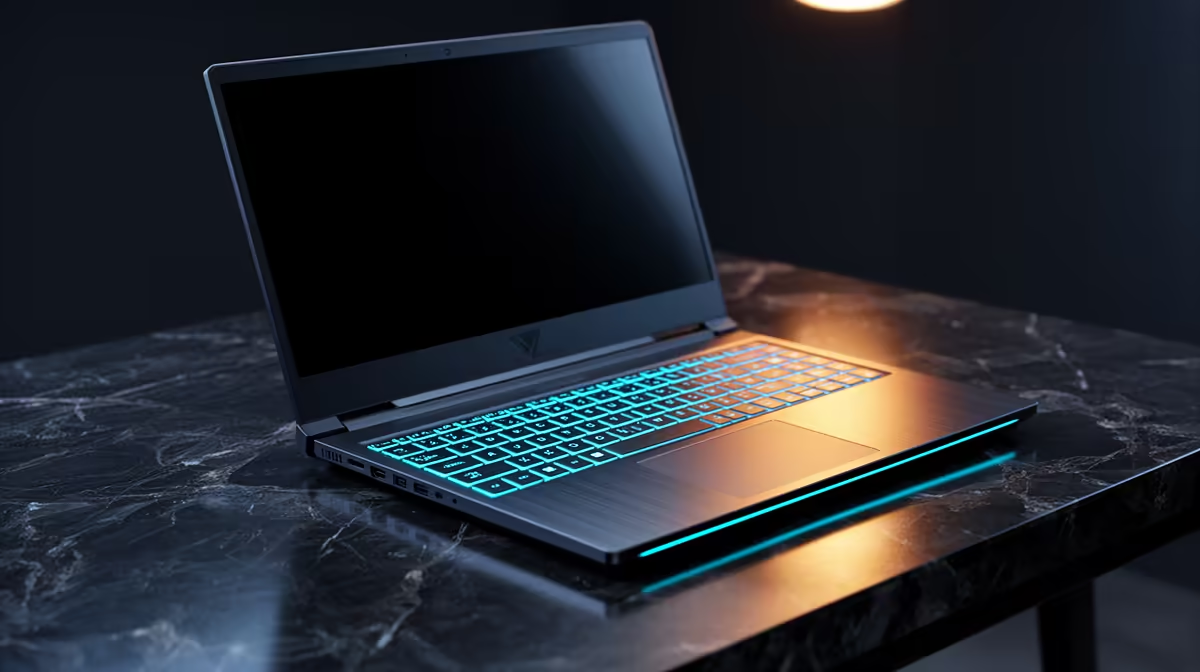
- Intel Core i5 (10th–12th gen) or Ryzen 5 5500U
- 8GB DDR4 RAM (some models have one open SODIMM slot for upgrading)
- 256GB or 512GB SSD
- Windows 11 Home
- 15.6-inch 1080p display
- 6–8 hours battery life
Look for models with an accessible RAM slot — adding an 8GB SODIMM later (~R700) brings you to 16GB without buying a new laptop.
Excel Performance: What to Expect
For financial modelling in Excel (large spreadsheets with Solver, Monte Carlo simulations), an i5/Ryzen 5 at R8,000 handles workbooks up to ~50,000 rows without notable lag. Above that, memory and CPU speed matters significantly. R simulations (bootstrap sampling, life table calculations) run in under a minute on well-written code.
FAQ
Is 8GB RAM enough for actuarial science coursework?
For Excel, R, and Python on standard coursework datasets, yes. For SAS University Edition or large Monte Carlo simulations (1 million+ iterations), 8GB starts to slow down. Buy a laptop with an upgradeable RAM slot and add 8GB more within the first semester if budget allows.
Can I run MATLAB on an R8,000 budget laptop?
Yes — MATLAB runs on modest hardware. Basic scripting, matrix operations, and plotting work fine on 8GB RAM. Image processing or large matrix inversion (common in Bayesian actuarial models) will benefit from 16GB. Most universities provide remote MATLAB server access as a backup.
Does actuarial science need a discrete GPU?
No — all standard actuarial software (R, Python, Excel, SAS, MATLAB) runs on CPU cores, not GPU. Integrated graphics are fully sufficient. Do not pay a premium for a gaming-style GPU unless you also game.
free SAS University Edition before classes start to test that it runs on your laptop — it requires a 64-bit OS and hardware virtualization (VT-x) enabled in BIOS, which most modern laptops support.