

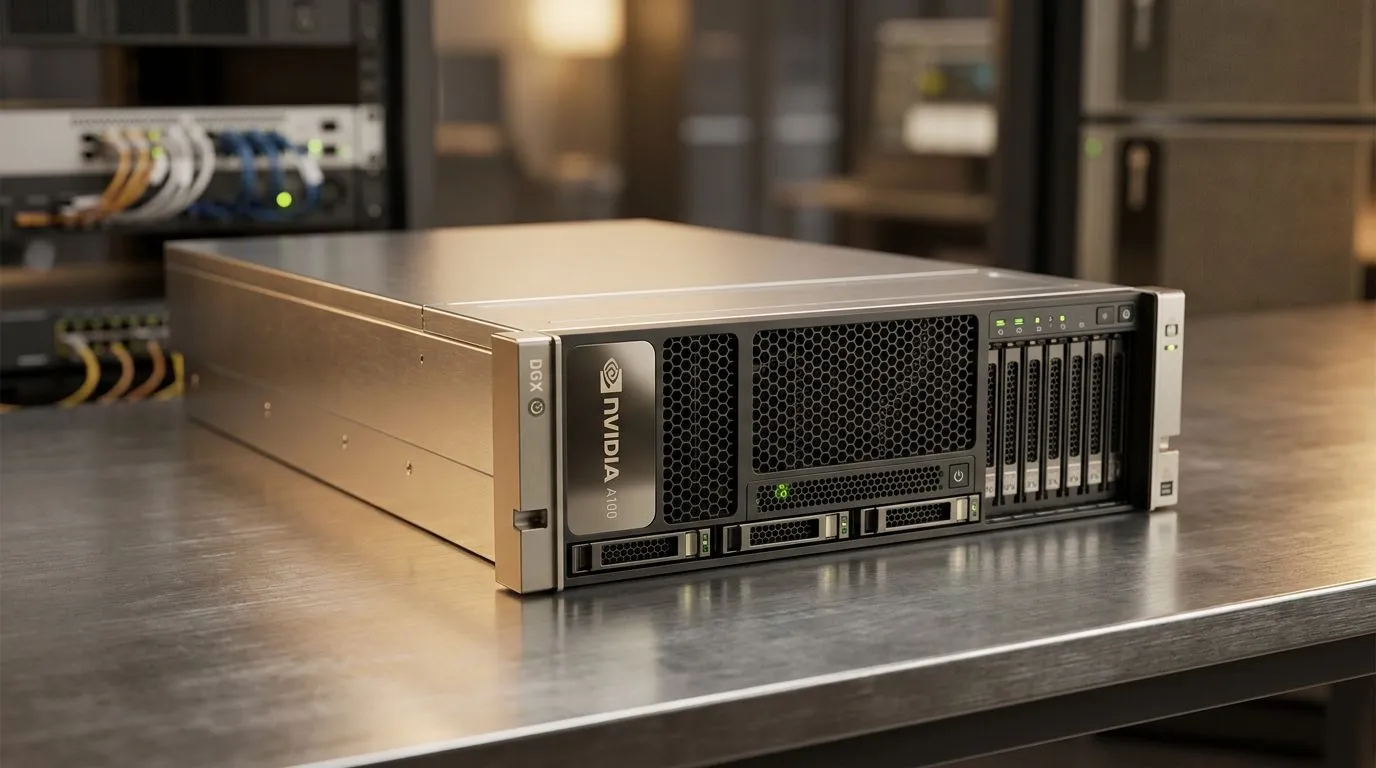
NVIDIA DGX OS Guide for AI Workflows at Home or Office: Why South Africans Are Paying Attention
So you’ve got a strong PC, decent internet, maybe even a NAS… and you’re starting to run AI jobs for work, learning, or side projects. But the moment you want repeatable environments, stable drivers, and clean updates, things get tricky. That’s where an NVIDIA DGX OS approach helps. It’s about getting the right foundations for AI workloads, whether you’re building at home or rolling out for a small office team. 🚀
In this guide, I’ll walk you through what to check, how to plan your workflow, and how to avoid the “it ran yesterday” problem that haunts most DIY AI setups.
NVIDIA DGX OS Guide for AI Workflows at Home or Office: What to Prepare Before You Install
Before you touch the system, confirm your hardware and access plan. DGX-style OS workflows expect a solid baseline: correct NVIDIA drivers, enough VRAM for your models, and stable storage for datasets.
Start with these essentials:
- GPU compatibility: verify the target GPU model is supported by your intended software stack (DGX OS release notes or official NVIDIA documentation).
- Storage layout: datasets are heavy. Plan for fast local SSD/NVMe for training and reliable bulk storage for datasets.
- Network reliability: if you’re pulling models, weights, or datasets, you’ll want stable connectivity and sensible caching.
If you’re still shopping for a workstation-style setup, mini PCs can also be a practical on-ramp. For compact builds, browse Evetech’s options: Explore mini PCs from Evetech ✨
NVIDIA DGX OS Guide for AI Workflows at Home or Office: A Practical Setup Path (Home vs Office)
Think of your workflow as three layers: base OS, AI runtime stack, and your apps. Your goal is repeatability.
Home setup: faster iteration with fewer moving parts
At home, you usually want:
- A consistent environment for your Python notebooks and training scripts
- Clear storage paths (so projects don’t vanish after updates)
- Simple backups for your datasets and checkpoints
A good practice is to keep notebooks and training outputs in separate folders. Then you can wipe containers or runtimes without touching your data.
Office setup: standardise so team members don’t fight configs
In an office, you’ll care about:
- Standard driver and library versions across machines
- Centralised documentation (even a short internal README)
- Predictable updates and rollback plans
If you’re considering a compact “AI node” style approach, Evetech stocks mini PCs by brand. For example: Minisforum options on Evetech 🔧
NVIDIA DGX OS Guide for AI Workflows at Home or Office: Driver, Container, and Update Strategy
AI stability is mostly “boring” discipline. Choose a strategy and stick to it.
- Driver updates: only update when you need to. New drivers can change behaviour. If you do update, test on a copy of your environment first.
- Container approach: containers help you lock dependencies. You still need correct host drivers, but your app stack stays consistent.
- Storage and permissions: ensure your user account can read datasets and write checkpoints.
For another compact route, Evetech also has brand-filtered mini PCs: MSI mini PCs for AI and productivity ⚡
NVIDIA DGX OS Guide for AI Workflows at Home or Office: Model Workflow Tips That Save Hours
Here are a few “learned the hard way” habits that make a real difference:
- Track dependencies: note your Python version, key libraries, and model source.
- Use checkpoints intentionally: save often, but don’t drown your SSD.
- Start small: test with smaller batches before full training runs.
Productivity Pro Tip ✨
NVIDIA DGX OS-style workflows, keep a clean folder map for each project: data for datasets, checkpoints for saved weights, and logs for training output. Then reuse the same paths across experiments so your scripts and dashboards never need constant rewrites.
If you’re evaluating mini PCs for office nodes, it can also be helpful to compare other vendor options like Ninkear: See Ninkear mini PCs on Evetech
And if MSI is your preference, you can also browse the broader mini PC component area: Browse mini PCs and related options
NVIDIA DGX OS Guide for AI Workflows at Home or Office: Common Mistakes to Avoid
Most DGX OS problems aren’t “mystical”. They’re usually one of these:
- Not enough VRAM for the model size you’re trying to run
- Storage bottlenecks causing training slowdowns
- Updating drivers or libraries without a test run
- Mixing environments and losing reproducibility
When in doubt, reduce variables. Make one change at a time, measure it, and document it.
Ready to Find Your Perfect Match? The Mac vs Windows debate is complex, but for maximum power, choice, and value in South Africa, Windows is hard to beat. Explore our massive range of laptop specials and find the perfect machine to conquer your world.











