

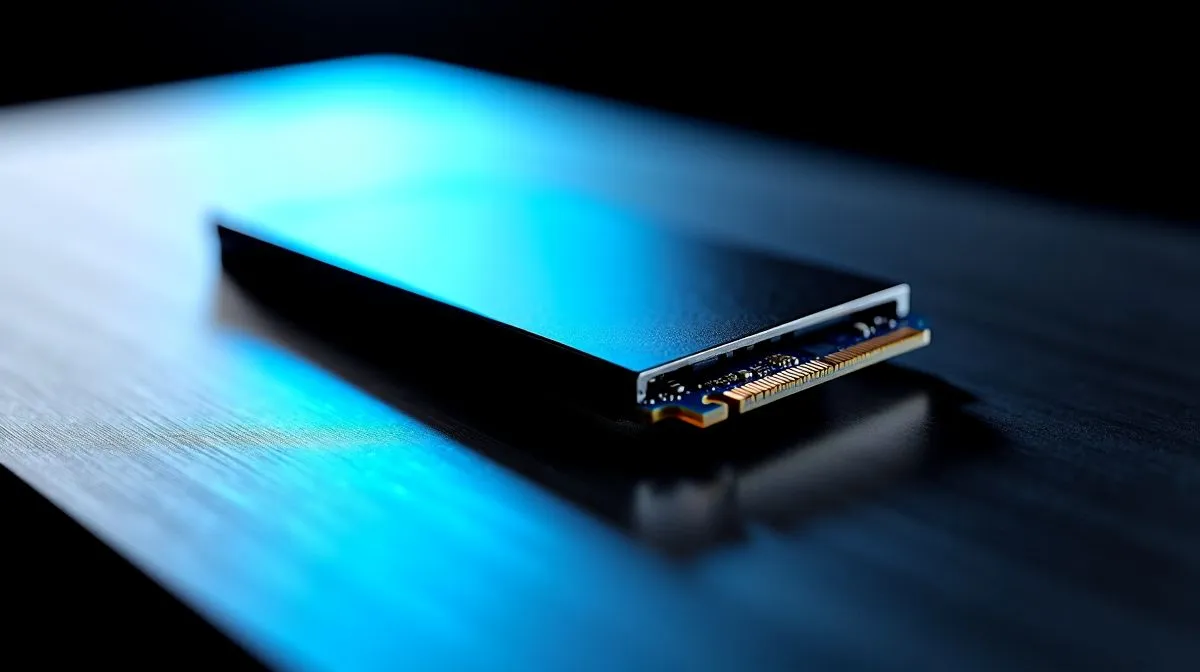
NVMe SSD Speeds: BIOS basics
South African gamers know seconds matter. If your NVMe boot drive isn't hitting claimed speeds, the BIOS, cooling and slot choices often explain why. This guide strips jargon and shows how BIOS settings, thermal throttling and M.2 slot wiring affect real-world load times and game asset streaming. Ready to squeeze every MB/s out of your drive? Let’s tweak firmware, layout and airflow for the fastest, most stable setup. 🔧
NVMe SSD Speeds: When to check BIOS settings
Modern motherboards default to safe settings, not peak NVMe throughput. Enable PCIe Gen 3 or Gen 4 lanes, set the M.2 slot to NVMe rather than SATA, and confirm that the CPU lanes aren't shared with other devices. If you need guidance on compatible drives and platform support, browse Evetech’s SSD range for brand and capacity options. https://www.evetech.co.za/PC-Components/buy-solid-state-drives-83
NVMe SSD Speeds: Thermal throttling and cooling
High-performance NVMe SSDs get hot under sustained writes. Once they reach thermal limits, controllers throttle speeds to protect NAND. Fit a heatsink or ensure chassis airflow directs cool air over the M.2 bay. Some high-end models include built-in heatspreaders; check brand pages for specifics when shopping in South Africa. https://www.evetech.co.za/PC-Components/buy-solid-state-drives-83?brands=ADATA
NVMe SSD Speeds: Slot wiring and performance trade-offs
Not every M.2 slot is equal. Slots can be wired to the CPU or chipset; CPU-wired slots usually offer lower latency and higher bandwidth. Installing multiple NVMe drives may force slots to share lanes, dropping individual link speeds. Check your motherboard manual, then compare drive options and capacities on Evetech to match lanes and price points. https://www.evetech.co.za/PC-Components/buy-solid-state-drives-83?attributes-capacity=2TB
NVMe SSD Speeds: Small tips that make a measurable difference
- Update your motherboard BIOS for NVMe compatibility and firmware updates for your SSD for performance and reliability.
- Avoid using M.2 slots under high-power GPUs unless your case has directed intake to the drive area.
- Use crystalDiskMark or similar tools for repeatable benchmarks; test before and after changes.
Cooling Pro Tip 🚀
Fit a low-profile M.2 heatsink and add a small front intake fan. On many cases this drops steady-state NVMe temperatures by 10–20°C, delaying thermal throttling and sustaining peak read write speeds.
NVMe SSD Speeds: Brand and capacity choices in South Africa
If you prefer established names, compare Kingston and Corsair models and warranties to balance speed and endurance. Look at product pages for controller and TBW details before you buy. https://www.evetech.co.za/PC-Components/buy-solid-state-drives-83?brands=Kingston https://www.evetech.co.za/PC-Components/buy-solid-state-drives-83?brands=CORSAIR
NVMe SSD Speeds: Final checklist before you test
Confirm BIOS lane settings, install a heatsink, avoid shared slots with GPUs and update firmware. Then run a synthetic benchmark and a real-world game load test to observe improvements. If you want curated options or local pricing in ZAR, Evetech lists models, capacities and deals to fit budgets and builds. Local prices shown in ZAR.
Ready to Find Your Perfect Match? The Mac vs Windows debate is complex, but for maximum power, choice, and value in South Africa, Windows is hard to beat. Explore our massive range of laptop specials and find the perfect machine to conquer your world.











