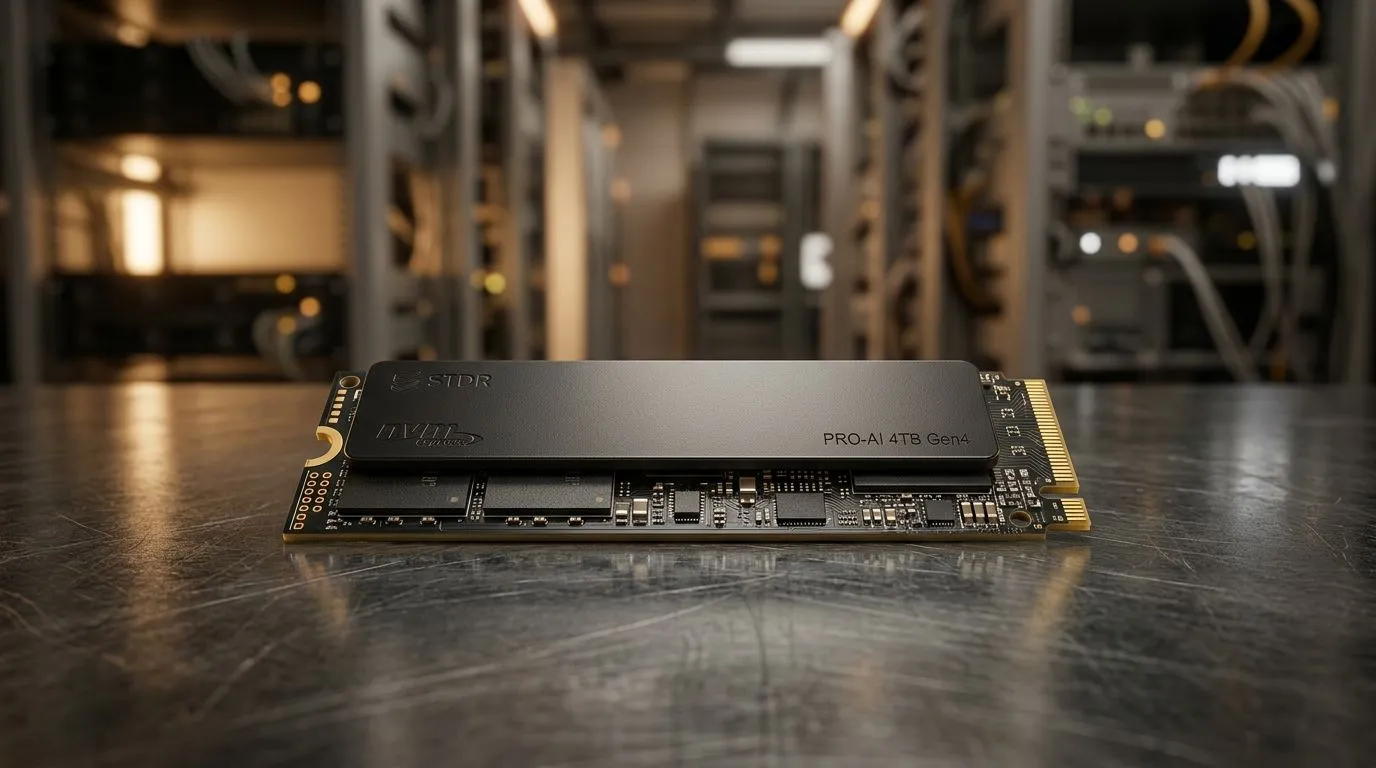
NVMe SSD vs SATA Storage for AI Datasets: Why speed still matters in real training
South African gamers and builders know the pain of loading screens… now imagine it, but for AI training. If your AI pipeline reads thousands of image or audio files from disk, storage speed becomes part of the training loop. The big question is: NVMe SSD vs SATA Storage for AI Datasets: Does Speed Impact Model Performance? And the answer is yes… but mostly in specific workloads. Let’s make it practical for your next AI box.
NVMe SSD vs SATA Storage for AI Datasets: What’s actually different under the hood
NVMe SSDs use the PCIe interface. SATA SSDs use the older SATA interface. In plain terms, NVMe typically offers much higher throughput and lower latency. That matters when your system repeatedly pulls small batches of data during training, especially with heavy dataset augmentation. ⚡
Reputable performance references generally show that NVMe SSDs outperform SATA SSDs in sequential speeds and often in real-world mixed workloads (especially under queue depth and concurrent access). For AI training, your CPU, GPU, and data pipeline all compete for time. If the GPU finishes its step early and waits for new data, you lose effective training speed.
When NVMe usually helps most
- Datasets that are many small files (common in vision datasets).
- Training that uses lots of random reads.
- Pipelines with data augmentation happening on the fly.
- Multi-worker dataloaders where multiple threads hit storage at once.
When SATA can still be “good enough”
- You already cache most data into RAM or use a format that reduces small-file reads.
- Your training is bottlenecked by compute (GPU-bound), not data loading.
- Your model is small and your input pipeline is lightweight.
The nuance: performance vs speed
“Model performance” can mean accuracy and final metrics. Storage speed won’t magically improve your model quality. But it can improve training efficiency by keeping the GPU fed, shortening training time, and letting you iterate more. 🚀
Productivity Pro Tip ⚡
On Windows, use the built-in Performance Monitor to watch Disk Active Time and Queue Length while training. If Disk Active Time is high and Queue Length spikes, your pipeline is waiting on storage. Fixing storage (or enabling caching) can reduce idle GPU time without changing your model.
NVMe SSD vs SATA Storage for AI Datasets: How to test it like a pro (no guesswork)
Before you upgrade, do a quick before-and-after test:
- Measure your GPU utilisation during one training epoch (or a 10-minute run).
- Note step time and data loading time (many frameworks expose these).
- Swap only the storage or change the dataset format (see below).
- Repeat and compare.
If NVMe reduces data waiting time, your GPU utilisation climbs and epoch time drops. That’s where you benefit. ✨
Dataset format tricks that can beat “raw SSD speed”
Even with SATA, you can reduce file-system overhead by:
- Converting many small files into chunked formats (for example, fewer larger shards).
- Using a faster decompression pipeline if you compress on disk.
- Preprocessing into tensors when possible.
This often improves throughput more than moving from SATA to NVMe, because it reduces how often the disk is asked to do expensive tiny reads.
NVMe SSD vs SATA Storage for AI Datasets: Choosing the right Evetech mini PC for your workflow
If you’re building an AI workstation on a compact platform, storage choice should match how you train.
- If you’re constantly loading fresh datasets and iterating, NVMe is the safer bet.
- If your pipeline caches heavily and your GPU is the bottleneck, SATA may hold up while saving budget.
Want ideas for compact power builds? Check out Evetech mini PC options here:
CALLTOACTION
Ready to Find Your Perfect Match?
The Mac vs Windows debate is complex, but for maximum power, choice, and value in South Africa, Windows is hard to beat. Explore our massive range of laptop specials and find the perfect machine to conquer your world.