

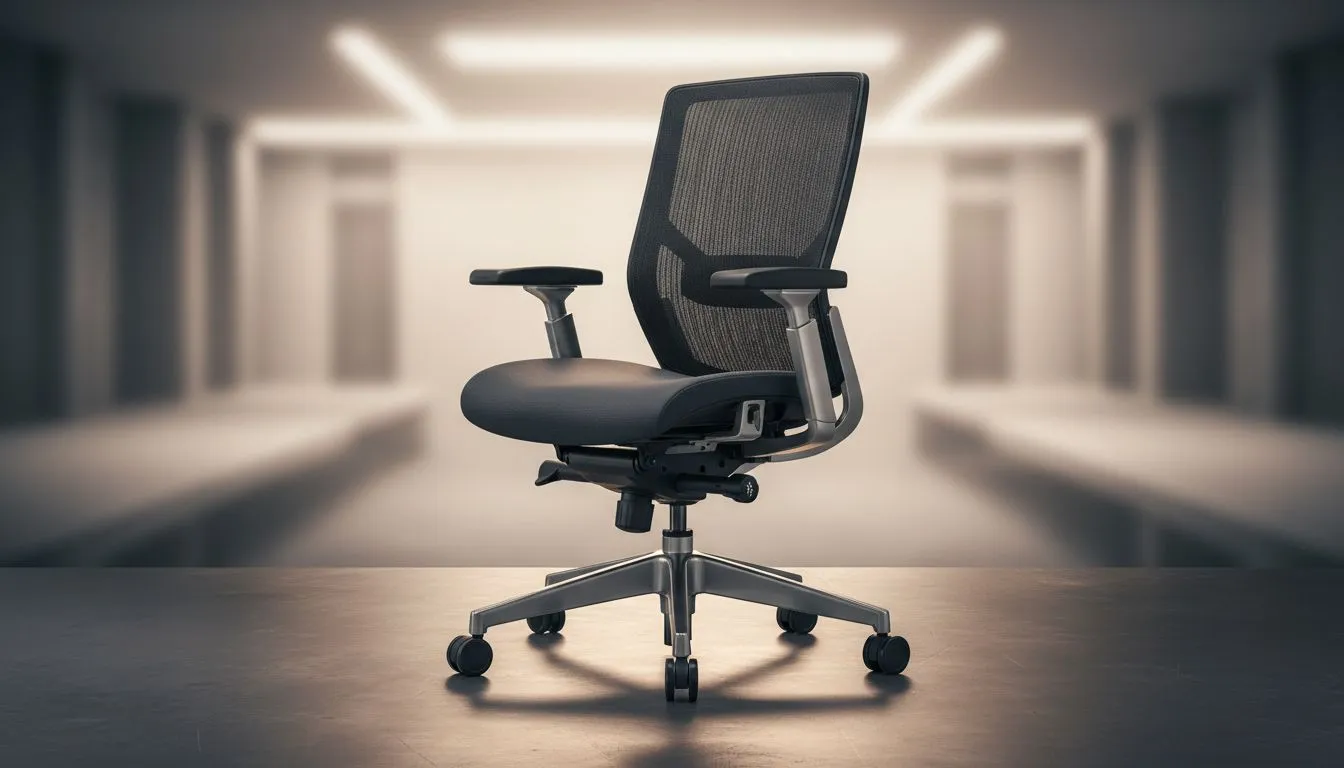
Most South Africans spend more time in their desk chairs than in their beds. Whether you are grinding ranks in Apex Legends or finishing a corporate report before the next round of loadshedding hits, your setup matters. A one-size-fits-all approach usually fits no one. This Office Chair Adjustments: Complete Guide for Every Body Type ensures your workspace protects your spine and boosts your focus. 🔧
Finding the Right Seat Height for Your Frame
The foundation of any ergonomic setup is seat height. If you are sitting too low, you put pressure on your tailbone. If you are too high, you restrict blood flow behind your knees. You want your feet to rest flat on the floor with your knees at a 90-degree angle. For many users in South Africa, finding high-quality office chairs with reliable gas lifts is the first step toward a pain-free workday. Adjust the lever until your thighs are parallel to the ground... this simple tweak can prevent lower back fatigue during long sessions.
Lumbar Support and Backrest Alignment
Every spine has a natural S-curve. If your chair does not support the small of your back, you will eventually start to slouch. This leads to the dreaded "gamer lean" which wreaks havoc on your posture. When looking at HBADA Office Chairs, you will notice they often feature dedicated lumbar modules. You should adjust the backrest so the lumbar support fits snugly into the curve of your lower spine. This keeps your chest open and your shoulders back... making it much easier to breathe and stay alert. ⚡
The 90-90-90 Rule 🔧
To maintain perfect ergonomics, ensure your elbows, hips, and knees are all bent at a 90-degree angle. This alignment reduces strain on your joints and keeps blood flowing during those marathon sessions. If your feet do not reach the floor, consider a footrest to maintain this vital geometry.
Optimising Armrests for Wrist Health
Armrests are not just for lounging. They are designed to take the weight off your shoulders and neck. If your armrests are too high, your shoulders will shrug, causing tension headaches. If they are too low, you risk carpal tunnel issues. Many Enova Office Chairs offer 3D or 4D adjustments, allowing you to move the pads inward or outward. Your elbows should rest lightly on the pads while your wrists remain in a neutral position over your keyboard. This setup is essential for anyone spending eight hours or more at a desk. 🚀
Seat Depth and Headrest Positioning
For taller users, seat depth is a common pain point. There should be a small gap... roughly the width of three fingers... between the edge of the seat and the back of your knees. If the seat is too deep, it cuts off circulation. If it is too shallow, your thighs are not properly supported. Premium options like Hinomi Office Chairs allow you to slide the seat pan forward or backward to find that sweet spot. Finally, adjust your headrest to support the base of your skull rather than your neck. This prevents forward-head posture and keeps you comfortable even during the most intense workloads. ✨
Ready to Find Your Perfect Match? Finding the right ergonomic fit is the best investment you can make for your long-term health. Explore our massive range of office chairs and find the perfect seat to support your body type and workflow today.











