

Staring at a screen all day? Ja, we've all been there. That nagging neck pain and tired, scratchy eyes... it’s a sign your setup is fighting you. Before you spend another rand on painkillers, consider this: your monitor might be the real culprit. This office monitor buying guide isn't just about specs; it's an ergonomic checklist to reclaim your comfort and boost your focus. Let's get your workspace working for you. ✨
Your Core Ergonomic Monitor Checklist
Getting your ergonomics right is the foundation of a productive and pain-free day. This isn't about fancy features (yet); it's about how the monitor physically interacts with your body. Think of this as the most crucial part of any office monitor buying guide.
Adjustability: Your Spine's Best Mate 🔧
A static monitor forces you to adjust to it, leading to slouching and strain. The non-negotiable ergonomic feature is a stand with comprehensive adjustment options.
- Height: The top of your screen should be at or slightly below eye level.
- Tilt: Angle the screen slightly upwards (around 10-20 degrees) to reduce glare and neck strain.
- Swivel: The ability to turn the monitor left or right is essential for shared workspaces or finding the perfect angle.
If a monitor you love lacks a good stand, don't worry. A VESA-compatible mount or arm is a fantastic upgrade, giving you ultimate flexibility. You can find a great selection of monitor accessories to perfect your setup.
Screen Size & Resolution: Clarity is Comfort
Bigger isn't always better, but clarity is king. A larger screen with a low resolution can make text look fuzzy, forcing you to squint. For office work, you want crisp text and plenty of digital real estate. A 24-inch 1080p monitor is a decent start, but a 27-inch 1440p (QHD) or one of the stunning high-resolution 4K and 5K monitors provides superior sharpness, reducing eye fatigue significantly.
Pro Tip: Master Your Scaling
A 4K monitor is brilliant, but text can look tiny at its native resolution. Don't strain your eyes! In Windows or macOS display settings, increase the scaling to 125% or 150%. You'll get ultra-sharp text at a comfortable reading size.
Advanced Features for All-Day Comfort
Once you've nailed the physical setup, the next step in this ergonomic checklist is the technology inside the panel. Modern features can make a massive difference to your visual comfort over an eight-hour day.
The Curve Appeal
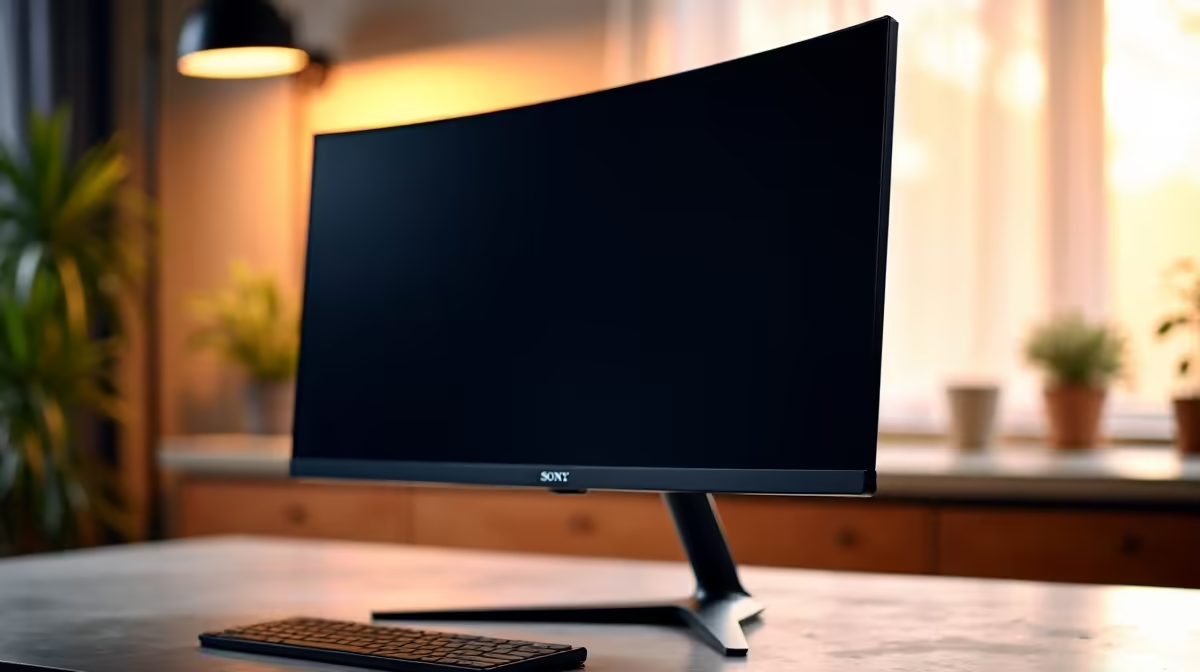
For years, people wondered if they were just a gimmick. The verdict is in: for many, they work. By matching the natural curvature of your eye, curved monitors can make the viewing experience more immersive and comfortable. They reduce distortion at the edges and minimise eye movement, which means less strain, especially on larger, ultrawide displays.
Eye-Care Tech: The Unsung Hero
This is a big one. Look for two key features on any spec sheet:
- Flicker-Free: Many monitors use Pulse Width Modulation (PWM) to control brightness, which creates an imperceptible flicker that causes eye strain and headaches. Flicker-Free technology provides a constant light source, making it much easier on your eyes.
- Low Blue Light Mode: Blue light can interfere with sleep patterns and cause digital eye strain. A dedicated mode that reduces these wavelengths is a must-have for late-night work sessions.
Thankfully, these features are now standard on most quality screens, including many high-refresh-rate gaming monitors that pull double duty for work and play. 🚀
Finding the Right Fit for Your Setup
Your ideal monitor also depends on your unique work style. The modern South African workspace is more flexible than ever, and your tech should be too.
The Hybrid & Mobile Workspace
Are you splitting your time between the office and home? Or maybe you're a student who needs a second screen in different locations. Constantly working on a small laptop screen is an ergonomic nightmare. This is where portable monitors come in. They are lightweight, USB-C powered, and provide that crucial second screen to maintain your productivity and posture wherever you are.
Choosing the right display is an investment in your health and productivity. By following this ergonomic checklist, you're not just buying a piece of tech; you're building a better, more comfortable workspace. Evetech's wide range of PC monitors has an option for every need and budget.
Upgrade Your Comfort & Productivity Today Stop letting your old monitor dictate your posture and focus. Explore the best PC monitor deals in South Africa and find the perfect ergonomic fit for your desk. Shop now at Evetech and feel the difference a great screen can make.











