

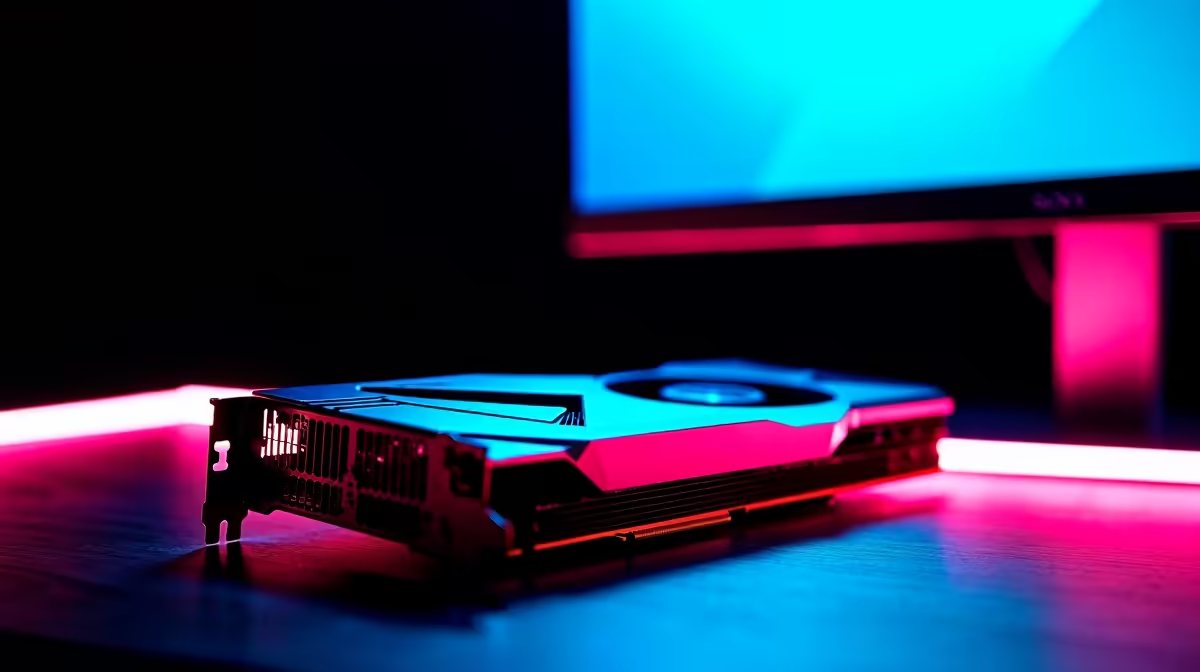
You’ve been saving up, watching prices like a hawk, and you finally pulled the trigger on a shiny new monitor. It’s a beauty… high refresh rate, stunning colours, the works. But there’s a catch: your trusty old graphics card is still chugging away in your PC. Will pairing old GPUs with new monitors create a disaster? Are you wasting your hard-earned Rands?
Let's cut through the noise. For South African gamers, upgrading piece by piece is smart. Here’s what you actually need to know.
The Compatibility Question: Will It Even Connect?
First things first, let's talk physical connections. The biggest hurdle when connecting an older GPU to a new display isn't performance… it's the ports. Your GeForce GTX 1060 might have DisplayPort 1.4 and HDMI 2.0b, while a brand-new screen could be optimised for HDMI 2.1.
The good news? It will almost certainly work. DisplayPort and HDMI are backward compatible. You can plug an older cable into a newer port, and you'll get a picture. The limitation comes down to bandwidth. An older port standard might not support the monitor's maximum resolution at its maximum refresh rate. ✨
You'll still get a great picture for browsing and work, but for gaming, you might be leaving performance on the table. Make sure you have the right monitor accessories to get the best possible connection.
Old GPUs with New Monitors: The Performance Reality Check
So, it connects. But will it game? This is where we bust the biggest myths. The simple truth about using an old graphics card with a new monitor is that your performance is capped by the weakest link—your GPU.
Resolution vs. Frame Rate
A brand new, high-resolution screen is more demanding. Let's say you bought one of those gorgeous, crisp 4K monitors. Your old GPU can definitely display your Windows desktop in 4K. But firing up Alan Wake 2 at native 4K? That's going to turn into a slideshow.
Similarly, if you've invested in a 165Hz beast, your GPU needs to be powerful enough to push 165 frames per second to take full advantage of it. Your old card might only manage 70 FPS in your favourite game. Your monitor will still run smoothly at 70Hz, but you won't experience that buttery-smooth high-refresh-rate magic until the GPU can keep up. This is especially true for the latest immersive curved monitors that pull you right into the action.
Check Your Display Specs 💡
Before you buy, check your GPU's official specs page online. Look for "Max Resolution" and the supported versions of DisplayPort and HDMI. This tells you the absolute ceiling for your card, helping you match it to a monitor you can actually drive effectively.
Making the Most of Your Mismatched Setup 🔧
Don't despair! An older GPU and new monitor combo isn't a lost cause. You just need to be clever to get playable frame rates.
- Lower the In-Game Resolution: Running a game at 1080p on a 1440p monitor is a perfectly valid strategy. It will be a bit softer, but the performance boost is massive.
- Use Upscaling Technology: If your card supports it, use NVIDIA's Image Scaling or AMD's FSR to render the game at a lower resolution and cleverly upscale it. It’s free performance!
- Optimise Game Settings: Drop shadow quality and anti-aliasing first. These are often the biggest performance hogs with the least visual impact.
This approach works wonders across all kinds of displays, from your main desktop screen to secondary portable monitors for LAN parties. With a bit of tweaking, you can find a happy medium between visual quality and smooth gameplay on almost any of our PC monitors for every budget.
The Path Forward: Unlocking Your Monitor's Potential 🚀
Think of your new monitor not as a bottleneck, but as an investment in your rig's future. You now own a display that's ready for next-gen performance. The compatibility of old GPUs with new monitors is solid for day-to-day use, and with some tweaks, even for gaming.
You've set the stage. When you are ready to upgrade your GPU, you won't need to worry about your monitor holding you back. You'll unleash its full potential, experiencing the resolution and refresh rates you paid for. The best part is that you can browse our entire range of gaming monitors knowing your next upgrade will complete the picture perfectly.
Find Your Perfect Screen Today Your current GPU can get you started, but your future rig deserves a brilliant display. Check out the best PC monitor deals in South Africa and lay the foundation for ultimate performance.











