

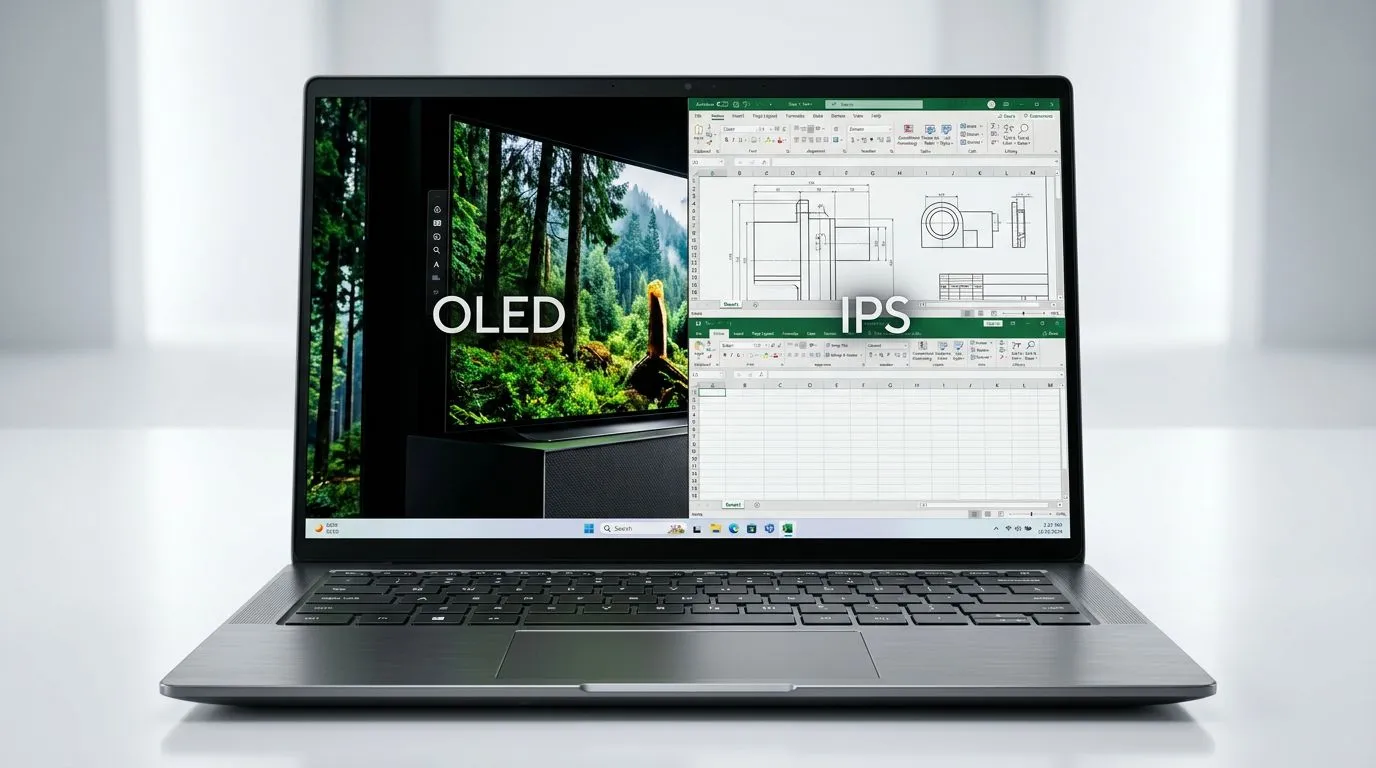
OLED vs IPS for Productivity: Start With Your Work Style (and Your Eyes) 👀
If you’re juggling spreadsheets, docs, emails, and maybe a bit of gaming after hours, your laptop screen can make or break your day. In South Africa, a 14-inch laptop often hits the sweet spot for portability… but the display tech is where opinions get loud. So let’s cut through the noise and answer the practical question: which is better for productivity on a 14-inch screen, OLED vs IPS for Productivity: Choosing Your 14-Inch Laptop Display?
OLED vs IPS for Productivity: What’s Actually Different?
OLED and IPS are both “modern” panels, but they behave differently in real-world work.
How OLED handles contrast and blacks ✨
OLED screens light up pixels individually. That gives you near-perfect blacks and strong contrast. For productivity, that matters when you:
- read in low light,
- switch between dark mode apps,
- review photos or design mockups with dark backgrounds.
The downside? OLED can be less forgiving with static content over very long periods. If you leave the same UI elements on screen all day, you’ll want to be more careful.
How IPS handles consistency and long sessions 🔧
IPS panels use backlighting, with liquid crystals adjusting to create the image. The practical result is stable brightness and generally consistent performance for office-style work.
In plain terms:
- IPS tends to be a safer pick for heavy, day-long document work.
- OLED can look stunning, but you should use brightness and screen settings thoughtfully.
For productivity on a 14-inch screen, size amplifies comfort
On smaller displays, your eyes cover less distance per task. That means clarity, glare behaviour, and text rendering become more noticeable. If you work in coffee shops, campuses, or bright rooms, glare control and brightness handling matter as much as raw contrast.
OLED vs IPS for Productivity: A Real Buyer’s Guide for 14-Inch Laptops
Let’s turn this into a decision you can actually use.
Choose OLED if you want “premium visuals” for reading and design
Pick OLED if your day includes:
- dark-mode reading,
- creative work (editing, thumbnails, layout previews),
- frequent switching between bright and dark content.
You’ll enjoy the contrast and “pop” more than with IPS. But set expectations: keep brightness sensible and avoid leaving static dashboards unchanged for hours.
Choose IPS if your workflow is mostly static and bright-room friendly
Pick IPS if your day is:
- spreadsheets and forms,
- email clients,
- long writing sessions,
- video calls under consistent lighting.
IPS is the dependable choice when your screen is mostly the same layout all day. It’s also a strong pick for people who hate fiddling with settings.
Practical checklist before you buy ✅
Before you choose, check these settings and habits:
- Do you often use dark mode? (OLED usually benefits.)
- Do you sit with the same app layout for 6+ hours? (IPS often wins.)
- Do you work near windows or under strong overhead lighting? (Brightness and glare matter.)
- Are you sensitive to eye strain? (Try a demo if possible.)
OLED vs IPS for Productivity: Settings That Reduce Eye Strain (and Risks)
OLED owners do not need to “baby” their laptop… but a few habits help.
Productivity Pro Tip ⚡
On Windows, use the PowerToys FancyZones utility to create custom snap layouts for your windows. It's a lifesaver for managing multiple apps on an ultrawide monitor, letting you organise your timeline, preview window, and asset folders perfectly for video editing.
For OLED: smart brightness habits
- Keep brightness at a level that’s comfortable, not maximum.
- Use dark mode when it fits your workflow.
- If the laptop supports it, enable screen dimming or auto-sleep sooner.
- Consider using a screen saver or switching wallpapers if you leave it idle.
For IPS: simplify without overthinking
- Set a consistent brightness for your workspace.
- Use consistent fonts and scaling (especially if you bounce between apps).
- If you do long video calls, check whether auto-dimming changes too often.
A micro-story from the Evetech floor experience
A few buyers come in saying, “I want the best screen.” Then they mention they work on invoices all day and rarely use dark mode. In that situation, IPS usually becomes the calmer choice. Another buyer tells us they do grading and design thumbnails in the evening… that’s where OLED’s contrast feels worth it. Same “productivity”… different day.
OLED vs IPS for Productivity: How to Find a 14-Inch Laptop That Fits Your Budget in SA
Let’s be honest. In South Africa, you’ll choose based on value too. If you’re shopping deals, decide whether your work leans more towards dark-mode reading and creative visuals (OLED-friendly) or long static documents (IPS-friendly).
If you want to start with current laptop options, you can browse relevant Evetech deal pages and then filter down:
- Intel options for work-focused builds: Intel laptops on special
- Ryzen systems that often suit mixed productivity and casual gaming: Ryzen laptop deals
- If you also want playtime after spreadsheets: best gaming laptop deals
- Budget buyers aiming around key thresholds: buy gaming laptops under R20k
- For NVIDIA GeForce users who want strong performance: GeForce RTX gaming laptops on special
Quick buying decision (use this in-store)
- If you primarily read and work with dark themes, and you care about visuals: lean OLED.
- If you mostly write, tab around, and keep the same layouts on screen: lean IPS.
- If you do both: look for settings support and choose based on your most frequent 2-hour block.
OLED vs IPS for Productivity: My Recommendation in One Sentence
For most 14-inch productivity buyers in SA, IPS is the dependable “set it and forget it” option, while OLED is the “I want deeper contrast and better dark-mode comfort” option, as long as you use smart brightness and idle behaviour.
Ready to Find Your Perfect Match? The Mac vs Windows debate is complex, but for maximum power, choice, and value in South Africa, Windows is hard to beat. Explore our massive range of laptop specials and find the perfect machine to conquer your world.











