

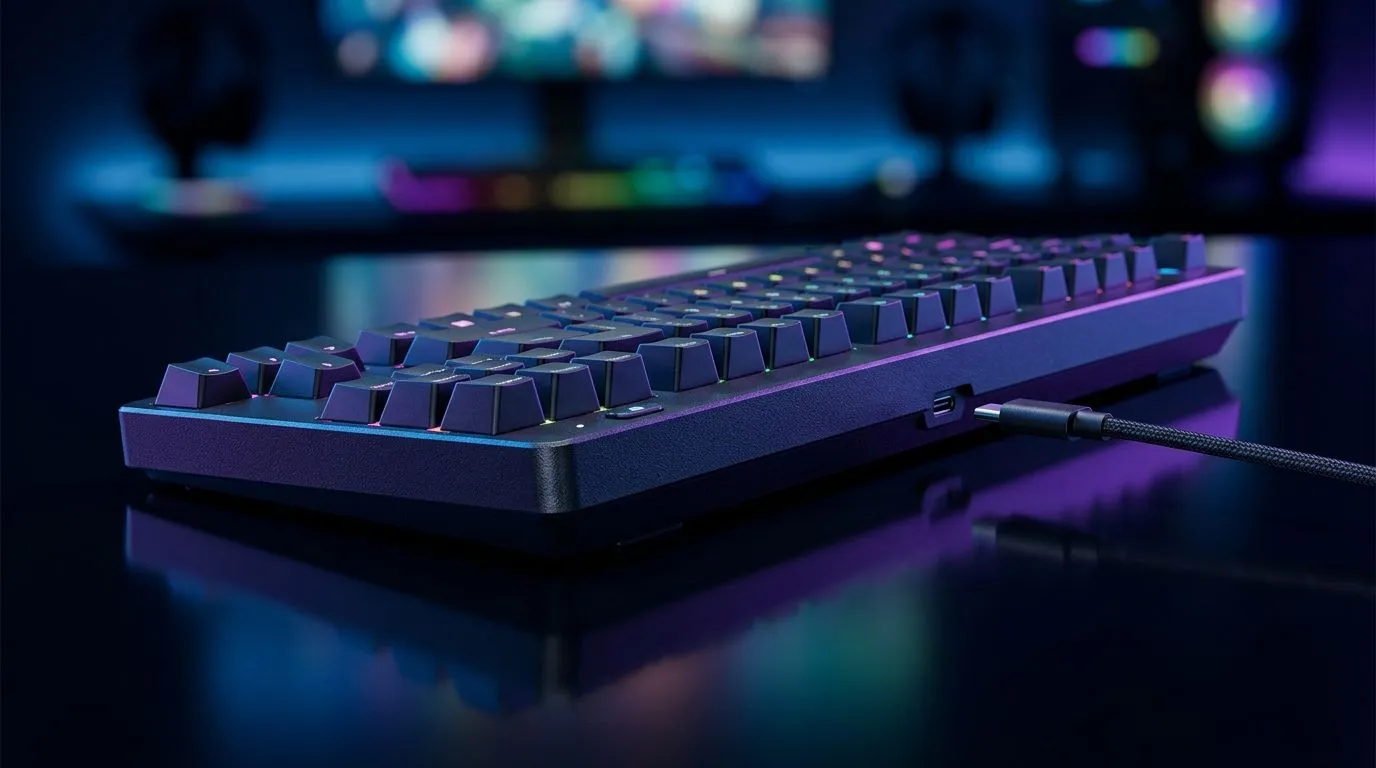
On-Board Tournament Profiles: USB-C Detachable Setup Guide for South African gamers
Trying to squeeze “practice time” out of a busy week… and still show up ready for Friday night matches? 🔧 If your keyboard has USB-C detachable capability and on-board tournament profiles, the setup can feel confusing at first. But once you understand how profiles, memory, and connectivity interact, you can move between PCs or consoles faster and keep your controls consistent. This guide walks you through a reliable On-Board Tournament Profiles: USB-C Detachable Setup Guide workflow that actually holds up during local LANs and ranked sessions.
What “on-board tournament profiles” really means
In plain terms, tournament profiles let your keyboard store game-specific settings directly on the device. That’s useful when:
- you switch computers
- you want your same keybinds at a friend’s setup
- you travel to events and don’t want to reconfigure every time
USB-C detachable adds one more layer. Many modern boards use USB-C for data and power, and detaching can reset how the device negotiates with a host PC. The goal is to lock in settings so the keyboard behaves the same no matter which machine it’s plugged into… provided you select the correct profile.
Why it matters for locals: at SA events, setups vary. Some use older USB ports, different hubs, or different RGB utilities. On-board storage reduces those headaches. ✨
When to update firmware (and when not to)
Only update firmware when you’ve confirmed the manufacturer released a stable version. Firmware updates sometimes fix profile saving bugs, but they can also introduce temporary issues after a change. If your tournament profiles already work, consider leaving firmware alone until you have a reason.
USB-C detachable workflow: set profiles once, then trust them
Follow this order every time you set up a board for competitive play:
- Connect to your main PC via USB-C (use a direct port, not an untrusted hub).
- Open the keyboard software and create your profiles (commonly one for FPS, one for MOBA, one for general).
- Assign your tournament profile to a hardware toggle (if your keyboard supports a “profile switch” button).
- Save settings to the keyboard’s on-board memory (look for a “Save to Device” style option).
- Test by switching to another USB port or unplugging and reconnecting.
The key is verifying that the profile survives a disconnect. If it doesn’t, you’ll usually see it right away… and you can fix it before event day. ⚡
Tournament Prep Pro Tip 🚀
On Windows, create a simple “Gaming Defaults” user profile in your keyboard software and save it to on-board memory, then test it after a full unplug-replug cycle. Also, keep your USB-C cable in the same pouch every time so you’re not swapping cables with different tolerances at LANs.
Pairing keyboard setups in South Africa: stable add-ons help
A lot of gamers obsess over the keyboard and forget what’s around it. If you want your tournament profiles to feel consistent, your peripherals should play nicely together.
If you’re still shopping, consider a complete keyboard-and-mouse combo so you’re not rebuilding muscle memory from scratch:
- A solid combo can be faster to dial in before match day, especially if both devices are designed around low-latency performance.
Check out: Explore keyboard and mouse combo options
For budget-friendly keyboard hunting, Evetech often has strong picks in South Africa:
And if you want to go deeper into a specific category (wired or wireless), choose a keyboard type that matches how you’ll use it:
- Wired tends to be straightforward for tournament venues with reliable USB power. Browse the cheapest wired keyboard options
- Wireless can be great for desk setups, but tournament reliability can depend on dongles and battery habits. Browse the cheapest wireless keyboard options
- Or start with the general list and filter from there: Compare the cheapest gaming keyboards in South Africa
Quick checklist before you enter a tournament
Use this before you leave home:
- ✅ Do you know which button selects the tournament profile?
- ✅ Did you confirm settings persist after USB-C unplug and reconnect?
- ✅ Are your keybinds mirrored across profiles correctly?
- ✅ Did you set the right lighting and macro behaviour for the game you’re playing?
- ✅ Do you have spare batteries only if you’re on wireless?
Once those boxes are ticked, you can focus on aim, comms, and game sense… not tech hassles. ✨
Ready to Find Your Perfect Match? The Mac vs Windows debate is complex, but for maximum power, choice, and value in South Africa, Windows is hard to beat. Explore our massive range of laptop specials and find the perfect machine to conquer your world.











