

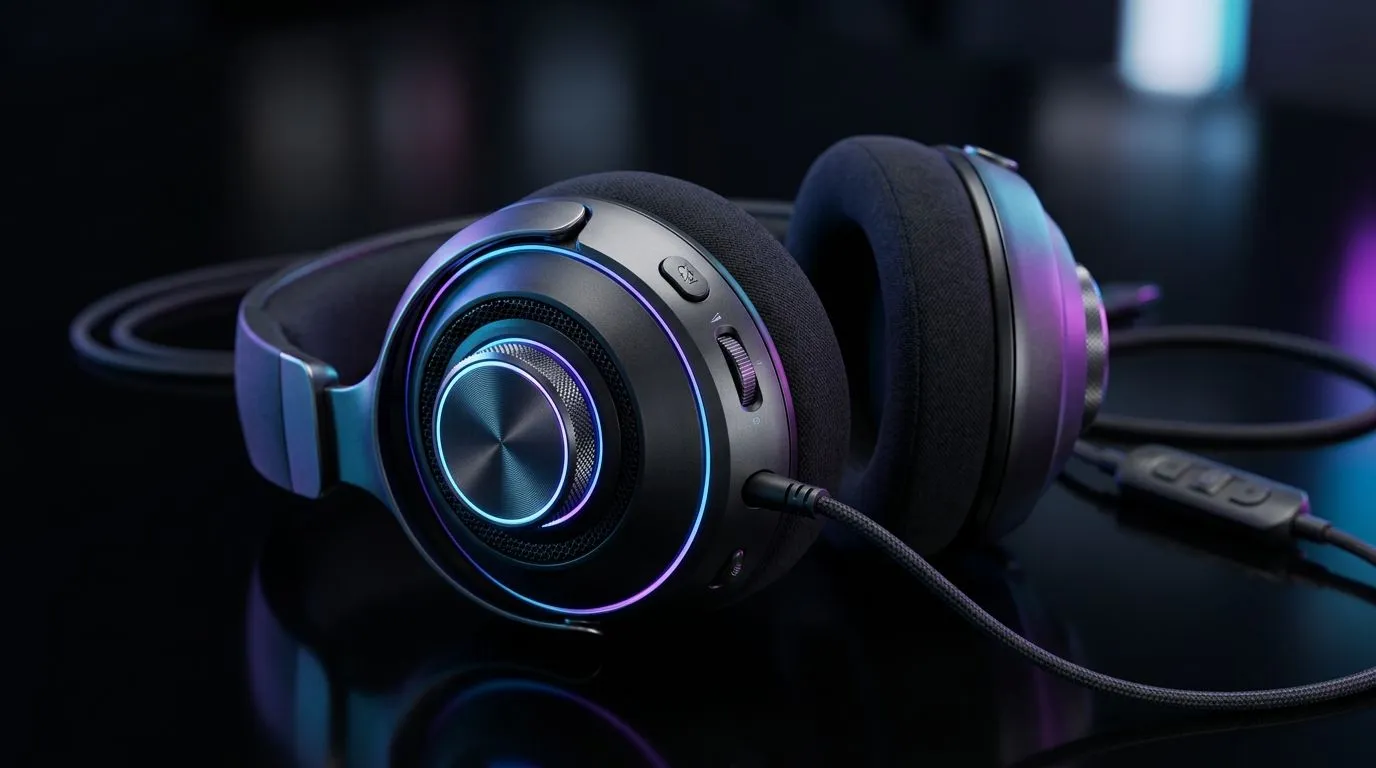
On-Ear Volume Control vs In-Line Controls for Gaming Headsets: Why It Feels Different in Your Hands
Getting into a ranked session should be smooth… not fiddly. In South Africa, where ping, load shedding, and late-night installs are part of life, you want controls you can use instantly. 🔧
One press should change volume. Another should mute. But do you prefer on-ear controls, or the convenience of in-line controls near your cable?
This guide breaks down On-Ear Volume Control vs In-Line Controls for Gaming Headsets so you can buy once and stop second-guessing every headset decision.
On-Ear Volume Control: Fast Access, Less Cable Confusion
On-ear volume controls sit on the earcup itself, so your hand stays close to the audio source. That matters when you’re in-game, taking cover, or communicating with your squad. ✨
Pros South African gamers will notice
- Control while stationary: You can adjust without fishing for the inline button on a desk.
- Less cable tugging: No reaching along the cable can mean fewer accidental pulls.
- Mute is easier to find by feel: Many designs place mute near the earcup controls.
Watch-outs
- Hair, headsets, and comfort: If your headset band already feels snug, extra buttons can be slightly harder to press without moving the earcup.
- Accidental changes: If the control is touch-sensitive (varies by model), you might bump volume during gameplay.
In-Line Controls: Better for Desks, Stream Setups, and Couch Gaming
In-line controls are built into the cable, usually on a small module near the microphone or halfway down the lead. This is where the “set it and forget it” crowd wins. 🚀
Pros
- You’ll reach them naturally: On a desk, your volume knob is often right where your hand rests.
- Great for streaming or recording: If your PC is at one height and your keyboard is another, in-line controls reduce “where is the button?” moments.
Watch-outs
- Cable placement matters: If your cable runs under a controller stand or gets tangled, you may lose access at the worst time.
- More points of wear: In-line modules live on the cable’s most-used section.
Quick Decision Guide: Choose Based on Your Play Space
If you mostly play at a desk with keyboard shortcuts, in-line controls tend to feel more natural. If you game on a couch or move around a lot, on-ear volume control usually wins.
When buying, also consider models built for comfort and clarity. For example, the Razer Barracuda X Chroma Wireless is a popular pick in SA setups, and you can browse the current deal here: Razer Barracuda X Chroma Wireless Headset (Phantom White). For broader Razer headphone options (including different control styles by model), check: Razer Headphones & Headsets range and Headphone Headsets category.
Productivity Pro Tip 🔧
On Windows, use the Volume Mixer to separate game audio from chat. That way, you can keep master volume steady and only adjust in-game levels, reducing the need to constantly tap your headset control during clutch moments.
What to Test Before You Commit (Even if You’re Buying Online)
You can’t “try before you buy” in a store most of the time in SA, but you can still test your choice with these checks:
- Mute access test: Put the headset on, then close your eyes. Can you find mute within two seconds?
- Volume control feel: Does it click cleanly, or does it feel like a slider you might overshoot?
- Cable routing check: If you choose in-line controls, imagine your cable length across your setup. Will the module sit near your keyboard hand?
- Mic placement: If mic monitoring or sidetone matters to you, make sure the controls won’t press your mic position.
Small spec reality check
Different headsets support different mixes depending on connection type (USB, 3.5mm, wireless). If the model details are unclear on the product page, confirm before purchase. Evetech listings are a reliable place to start for accurate specifications and availability. ✨
On-Ear Volume Control vs In-Line Controls for Gaming Headsets: The Buyer’s Bottom Line
There isn’t one “best” answer. It’s about how you play and where your hands naturally rest. If you want instant adjustment during firefights, lean toward on-ear volume control. If you’re mostly at a desk and like easy access, in-line controls can feel more effortless.
Still unsure? Use the links below to compare models and pick a headset style that fits your exact gaming rhythm. ✅
Ready to Find Your Perfect Match? The Mac vs Windows debate is complex, but for maximum power, choice, and value in South Africa, Windows is hard to beat. Explore our massive range of laptop specials and find the perfect machine to conquer your world.











