

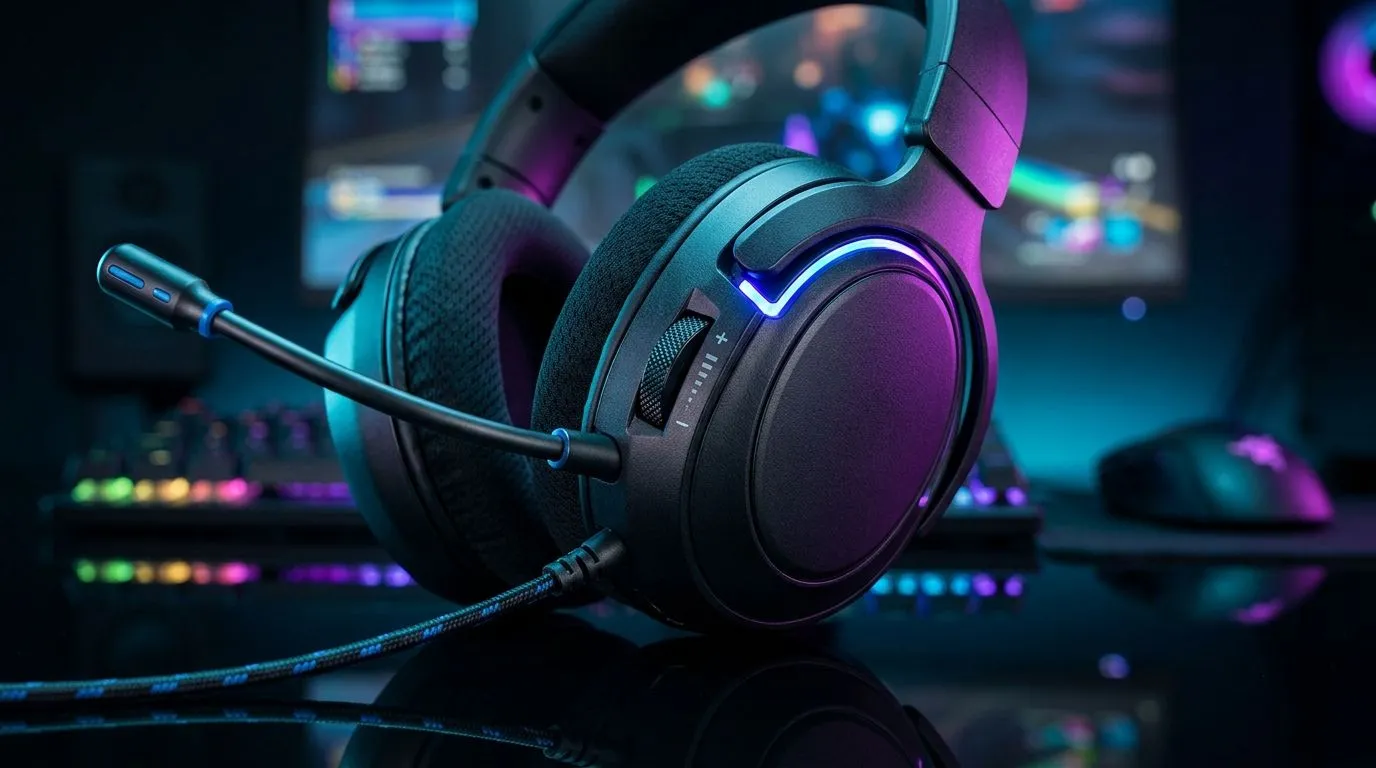
On-Ear Volume Controls for Real-Time Gaming Adjustments: Why they matter in SA play
Ever find yourself mid-fight, yelling at your headset… because the volume is just wrong? 🎧 In South Africa, load shedding, mixed Wi-Fi latency, and unpredictable evenings can turn audio into a guessing game. Add in different games, voice-chat apps, and even background noise from outside… and the smallest control becomes huge.
That’s where On-Ear Volume Controls for Real-Time Gaming Adjustments shine. You can tweak volume on the spot, without alt-tabbing, without hunting menus, and without missing a cue.
On-Ear Volume Controls for Real-Time Gaming Adjustments: The real-world benefits
On-ear controls let you respond instantly. Instead of pausing a raid or backing out of a match, you can:
- Lower volume when your team’s comms get too loud.
- Boost footsteps in a tense moment.
- Reduce mic bleed by avoiding harsh overdrive levels.
- Adjust quickly when your environment changes (TV in the next room, traffic noise, etc.) 🔧
For competitive players, the timing matters. Footsteps and reload sounds are subtle. Turning them up a touch during the action can help you react faster. For casual gamers, it’s about comfort. Long sessions get tiring, and quick volume fixes keep the experience enjoyable.
On-Ear Volume Controls for Real-Time Gaming Adjustments: What to look for before you buy
Not all controls feel the same. Here are the key things to check before you commit:
1) Control placement and tactile feel
You want buttons or a dial that you can use without looking. A smooth, grippy dial usually beats tiny buttons.
2) Adjustable range (and consistency)
A good headset gives you usable steps across low, medium, and high. If the volume jumps from “too quiet” to “too loud”, you’ll fight the control.
3) Avoid accidental presses
If the dial is too sensitive, you’ll bump it during movement. That’s especially annoying in FPS and fighting games.
4) Mic monitoring and clarity
Even with perfect volume, poor mic quality ruins comms. Look for a headset that’s built for clear voice transmission (so teammates trust what they hear).
On-Ear Volume Controls for Real-Time Gaming Adjustments: SA gaming setup ideas
Try this approach during the next match night: 🎮
- Set your game audio to a comfortable baseline.
- Keep Discord/party chat at a level you can tolerate.
- Use on-ear controls to fine-tune during rounds, not between matches.
If you stream or record, do quick checks before you hit “Go Live”. Different games mix audio differently, so your “set and forget” level might not survive the next title.
Productivity Pro Tip ✨
On Windows, use the PowerToys FancyZones utility to create custom snap layouts for your windows. It's a lifesaver for managing multiple apps on an ultrawide monitor, letting you organise your comms window, game window, and your audio settings panel quickly.
On-Ear Volume Controls for Real-Time Gaming Adjustments: Two quick product routes
If you want wireless comfort with easy adjustments, check out the Razer Barracuda X Chroma Wireless Headset from Evetech here: https://www.evetech.co.za/razer-barracuda-x-chroma-wireless-headset-phantom-white/best-deal/24367.
Prefer a wider pick across Razer headsets and options? Start here: https://www.evetech.co.za/PC-Components/razer-headphones-headsets-105.
And if you want to browse by category and compare multiple styles (including on-ear control designs), use this collection: https://www.evetech.co.za/components/headphone-headsets-100.
CALLTOACTION
Ready to Find Your Perfect Match? The Mac vs Windows debate is complex, but for maximum power, choice, and value in South Africa, Windows is hard to beat. Explore our massive range of laptop specials and find the perfect machine to conquer your world.











