

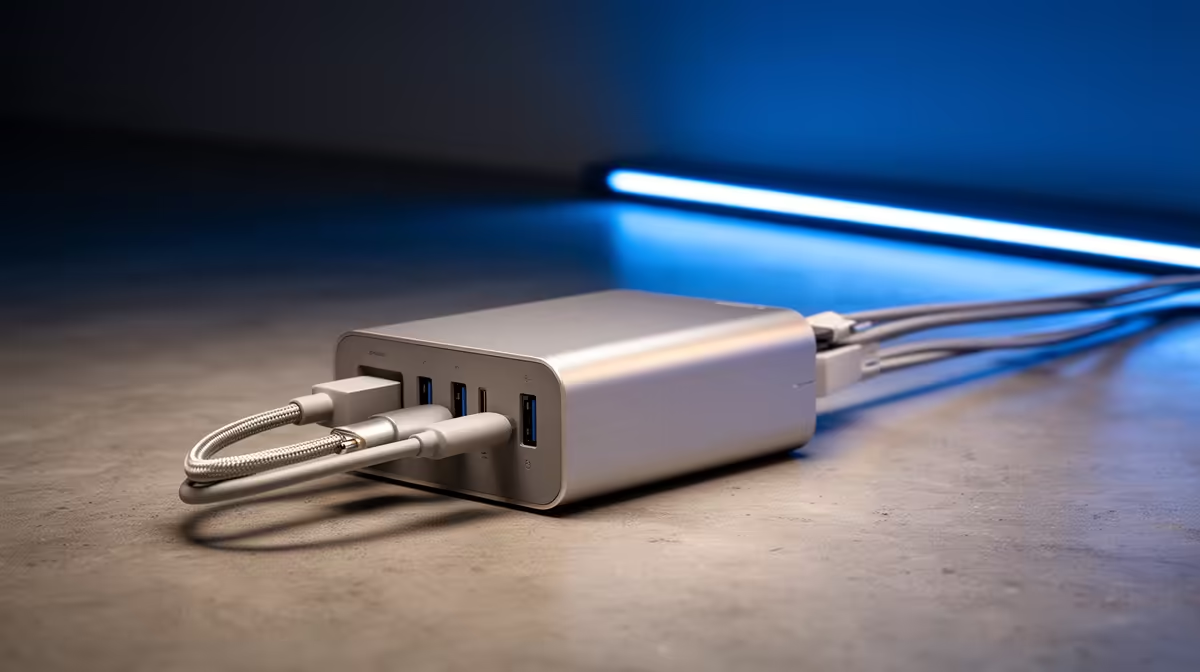
Tired of the tangled kabel-salade behind your gaming rig? We get it. In South Africa, every plug point is prime real estate. That nest of chargers for your phone, headset, laptop, and controller is more than just messy… it’s inefficient. What if you could declutter your space and simplify your life with just one charger for everything? It’s the ultimate secret to better cable management and a cleaner, more organised setup. ✨
Why Consolidate to Just One Charger?
Switching to a single charger solution isn't just about aesthetics; it's a practical upgrade for any tech-savvy South African. Think about it: less clutter on your desk, fewer items to pack for a weekend trip or a LAN party, and no more fighting over the last available wall socket. It’s about streamlining your entire tech ecosystem.
Modern chargers, especially those using USB-C Power Delivery (PD), are powerful enough to juice up everything from your smartphone to a high-performance laptop. This universal standard means you can finally ditch that bulky proprietary laptop brick. By investing in a quality multi-port power adapter, you’re not just organising… you’re future-proofing. Ready to see what's possible? Take a look at the latest modern multi-port chargers available today.
Choosing the Right One Charger For Your Setup
Finding the perfect single charger depends entirely on your gear. You need to match the charger's power output (wattage) and port selection to the devices you use daily. Let's break it down.
Watt's the Big Deal? ⚡
Wattage is the measure of power delivery. A smartphone might only need 20W to fast-charge, while a gaming laptop could demand 100W or more. When choosing your one charger, look at two things: the total output (the maximum power it can deliver across all ports at once) and the per-port output. Your main device, like a laptop, should connect to the port with the highest wattage for the best performance. Thankfully, you don't need to break the bank for serious power, with many powerful options under R1000 that can handle a full setup.
Check Your Wattage First!
Before you buy, check the power requirements (in watts) for your most demanding device—usually your laptop. Your new charger's single-port output must meet or exceed that number for optimal speed. You can usually find it printed on your old power brick!
GaN is the Future
You'll often see "GaN" mentioned with premium chargers. It stands for Gallium Nitride, a material that's far more efficient than the traditional silicon in older power bricks. This means GaN chargers can be significantly smaller, run cooler, and waste less energy, all while delivering massive amounts of power. It's the tech that makes having one compact charger for everything a reality. Brands like Promate are leading the charge with these smaller, more powerful designs.
Smart Cable Management Starts with One Charger 🔌
Once you have your central charging hub, the final step to cable management nirvana is optimising your cables.
- Desk Devices: Use shorter USB-C cables (0.5m or 1m) for peripherals that live on your desk, like your headset stand or wireless mouse dock. This eliminates excess cable slack.
- Laptop & Phone: Keep one longer, high-quality cable (2m) for your primary device. This gives you the flexibility to work or game comfortably while charging.
- Travel: A single GaN charger and a couple of cables are all you need to throw in your bag. No more forgetting a crucial charger at home!
Even if your needs are simple—say, just a phone and a power bank—consolidating makes a difference. You can find plenty of great value chargers under R500 that will tidy up your space without fuss.
Tidy Desk, Tidy Mind Reclaim your desk space and simplify your digital life with a single, powerful charging solution. Explore our full range of chargers and find the perfect hub for all your devices.











