

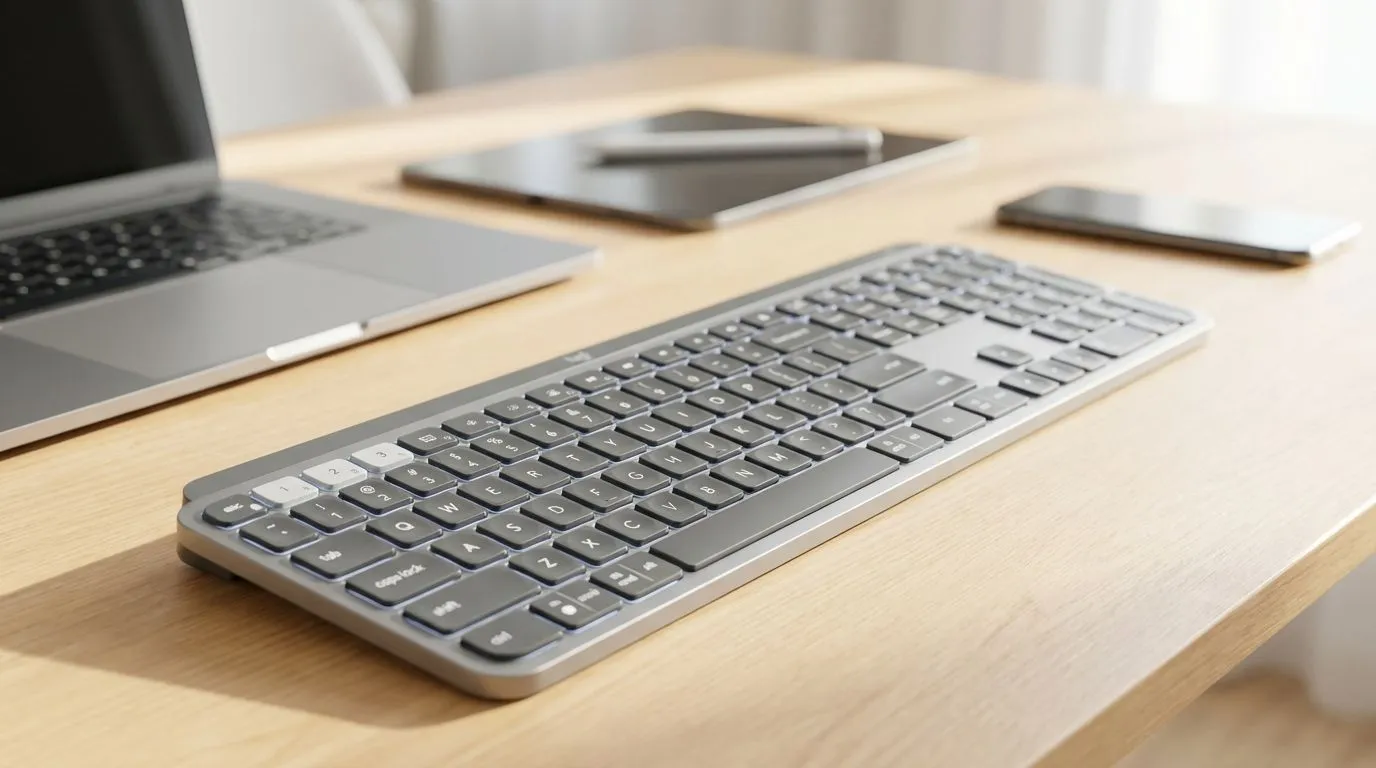
Imagine finishing a raid on your Windows PC... then instantly switching to your MacBook to reply to a work email. No cable swapping. No desk clutter. Finding one keyboard for multiple devices: Windows, Mac, tablet is about reclaiming your space and your sanity. Whether you are a student in Jozi or a developer in Cape Town... efficiency is king. You deserve a setup that keeps up with your pace without breaking the bank.
The Magic of Multi-Device Connectivity
Modern setups often involve more than one screen. You might have a dedicated gaming rig... a work laptop... and a tablet for media. Swapping peripherals manually is a massive hassle. High-quality multi-device keyboards solve this with dedicated switch buttons. You can find incredible value by browsing the best gaming keyboard deals currently available in South Africa. Some users still prefer the zero-latency feel of wired models for their primary PC... while others want total freedom across their entire desk. 🔧
Choosing Your Connection Type
Reliability is key when managing several devices at once. You do not need to spend a fortune to get started. You can buy cheapest gaming keyboard in South Africa options that offer both 2.4GHz and Bluetooth connectivity. This hybrid approach gives you the best of both worlds. Use the 2.4GHz dongle for your main rig to ensure no lag... then tap a button to switch to Bluetooth for your tablet or phone. ⚡
Productivity Pro Tip ⚡
Use the 'Logitech Options' or 'Razer Synapse' software to customise your keys for different operating systems. This ensures your 'Command' key on Mac works as 'Alt' on Windows without any mental gymnastics. It makes switching between devices feel seamless... especially when you are working against tight deadlines.
Seamless Integration Across Platforms
A keyboard that works for Windows... Mac... and tablets needs the right physical layout. Look for keycaps with dual legends. This helps you identify the correct shortcuts for macOS and Windows instantly. If you are starting a new setup from scratch... a keyboard mouse combo is often the most cost-effective route. It ensures your desk aesthetic remains consistent while saving you a few Rands in the process. ✨
Wireless Freedom for Modern Workspaces
Cable management is often the enemy of a clean, productive desk. Most modern multi-device keyboards rely on wireless keyboard technology to connect to tablets and mobile devices. Bluetooth 5.0 allows for fast pairing and extremely low power consumption. This means fewer battery swaps and more time getting things done. Whether you are typing a thesis or coding the next big app... the freedom to move is priceless. 🚀
Ready to Streamline Your Setup? Managing multiple devices shouldn't be a chore. With the right hardware, you can switch from work to play with a single tap. Explore our massive range of keyboard deals and find the perfect multi-device companion today.











