

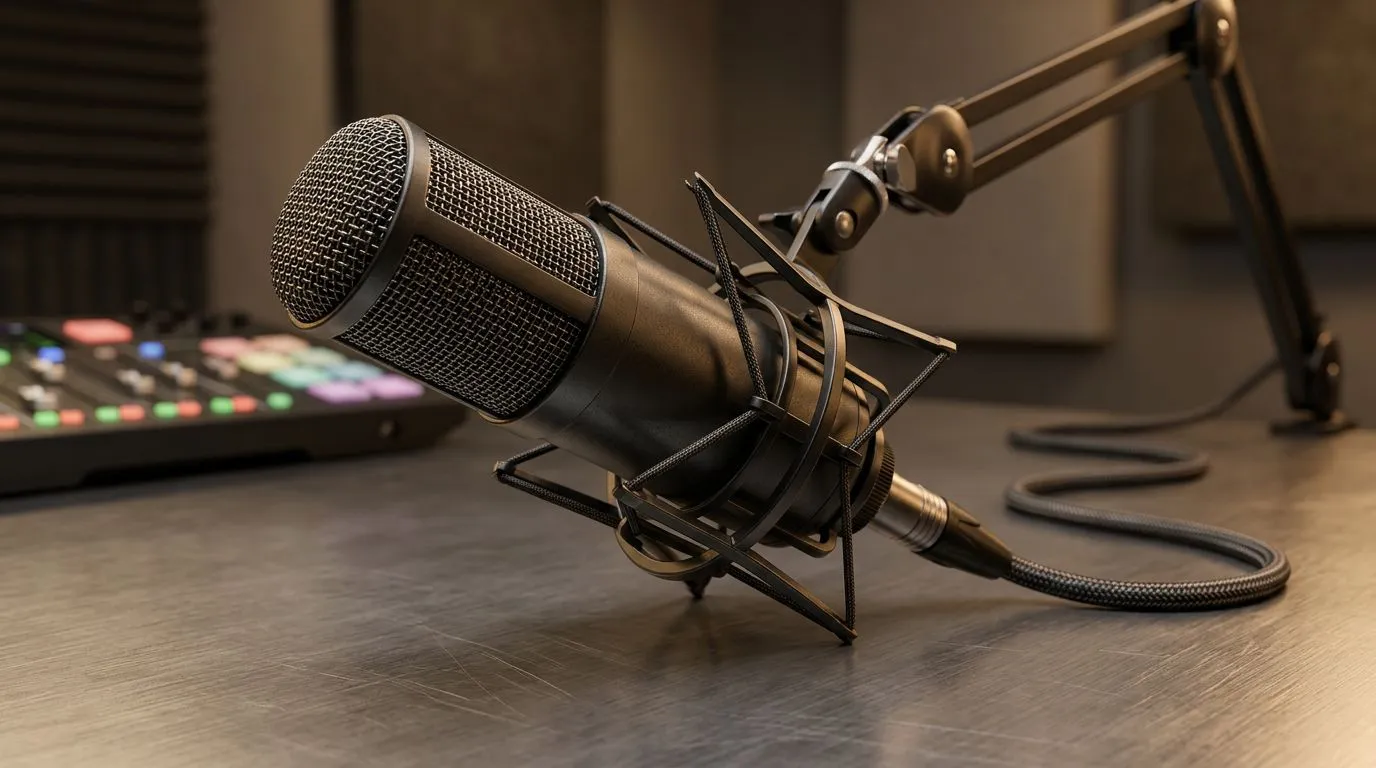
One microphone across Windows and macOS: why it matters 🎙️
If you stream, record podcasts or game with mates across platforms, juggling two mics is a pain. South African creators want plug‑and‑play reliability whether they're on Windows or macOS. This guide shows how one microphone can give seamless audio compatibility, save desk space, and cut costs — with practical setup steps and where to shop locally. 🔧
One microphone for Windows and macOS: compatibility basics
Most modern USB microphones are class‑compliant, meaning they work as a standard audio device on both Windows and macOS without special drivers. That makes a single mic ideal for mixed‑OS households, LAN cafés, or content creators switching between a MacBook and a Windows desktop. If you prefer XLR rigs, a simple audio interface that supports both systems is the bridge you need.
For a quick shopping start, browse Evetech’s streaming essentials to compare USB and interface options and see current ZAR pricing and availability: https://www.evetech.co.za/PC-Components/buy-streaming-essentials-369.aspx
Setup tips for one microphone across Windows and macOS
- Windows: set the mic as the Default Device and Default Communication Device in Sound Settings. Match sample rates (usually 48 kHz) in Properties > Advanced.
- macOS: use Audio MIDI Setup to confirm sample rate and bit depth. Create an Aggregate Device only if you must combine inputs.
- Always test in the app you’ll use, because apps can override system defaults.
Audio Setup Pro Tip 🔧
To keep audio clean on both systems, set your microphone as the default input, match sample rates (48 kHz), and test in both Windows Sound Settings and macOS Audio MIDI Setup. Use a USB mic in class‑compliant mode to avoid driver headaches and prefer a basic audio interface for XLR mics.
Brands and features to prioritise
Look for these practical features: class‑compliant USB support, selectable polar patterns, onboard gain, and zero‑latency headphone monitoring. If you’re after a brand with strong Windows and macOS support, check Corsair‑branded streaming kits and peripherals for compatibility and local stock: https://www.evetech.co.za/PC-Components/buy-streaming-essentials-369.aspx?brands=CORSAIR
If lighting sync and aesthetics matter for your stream, pairing your mic with Cololight setups can create a cohesive look and feel on both Mac and PC rigs: https://www.evetech.co.za/PC-Components/buy-streaming-essentials-369.aspx?brands=Cololight
Building a simple cross‑platform streaming kit
A reliable cross‑platform kit needs a mic, optionally an audio interface, and a webcam with good exposure control. Pair your mic with a dedicated webcam for consistent video on both systems — check Evetech’s webcams collection to match resolutions and mic combos: https://www.evetech.co.za/PC-Components/buy-webcams-145.aspx
Practical micro‑story: I had a mate switching between a MacBook Air and a Ryzen desktop. A single USB condenser in class‑compliant mode removed driver installs, and 10 minutes of settings tweaks fixed audio levels on both machines. No excuses to miss a stream.
Final checklist before you buy
- Confirm class‑compliant USB or cross‑OS driver support.
- Test sample rate and monitoring on both OSes.
- Buy from a local retailer for easy returns and ZAR pricing clarity. ✨
Ready to Find Your Perfect Match? The Mac vs Windows debate is complex, but for maximum power, choice, and value in South Africa, Windows is hard to beat. Explore our massive range of laptop specials and find the perfect machine to conquer your world.











