

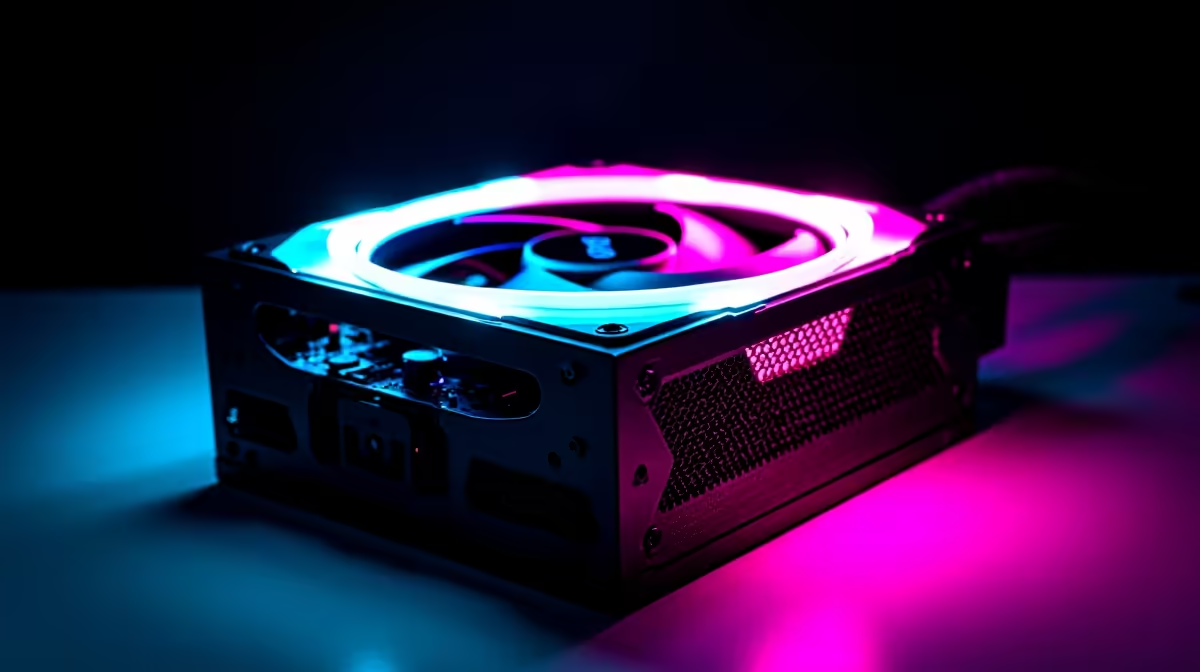
Building a beastly gaming rig in South Africa? You’ve probably obsessed over the GPU and CPU, but what about the heart of your machine… the Power Supply Unit (PSU)? Skimping here is a classic mistake. An underpowered or unreliable PSU can cause random crashes, poor performance, and even damage your expensive components. Finding the optimal power supplies for gamers isn't just a final step; it's the foundation for a stable and powerful setup. ⚡
Why Your Gaming PC Deserves an Optimal Power Supply
Think of your PSU as the unsung hero of your build. It takes the raw power from your wall socket and converts it into stable, clean energy for every single component, from your motherboard to your graphics card. A cheap, low-quality unit can deliver "dirty" power with voltage fluctuations, which slowly degrades your hardware or causes those frustrating mid-game blue screens.
Investing in a quality gaming PSU ensures:
- Stability: Consistent power delivery means no unexpected shutdowns during a final boss fight.
- Component Safety: Built-in protections against over-voltage and short circuits act as a bodyguard for your pricey GPU.
- Future-Proofing: A good PSU will serve you through several upgrades.
You don’t need to break the bank to get reliability; even an affordable, reliable unit can provide the stable power a starter or mid-range build needs.
Decoding the Specs: Wattage and Efficiency
Choosing the best power supply for your gaming PC boils down to understanding two key things: how much power you need (wattage) and how efficiently it's delivered (80 Plus rating).
How Much Wattage Do You Really Need?
It's tempting to go for a massive 1200W unit, but it's often overkill. The key is to match your PSU to your system's needs with a little headroom for future upgrades. A rig with a GeForce RTX 4070 and a Core i5 processor, for example, will run perfectly on a quality 650W-750W PSU. Using an online PSU calculator can give you a great starting point. The goal is finding an optimal PSU for your gaming PC, not the one with the biggest number on the box.
The Efficiency Sweet Spot 💡
PSUs are most efficient when running at 40-60% of their total capacity. Choosing a PSU with about 50% more wattage than your system's peak draw keeps it in this sweet spot, running cooler, quieter, and saving you money on your electricity bill.
Understanding 80 Plus Efficiency Ratings
That "80 Plus" sticker isn't just for show. It's a certification that guarantees a certain level of energy efficiency. An 80 Plus Bronze PSU is at least 82% efficient at a typical load, while a Gold-rated unit is 87%+ efficient. This means less energy is wasted as heat. For most gamers, Bronze or Gold offers the perfect balance of performance and price. You'll find that many quality brands like Promate focus on delivering reliable, efficient power.
Modularity Matters: Tidy Cables, Better Airflow 🔧
Fin
ally, consider the cables. PSUs come in three main flavours:
- Non-Modular: All cables are permanently attached. It's the cheapest option but can lead to a mess of unused cables inside your case, restricting airflow.
- Semi-Modular: Essential cables (like the 24-pin motherboard connector) are attached, while others (for drives and GPUs) are optional. A great middle-ground.
- Fully Modular: Every single cable is detachable. This gives you maximum control for a super clean build and optimal airflow.
Better airflow isn't just about looks; it helps your components run cooler and last longer. You can find some great modular options under R1000 that make cable management a breeze. 🚀
Power Up Your Performance Now that you know what to look for in an optimal power supply, it's time to give your rig the stable foundation it deserves. Browse our full range of PC power supplies at Evetech for performance that leaves lag in the dust.











