


MacBook Pro 16-Inch M5 Max: Complete Specs, Features and SA Pricing Guide
MacBook Pro 16-Inch M5 Max: Complete Specs,. Everything you need to know with SA pricing, step-by-step instructions & expert recommendations.
Read moreLearn how to optimise a 768 CUDA Core GPU for 3D rendering and CAD workloads—boost stability, cut render times, and improve throughput 🧠⚙️ with the right settings and benchmarks.
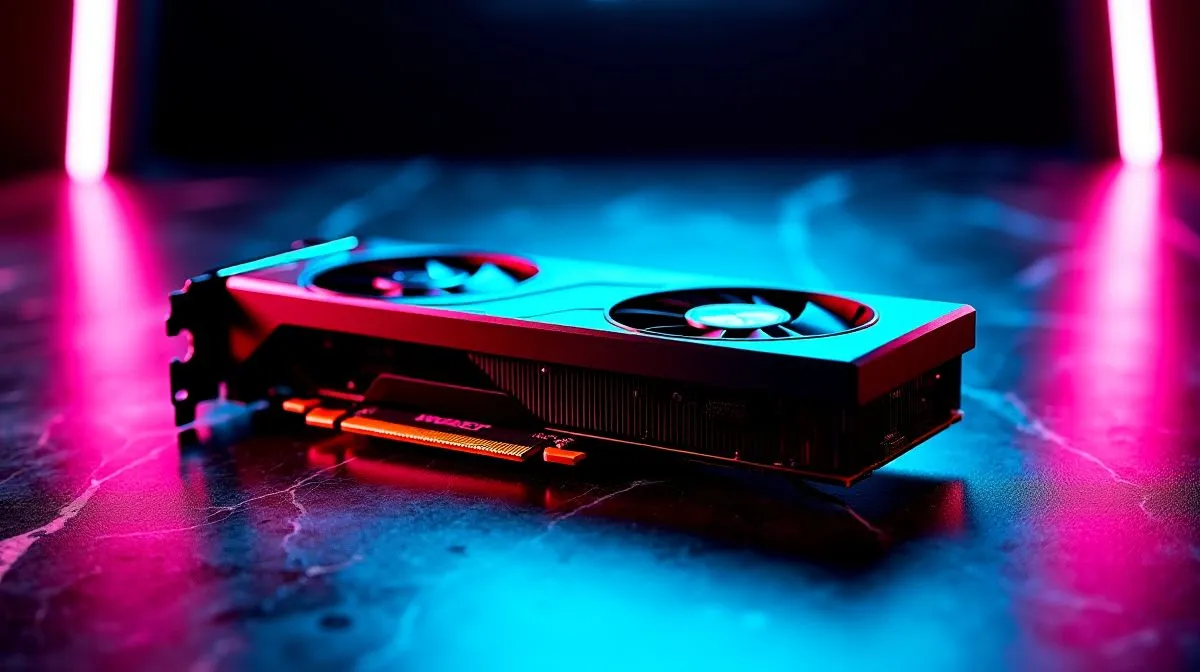
A 768 CUDA core GPU can still pull serious weight in South African studios, home offices, and creator rigs. If you’re modelling in CAD, previewing assemblies, or rendering lighter scenes, the trick isn’t chasing hype… it’s tuning what you already have. With the right settings, airflow, and driver choices, you can squeeze more smoothness from a modest card and save a few rand along the way. 🔧
First, set expectations. A 768 CUDA core GPU is best for entry-level to mid-range 3D work, not massive film scenes. That said, many CAD tasks lean more on viewport stability, driver behaviour, and system balance than raw core count. NVIDIA’s CUDA platform is widely used by creative apps for GPU acceleration, while CAD performance often depends on certified drivers and efficient scene handling. For a broader look at current options, browse Evetech’s NVIDIA and ATI graphics cards range.
If your card feels sluggish, check three things before you spend money:
Use the latest stable driver from the manufacturer. Game-ready drivers can work well, but studio-oriented drivers often provide better consistency for CAD and rendering. Autodesk and other software vendors regularly note the importance of supported drivers for stable viewport performance. If you’re using MSI hardware, Evetech’s MSI graphics card listings are worth a look when you’re comparing cooling designs and board layouts.
Large textures, unnecessary geometry, and real-time shadows can choke a smaller GPU. Reduce viewport quality while modelling. Use proxy objects where your software supports them. Simplify materials during early design stages. Then switch quality up for final presentation renders. That saves time and keeps the machine responsive.
A well-cooled GPU sustains boost clocks better. Clean dust from the case, improve intake airflow, and avoid stacking hot drives near the graphics card. In South African summers, this makes a real difference. A card that runs cooler often renders more consistently… and crashes less.
Boost CAD comfort by lowering viewport anti-aliasing and using wireframe or shaded modes while you edit. Save full-quality settings for final checks and renders. It cuts lag without changing your actual design data.
Software choice can change everything. Some 3D applications favour NVIDIA CUDA, while others lean on CPU rendering, OpenCL, or hybrid engines. If your current card is limiting you, compare it against newer options in Evetech’s Intel Arc graphics cards section. Intel Arc can be attractive for creators who want modern media support and competitive pricing.
If your workload is mostly professional design rather than gaming, take a look at workstation graphics cards. These are built with reliability in mind. They’re often the safer choice for demanding CAD environments, especially where uptime matters more than flashy benchmark numbers.
For buyers weighing value, AMD Radeon graphics cards can also make sense. AMD tools and drivers have improved a lot for creators. The best choice depends on your software stack, budget, and the kind of projects you actually ship.
A smart upgrade path starts with diagnosis. Ask yourself: is the GPU really the bottleneck, or is RAM the problem? Is the scene too complex? Is the SSD slowing project loads? Many users jump to a new card when a simpler fix would do.
If you must upgrade, match the card to your workload. For lightweight CAD and occasional rendering, a modest modern GPU may be enough. For heavier 3D pipelines, workstation-class hardware can be worth the extra rand. Either way, compare the full system, not just the graphics card alone.
The best results come from small, sensible changes. Update drivers. Improve cooling. Trim viewport clutter. Use the right software backend. Then upgrade only when the workload demands it. That approach keeps costs controlled and performance predictable, which matters when you’re building or buying in ZAR.
Ready to Find Your Perfect Match? The Mac vs Windows debate is complex, but for maximum power, choice, and value in South Africa, Windows is hard to beat. Explore our massive range of laptop specials and find the perfect machine to conquer your world.
Use up-to-date NVIDIA drivers, set consistent power mode, enable the preferred GPU for rendering apps, and avoid unnecessary background GPU workloads.
Optimise render settings (samples, denoise, resolution), confirm the app uses CUDA, and benchmark changes to find the fastest stable configuration.
Yes only with stability testing: raise clocks in small steps, validate with long renders, and ensure cooling and power headroom to prevent throttling.
For consistent CAD performance, choose a performance-focused power mode so clocks stay steady during long viewports and exports.
Improve airflow, monitor temps and power draw, set fan curves if supported, and ensure PSU capacity so the GPU does not drop clocks mid-render.
VRAM often matters more for large scenes and high textures; CUDA cores help compute, but insufficient VRAM can cause slowdowns or fallback.
Check application GPU selection, confirm CUDA acceleration is enabled, and review performance monitors to ensure the workload uses the intended GPU.
Run repeatable scenes, capture baseline FPS/render time, test one change at a time (drivers, power, settings), and compare results for consistent gains.
MacBook Pro 16-Inch M5 Max: Complete Specs,. Everything you need to know with SA pricing, step-by-step instructions & expert recommendations.
Read more
Travelling With a MacBook: Travellers. Everything you need to know with SA pricing, step-by-step instructions & expert recommendations.
Read more
Back-to-School Parent Guide: Laptops. Everything you need to know with SA pricing, step-by-step instructions & expert recommendations.
Read more
MacBook Air 13-Inch M5: Complete Specs, Features. Everything you need to know with SA pricing, step-by-step instructions & expert recommendations.
Read more
MacBook Neo Unboxing and First Setup Guide for. Clear setup instructions with SA-specific considerations, troubleshooting tips & recommended components.
Read more
MacBook Pro 16-Inch M5 Pro: Complete Specs,. Everything you need to know with SA pricing, step-by-step instructions & expert recommendations.
Read more
CS2 Low FPS: Monitor Bottleneck. Real-world benchmark data, FPS numbers & performance analysis. What SA gamers can actually expect.

Is AOC a Good Monitor Brand for Gaming in South Africa Detailed answer with SA data, expert analysis & practical recommendations for local buyers.

What Gaming Monitor Can You Get for R20,000. Full parts list, Rand pricing & expected performance. Build confidently with SA-available components.

What Gamers Actually Bought: November Report. Real purchase data from SA retailers revealing what local buyers are actually choosing and why.

Can the RX 7700 XT Handle 1440p 144Hz Gaming. Performance testing verdict with real data & practical recommendations for SA buyers.

Top Laptop with Core i7 + RX 7700S: Picks picks evaluated on performance, value & SA availability with current Rand pricing from Evetech.

RX 7700 XT Black Myth Wukong 2 FPS: Performance. Real-world benchmark data, FPS numbers & performance analysis. What SA gamers can actually expect.

RTX 6080 Gran Turismo 7 PC Performance: FPS Test. Real-world benchmark data, FPS numbers & performance analysis. What SA gamers can actually expect.

Eliminate background noise in gaming voice chat using cardioid microphones to focus on your voice and reject room sounds. Get cleaner comms fast with smart placement and settings—🎮🎧

Wondering how much to spend on a high-end gaming headset in South Africa? We break down budget vs performance, what you actually get, and smart upgrade steps 🎧⚡

Wondering about THX Spatial Audio vs 7.1 surround for positional awareness? We compare imaging, depth, and cueing so you can pick the best option for gaming. 🎧👣

50mm bio-cellulose drivers vs standard drivers: does material affect audio precision? Compare clarity, bass control, and imaging so you can choose the right headphones. 🎧🔍