

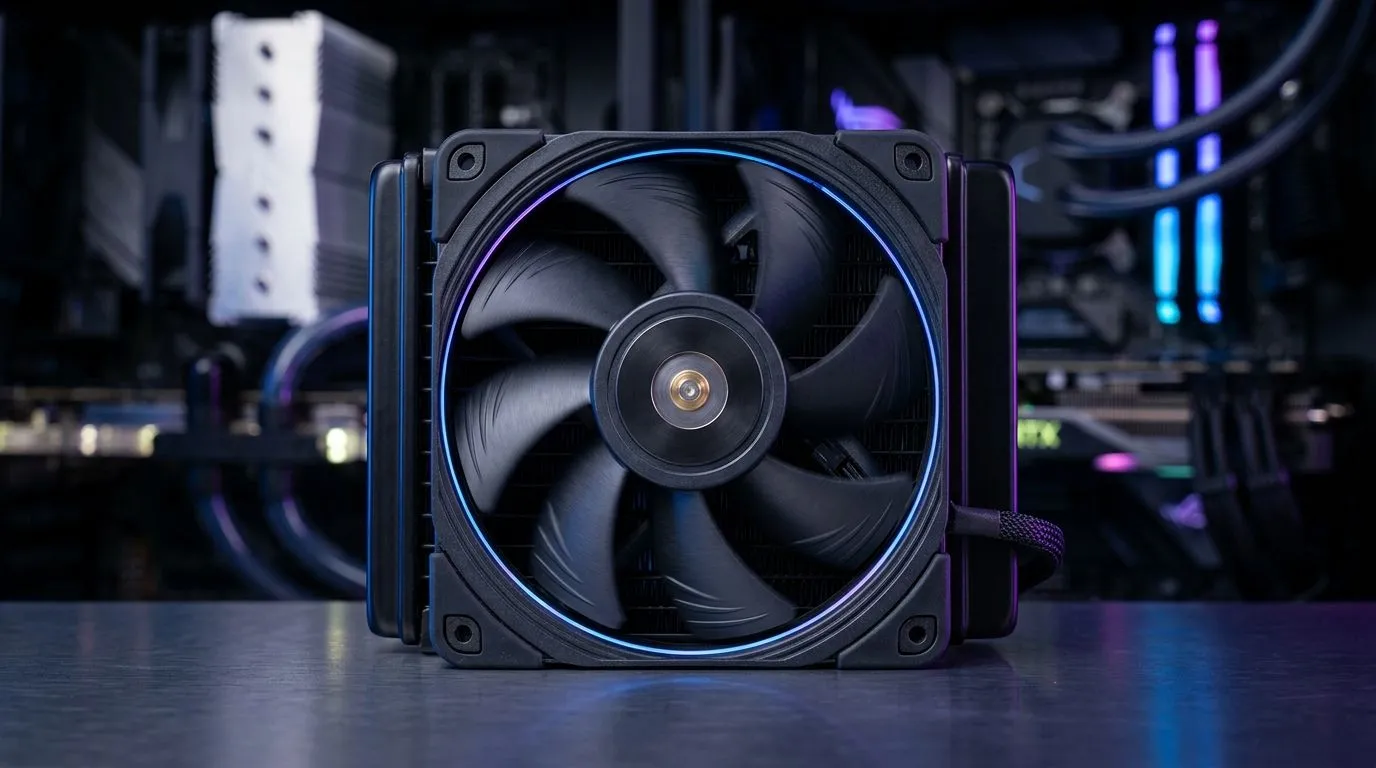
Optimising 2000 RPM PWM Fan Curves for Quiet CPU and GPU Cooling (South African gamer edition)
If your PC sounds like it’s auditioning for a helicopter role, the fix is often simpler than you think. 🔧 PWM fans are controllable, predictable, and cheap to tune. With the right curve, you can keep your CPU and GPU cool during raids… without the constant whoosh during menus.
In this Deep Dive, we’ll optimise Optimising 2000 RPM PWM Fan Curves for Quiet CPU and GPU Cooling using practical steps you can apply in BIOS or software. You’ll also learn how to avoid the “loud now, quiet later” cycle that makes gamers feel like their rig is fighting them.
Start with the basics: what 2000 RPM PWM actually means
Most “2000 RPM” case fans are rated at a maximum speed (free air, ideal conditions). In real cases, airflow load changes everything: dust, cable clutter, fan placement, and GPU exhaust strategy. PWM control helps because you’re not stuck at a single speed.
A PWM curve tells your fans how aggressively to respond to temperature. The goal is to:
- Keep temperatures within safe operating ranges
- Prevent sudden speed jumps (noise spikes)
- Allow a stable, smooth ramp over time
Your temperatures matter more than fan RPM “spec sheets”. If you tune your curve to your real CPU/GPU temps, your system will feel calmer within days.
Build a quiet-first curve using sane temperature breakpoints
Here’s a starting point you can adapt. Use these as “quiet-first” anchors:
- 30°C to 45°C: 20% to 30% duty (or 600–900 RPM-ish, depending on your fan)
- 50°C: 35% to 45%
- 60°C: 55% to 65%
- 70°C: 75% to 85%
- 75°C+: 90% to 100%
Why those breakpoints? Because CPUs and GPUs don’t instantly jump from idle to peak during gaming. They ramp. A smooth ramp usually keeps noise low while still giving thermal headroom.
In BIOS or fan control software, always test one variable at a time. Change only CPU fan curve first, then GPU-related curves.
Suggested strategy for CPU vs GPU
- CPU fan curve: target smoother control. CPUs tolerate short bursts but appreciate steady airflow.
- GPU fan curve: often benefits from a slightly more responsive curve if your card dumps heat into the case. But go gentle, because GPU fans can already be loud under load.
Tuning Pro Tip ✨
On Windows and Linux, watch fan and temperature graphs during the same scenario (one game, one benchmark run, same settings). If you tune to “feel”, you’ll chase your tail. Tune to repeatable numbers instead, then lock the curve in. (Use your motherboard monitoring tools or an app like HWiNFO for consistent readings.)"
Don’t ignore airflow and fan placement (it’s half the curve)
Even the best PWM curve can’t compensate for poor case airflow. Before changing your duty cycle, confirm:
- Intake fans pull cooler air from the front/bottom
- Exhaust fans push hot air out the rear/top
- Your GPU isn’t choking the exhaust path
If you’re swapping fans, start with match-up guidance. Evetech’s case fan listings make it easy to compare sizes and airflow options, including RGB and non-RGB variants:
- Consider browsing general case fan options first at Evetech case fans
- If you want a specific brand ecosystem, you can narrow it down with CORSAIR case fans at Evetech
- For value-focused cooling, check options like Deepcool case fans on Evetech
- Want full aesthetics? Compare RGB case fan options
- Or keep it clean and practical with non-RGB case fans
Pick the right size before you chase silence
Fan size affects static pressure needs and how quickly the curve can stay low. If you’re currently running 120mm, test 140mm if your case supports it. Larger fans can often move more air at lower RPM, which makes quiet tuning easier.
- 120mm options: Evetech 120mm case fans
- 140mm options: Evetech 140mm case fans
Test like a pro: avoid hunting noise and temperature overshoot
After applying your curve:
- Run a gaming session or benchmark you can repeat.
- Item
- If fans surge early, lower duty at the first breakpoint.
- If temps climb too far, raise duty at the mid breakpoint instead of jumping everything up.
Noise “hunting” usually comes from a curve that’s too tight. Give yourself a little buffer. Once you get stable, your rig will sound calm even during chaotic fights.
Ready to find the quiet tuning that fits your rig?
If you want a quieter CPU and GPU experience, the right PWM curve is only half the story. The other half is choosing fans that suit your case and airflow plan.
Ready to Find Your Perfect Match? The Mac vs Windows debate is complex, but for maximum power, choice, and value in South Africa, Windows is hard to beat. Explore our massive range of laptop specials and find the perfect machine to conquer your world.











