

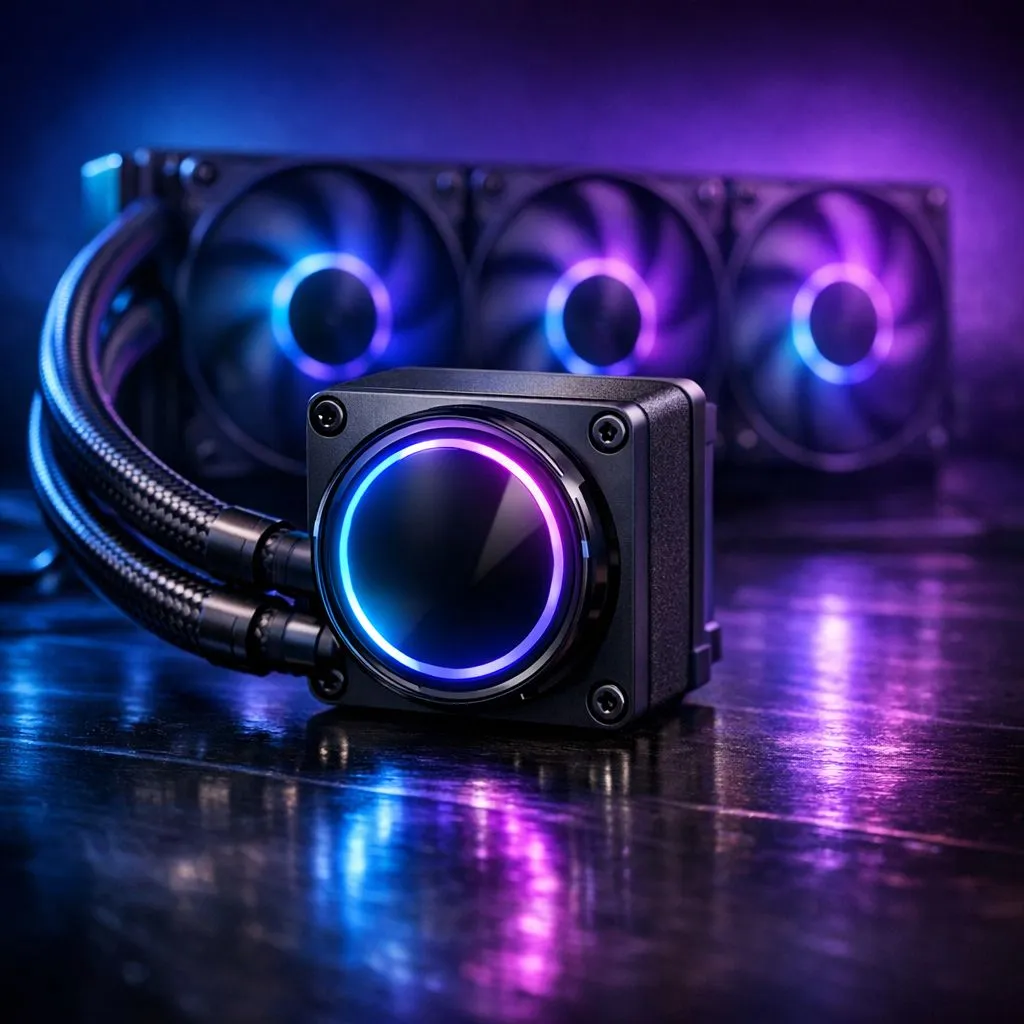
Why balancing pump speeds and fan curves reduces noise and boosts lifespan 🔧
If your PC sounds like a bakkie at a robot dance, you can fix that without sacrificing temperatures. Optimising pump speeds and fan curves for low-noise cooling gives quieter idle performance, smarter ramp-up under load, and longer component life. This short guide walks you through practical tuning, choice of fans and pumps, and quick BIOS or software tweaks you can make tonight.
Optimising pump and fan settings: where to start
Start with good hardware. High-quality case fans move air more quietly; browse Evetech’s case fan selection to match airflow and noise targets. For brand-specific choices check Corsair options and their control ecosystems. Deepcool also offers budget-friendly quiet fans and mounts. Measure stock noise with a phone app or simple ear test before changing curves.
Practical fan curve steps for low-noise cooling
Set ramps, not thresholds. Use a shallow fan curve between 30–60°C so fans stay quiet on desktop tasks. Map fan speed to GPU and CPU sensors separately when possible. Many users replace PWM curves in BIOS or use software to link pump speed to CPU temperature. If your AIO pump is noisy at low RPMs, raise idle RPM slightly and smooth the curve to avoid oscillation.
Choose fan size and lighting wisely. 120mm fans are versatile for radiators and general airflow, while 140mm fans move more air at lower RPM. If aesthetics matter, compare RGB options with non-RGB picks—RGB can look sharp but sometimes uses different blades or bearings.
Tuning Tip ⚡
When testing, run one change at a time. Adjust a single fan curve by 5–10% or alter pump idle RPM, then stress test for 15 minutes. This isolates effects and avoids chasing phantom issues.
Optimising pump and fan settings: software and BIOS notes
Software and BIOS control matter. Use motherboard fan headers and set curve type to linear or custom in BIOS, or use vendor tools like Corsair iCUE for matched ecosystems. Deepcool controllers also let you synchronise pump and fans. Monitor with HWiNFO or MSI Afterburner while you change settings, and save profiles so you can rollback if a tweak raises temps.
Practical fan curve steps: mounting, radiators and a short SA story 🚀
Mounting and airflow are often overlooked. Use rubber grommets or anti-vibration pads to cut resonance. For radiators, prefer fans with good static pressure and test push, pull, or push-pull setups. Road testing in a small Johannesburg room showed small changes to intake placement improved exhaust balance and reduced overall fan duty. Small hardware and a careful curve can make your build whisper very quiet.
I tuned a friend's rig in a Cape Town flat: swapped noisy stock fans for high-static 120mm models and smoothed the pump curve. Idle noise dropped noticeably and GPU temps stayed stable during Apex Legends. The key was patience and small steps.
Final checks: monitor temps with tools, log fan RPM, and prioritise silent airflow paths. Quiet systems are about balance, not maximum numbers. Want a visual checklist? Start with one quiet fan direction, secure mounts, and then tune curves.
{{CALLTOACTION:
Ready to Find Your Perfect Match? The Mac vs Windows debate is complex, but for maximum power, choice, and value in South Africa, Windows is hard to beat. Explore our massive range of laptop specials and find the perfect machine to conquer your world. }











