

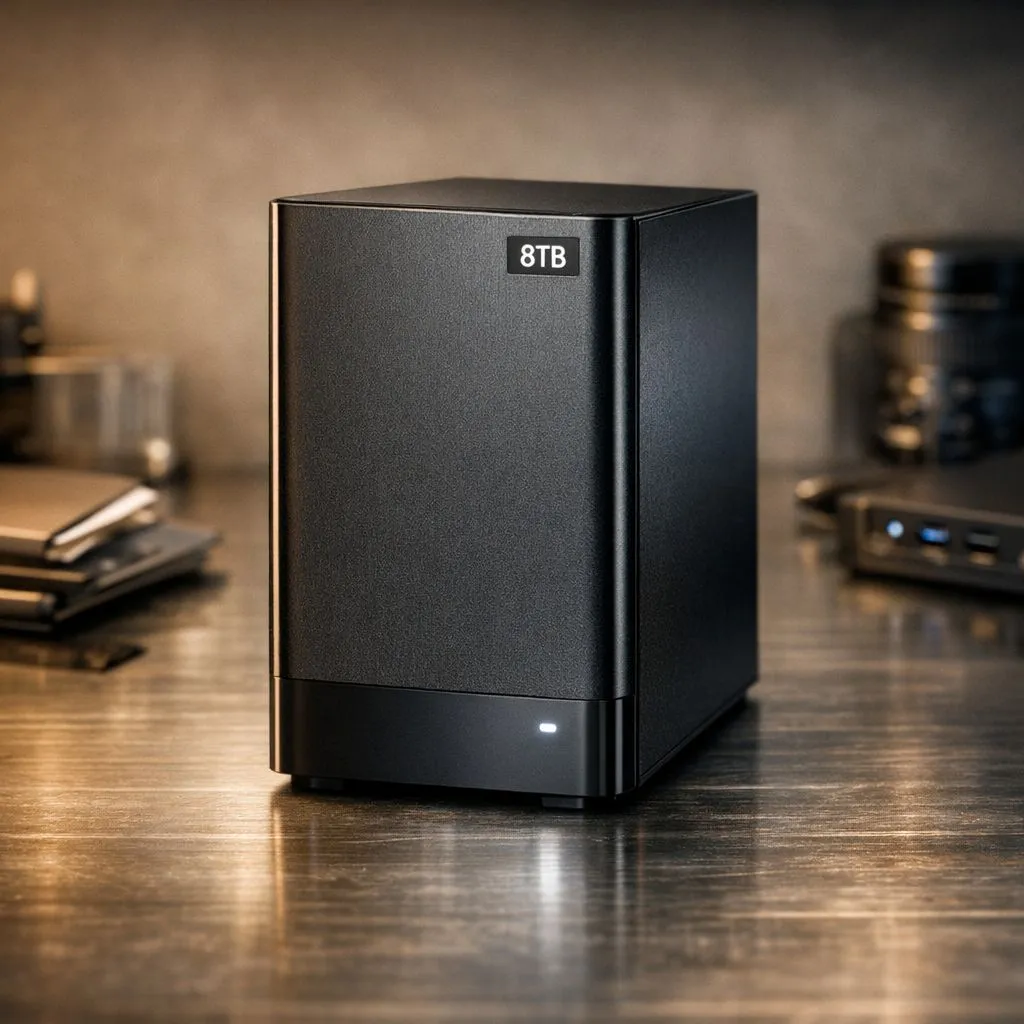
So, you finally bit the bullet and grabbed a massive storage solution. Whether it is for a massive Steam library or 4K video projects, knowing how to organize 8TB drive space is the difference between a streamlined workflow and a digital headache. In South Africa, where data costs and load times matter, keeping your files tidy is essential for performance... and your sanity. ✨
Why You Need a System to Organize 8TB Drive Space
8TB is a staggering amount of room... roughly 2 million photos or thousands of high-definition movies. If you simply dump files into the root directory, you will spend more time searching than gaming. Start by investing in high-quality solid state drives to ensure your data stays accessible and safe from mechanical failure.
A well-structured drive prevents the OS from slowing down when indexing files. It also makes your backup routine much faster. When you know exactly where your "Work" folder ends and your "Media" folder begins, you can target specific directories for cloud syncing or physical redundancy.
Categorisation Strategies for Massive Storage
A "flat" folder structure is your enemy. You should group your data into five main pillars: Media, Games, Work, Backups, and Downloads. If you are using ADATA drives for your secondary storage, you can leverage their reliability for long-term archiving.
The Naming Convention Rule
Never name a folder "New Folder" or "Stuff". Use a consistent format like "YYYY-MM_ProjectName". This ensures that when you sort by name, everything appears in chronological order. This is a lifesaver for local content creators who need to find specific footage from a shoot six months ago.
Storage Pro Tip ⚡
Use a tool like WizTree or WinDirStat once a month to visualize your 8TB drive. It creates a visual map of every file, making it incredibly easy to spot massive 'temp' files or forgotten installers that are eating up hundreds of gigabytes of space.
Speed vs. Capacity: Choosing Your Hardware
Not all 8TB setups are created equal. If you need lightning-fast access for video editing or high-end gaming, looking at Gen 5 NVMe options is a smart move... even if you use them as your primary drive alongside a larger SATA storage pool. 🚀
For those who prefer portability, picking up an external SSD allows you to take your entire library to a friend's house in Johannesburg or Cape Town without breaking a sweat. It is the best way to share 100GB+ game installs without relying on inconsistent internet speeds.
Managing External Clutter
Many South Africans opt for the external form factor to expand laptop storage. To keep this tidy, use a dedicated "Incoming" folder for all new files. Once a week, move those files to their permanent homes. 🔧
Brands like Western Digital often offer robust software tools to help automate these backups. This keeps your 8TB of data mirrored and safe. Remember, a drive that is organized is a drive that lasts, as you spend less time performing unnecessary read/write operations while searching for lost data.
Ready to Expand Your Digital Horizon? Whether you need raw speed for gaming or massive capacity for your archives, we have the perfect storage solution for your build. Explore our massive range of SSD specials and find the perfect drive to conquer your digital clutter today.











