

Ah, the South African summer. The familiar hum of the air-con, the relief of a load-shedding-free evening… and the mysterious lag spike that kills your win streak. You’ve optimised your PC’s cooling, but what about your network gear? Your router and Wi-Fi extender are often the unsung heroes, silently working away. But in our climate, they can get seriously hot, throttling your speed when you need it most. 🌡️
Choosing the right overheat-safe boosters for hot climates isn't just a luxury; it's essential for stable, fast internet.
Why Your Network Gear Hates the Heat
Think of your router like a mini-computer. It has a processor, memory, and radios… all generating heat. When it gets too hot, it protects itself by slowing down. The result? Buffer-face on Netflix, glitchy voice chat on Discord, and frustrating lag in competitive games. It’s a performance bottleneck that many gamers overlook.
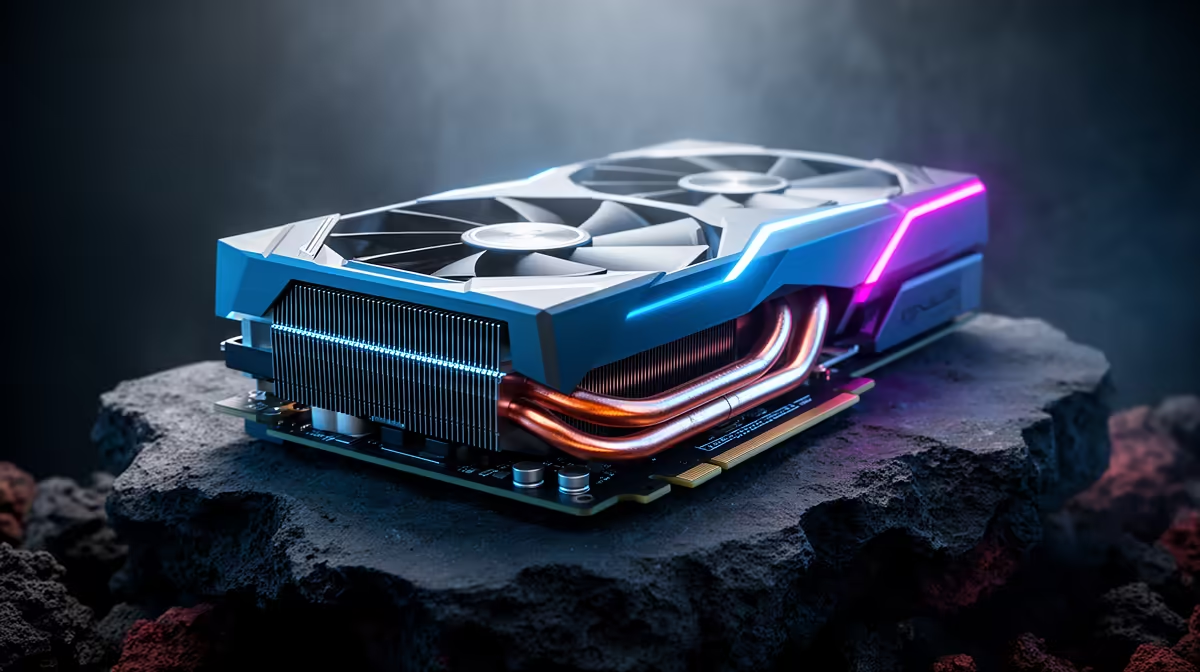
In a country where ambient temperatures can easily top 30°C, a poorly ventilated router is a recipe for disaster. That's why modern wireless routers are now being designed with much better thermal management, featuring larger heatsinks and smarter ventilation to cope with demanding tasks and warmer environments.
Finding Boosters Built for Hot Climates
When you're shopping for new network hardware, don't just look at the top speed. Pay attention to the physical design. Are there plenty of ventilation holes? Does it feel flimsy or solidly built? Components that are designed to be overheat-safe boosters for hot climates often have a larger physical footprint to allow for better passive cooling.
This is especially true for signal extenders, which can run hot. A well-designed wireless range extender will ensure you get a strong signal in every corner of your home without creating a new thermal weak point in your network. It’s about boosting your signal, not your temperatures. 💨
The 10cm Rule 📏
Give your router and extenders breathing room! Never cram them into a tight TV cabinet or surround them with other electronics. Allowing at least 10cm of open space on all sides for airflow can genuinely lower operating temperatures and improve performance stability.
Optimising Your Setup for a Cool, Fast Connection
Even with the best hardware, placement is key. Keep your networking gear out of direct sunlight, especially if it’s near a north-facing window. For PC gamers, the connection between your rig and the router is critical. If you're not using a wired connection, a high-quality wireless adapter, preferably one with its own external antenna or heatsink, can make a world of difference.
Ultimately, building a reliable home network in South Africa means planning for the heat. By choosing hardware designed for our conditions and placing it thoughtfully, you ensure your connection stays fast and stable... even when the weather outside is anything but. 🚀
Upgrade to a Cooler Connection Don't let overheating hardware sabotage your gameplay. Explore our full range of thermally-optimised networking solutions and build a network that can handle the heat. Shop our wireless networking gear at Evetech for performance that never sweats.











