

It’s a blistering 35°C day in Jozi, the power just clicked back on after loadshedding, but your WiFi is crawling. Sound familiar? Your gaming session or Netflix stream shouldn't suffer just because of a heatwave. The culprit is often your networking gear, silently cooking itself and throttling your speed. Finding reliable, overheat-safe boosters for hot climates like ours isn't a luxury… it's essential for a stable connection when the temperature soars. 🌡️
Why Your WiFi Gear Hates the South African Heat
Most people worry about their PC's temperature, but forget that routers and extenders are also mini-computers. When they get too hot, their internal components slow down to prevent damage. This is called thermal throttling, and it’s the number one enemy of a fast, consistent connection during summer. Poor ventilation, direct sunlight, and even dust buildup can turn your trusty router into a tiny oven.
Before you even think about extenders, ensure your main hub is up to the task. An older router might struggle with modern demands and heat. Upgrading to one with better passive cooling and more efficient hardware can be the first, most effective step. A solid foundation is key to building a robust home network that can handle both the data and the heat. Check out our range of modern wireless routers to see the difference for yourself.
Finding the Right Boosters for Hot Climates
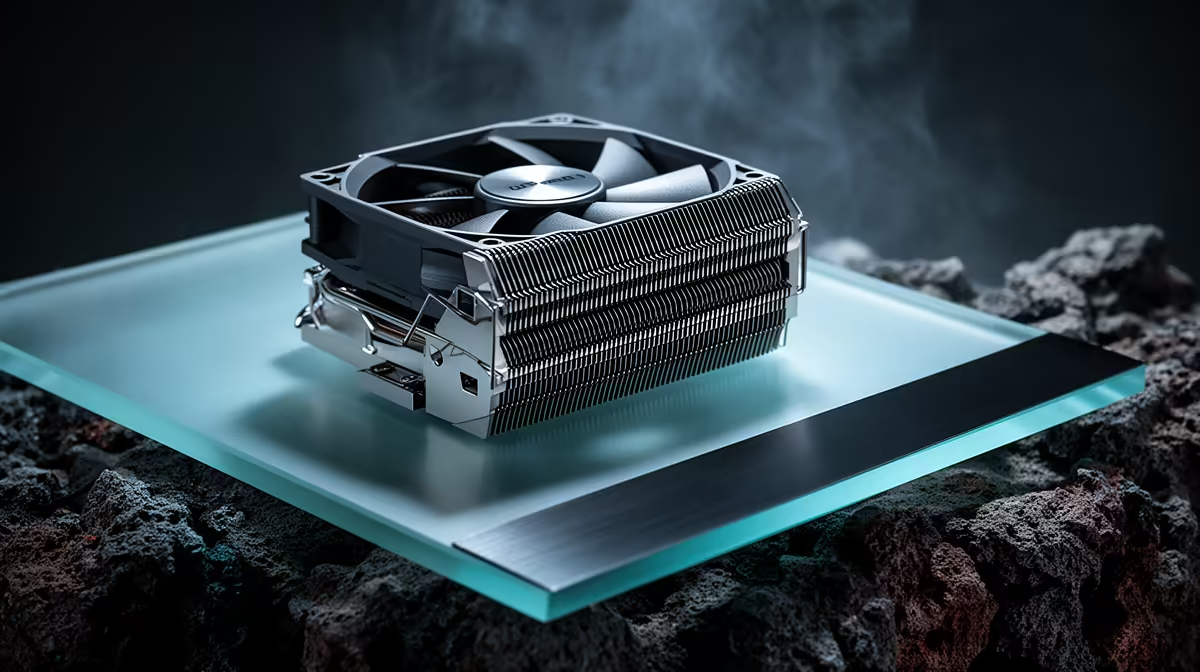
When your signal needs a push to reach the braai area or the upstairs office, a WiFi extender is the answer. But not all are created equal, especially for our conditions. When looking for overheat-safe boosters, prioritise models with ample ventilation grilles. More expensive units often have larger internal heatsinks, which silently draw heat away from the critical chips without needing a noisy fan.
Placement is just as crucial as the hardware itself. Don't shove your extender behind a couch or inside a packed media cabinet. It needs airflow to breathe. Think of it as giving your tech some personal space. For a dead zone at the edge of your home, a well-placed device from our selection of wireless range extenders can deliver a stable signal without breaking a sweat. 💨
The 15cm Rule
Give your gear breathing room! Keeping a 15cm gap of clear air around your router and extenders can lower operating temperatures by several degrees, preventing throttling and keeping your speeds high.
Beyond Boosters: Optimising the Whole Chain
Sometimes, the weak link isn't the signal's range, but the device receiving it. If your PC is still using an old or basic USB WiFi stick, it might be the source of your connection woes, struggling to maintain a stable link with the router. A high-quality internal or external adapter can make a massive difference.
Modern wireless adapters often come with their own heatsinks and more powerful antennae, ensuring the connection is strong and stable right at your PC. This completes the chain, ensuring every part of your network is optimised to perform, from the router to the booster, all the way to your machine. ✨
Beat the Heat & The Lag Don't let a hot day throttle your connection. Equip your home with networking gear designed to perform under pressure and enjoy seamless gaming and streaming all year round. Explore our full wireless networking range for performance that leaves lag in the dust.











