

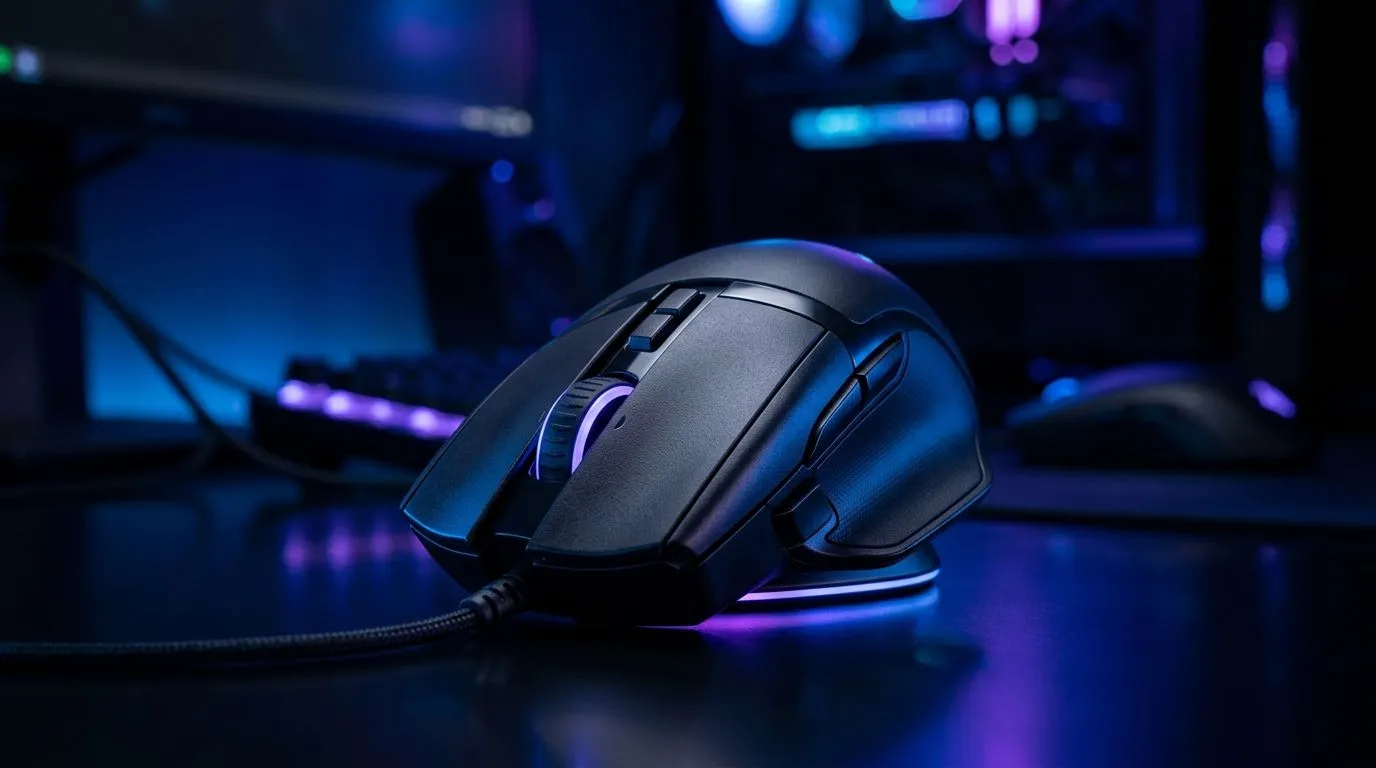
Owl-Eye 19K DPI Sensors: What They Mean for Aim in South Africa 🎯
If you’ve ever thought, “Why does my crosshair feel shaky?” you’re not alone. In SA, where we game on everything from budget rigs to RTX towers, mouse feel matters. An Owl-Eye 19K DPI sensor is often advertised as “precision”, but what does that actually change when you’re doing CS2 flicks, Valorant micro-corrections, or controller-level control in Warzone?
Let’s decode it in plain terms… and help you pick a mouse that matches how you play.
DPI vs Precision: The Owl-Eye 19K DPI Sensors Explained 🔍
“19K DPI” means the sensor can be set to track at up to 19,000 dots per inch (tracked distance). Higher DPI gives you more movement per inch of mouse travel. But precision isn’t only about DPI. Precision depends on a mix of:
- Sensor quality (how consistently it tracks on your desk or pad)
- Polling rate (how often it reports position to your PC)
- Surface behaviour (glass, cloth, hybrid pads…)
For buyers, the key takeaway is this: DPI is a sensitivity ceiling. Real aim stability comes from how well the sensor maintains accuracy across surfaces and how smooth the tracking feels.
19K DPI in Real Games: Why Higher Doesn’t Always Win ⚡
Most competitive players don’t need 19K DPI. They often run moderate DPI and adjust in-game sensitivity so muscle memory stays consistent. Here’s what typically improves “feel” more than chasing max DPI:
- Consistent tracking on your specific mouse pad
- Low sensor jitter (micro “wobble” even when your hand is steady)
- Prediction latency from smooth input delivery (usually tied to polling rate)
If your current mouse skips on a worn cloth pad or behaves unpredictably on a slick desk, a better sensor can help instantly. If your tracking is already stable, jumping to 19K may mostly change how fast your cursor moves, not how accurate it is.
Productivity Pro Tip 🔧
On Windows, set your mouse sensitivity using consistent DPI steps and then fine-tune in-game. Keep the same DPI across practice and ranked sessions so your aim stays “trained” instead of constantly recalibrating. This makes sensor upgrades feel instantly smoother, even on busy local servers.
Choosing the Right Mouse: Wired, Wireless, or Accessories? 🚀
Sensor tech is important, but so is the overall platform. Before you upgrade, think about your setup:
- Wired mice usually feel straightforward for latency-sensitive play. If you’re shopping, browse Evetech’s wired options here: Wired gaming mice at Evetech
- Wireless can still be competitive when tuned properly, especially with good battery management. Start with: Wireless gaming mice at Evetech
- Accessories like glide pads, extra skates, or cleaning tools can fix “mystery jitter” faster than you’d expect. Check: Mouse accessories at Evetech
And if you’re trying to stretch your budget in Rand terms, deals matter. Keep an eye on: Best gaming mouse deals ✨
A Quick Precision Checklist Before You Buy ✅
Use this fast checklist when comparing models (even if they all claim “19K DPI”):
- Does it specify the sensor family clearly? Owl-Eye claims are only useful if the model actually uses that hardware.
- Is it meant for your surface? If your pad is rough or you play on desk glass, note the mismatch risk.
- Can you adjust DPI smoothly? Step changes can make sensitivity feel inconsistent.
- Do you already have stable tracking? If yes, consider polling rate and shape/grip before max DPI.
Want to compare shapes and sensor options across a wider selection? Start here: Gaming mouse lineup at Evetech.
Ready to Find Your Perfect Match? The Mac vs Windows debate is complex, but for maximum power, choice, and value in South Africa, Windows is hard to beat. Explore our massive range of laptop specials and find the perfect machine to conquer your world.











