

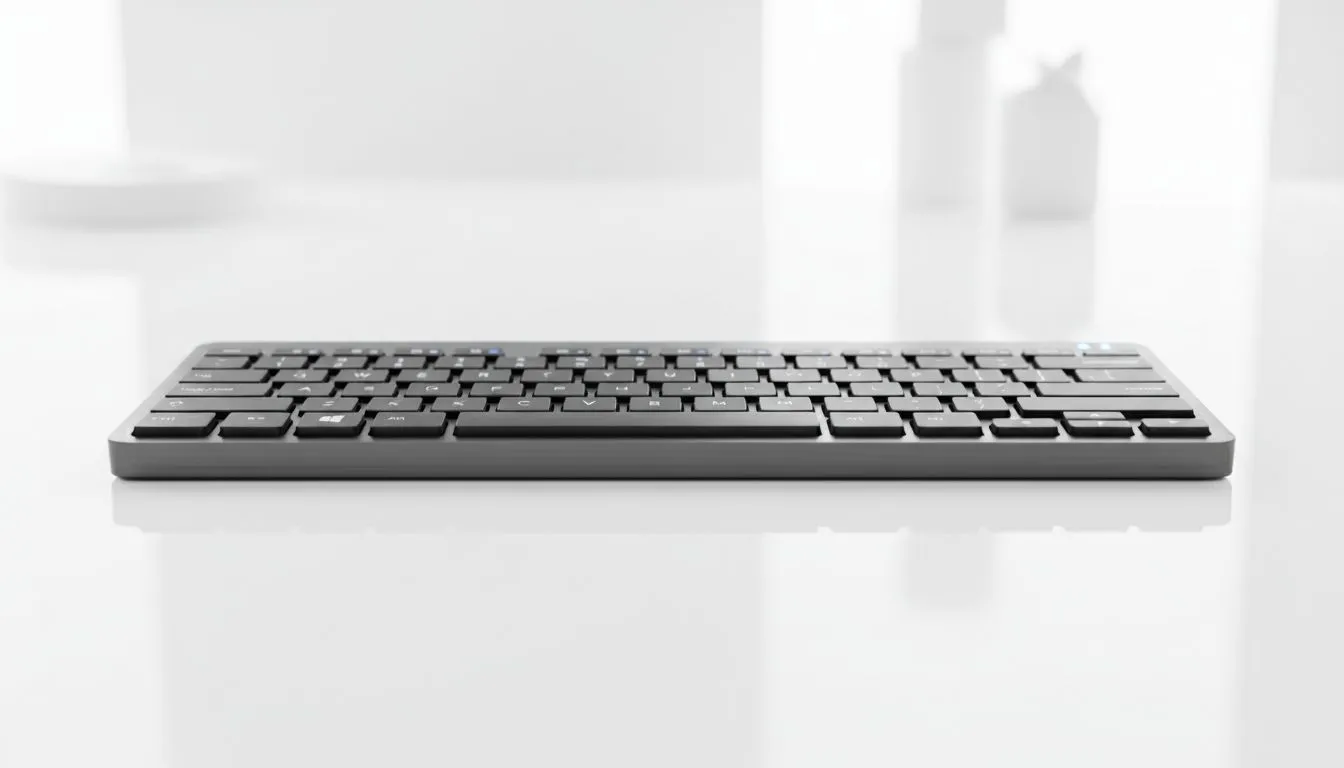
Tired of cables cluttering your desk? Whether you are grinding in Cape Town or working remotely in Jozi, a wireless setup is the ultimate flex. Pairing your gear should not be a mission. We will show you how to pair Bluetooth keyboard on Windows, macOS, Android & iPad effortlessly. Let us get your workspace looking clean and performing at its peak without the cable spaghetti. ⚡
Connecting Your Keyboard to Windows 11
Windows makes it simple to get started. First, ensure your keyboard is in pairing mode... usually indicated by a flashing LED. Open your Settings by pressing Win + I. Navigate to Bluetooth & devices and toggle Bluetooth on. Click Add device, select Bluetooth, and wait for your keyboard to appear. If you are looking for an upgrade, you can find the cheapest gaming keyboard in South Africa right here at Evetech. Once the name pops up, click it and follow any on-screen pairing codes.
How to Pair on macOS
Apple users value a sleek aesthetic. To connect your device, click the Apple menu and select System Settings. Head to the Bluetooth section. Ensure your peripheral is discoverable. It should appear under the 'Nearby Devices' list. Click Connect and you are ready to type. Many Mac users prefer the tactile feel of a Razer Gaming Keyboard for both work and play... especially when the RGB matches their setup.
Power Management Pro Tip ⚡
Always check your battery levels before a long session. If your keyboard supports it, use the manufacturer software to set a sleep timer. This small tweak can extend your battery life by weeks, ensuring you are never left hanging during a critical match or deadline.
Syncing with Android and iPad
Mobile productivity is soaring in South Africa. To pair Bluetooth keyboard on Windows, macOS, Android & iPad, the mobile steps are remarkably similar. On an iPad, go to Settings > Bluetooth. On Android, swipe down the notification shade and long-press the Bluetooth icon. Look for your device in the list. Enthusiasts often choose Glorious Keyboards for their hot-swappable switches and excellent mobile compatibility. Once paired, your tablet becomes a portable workstation.
Choosing Your Connection Style
Deciding between technologies is vital for your experience. A high-quality Wireless connection offers freedom and a minimalist look. Most modern Bluetooth 5.0 options provide low latency suitable for most tasks. However, if you are a competitive eSports player, you might still prefer the reliability of a Wired connection to ensure zero input lag. 🔧
Ready to Find Your Perfect Match? The freedom of a wireless setup is just a click away. For maximum performance, choice, and the best value in South Africa, our keyboard selection is hard to beat. Explore our massive range of keyboard specials and find the perfect machine to conquer your world.











