

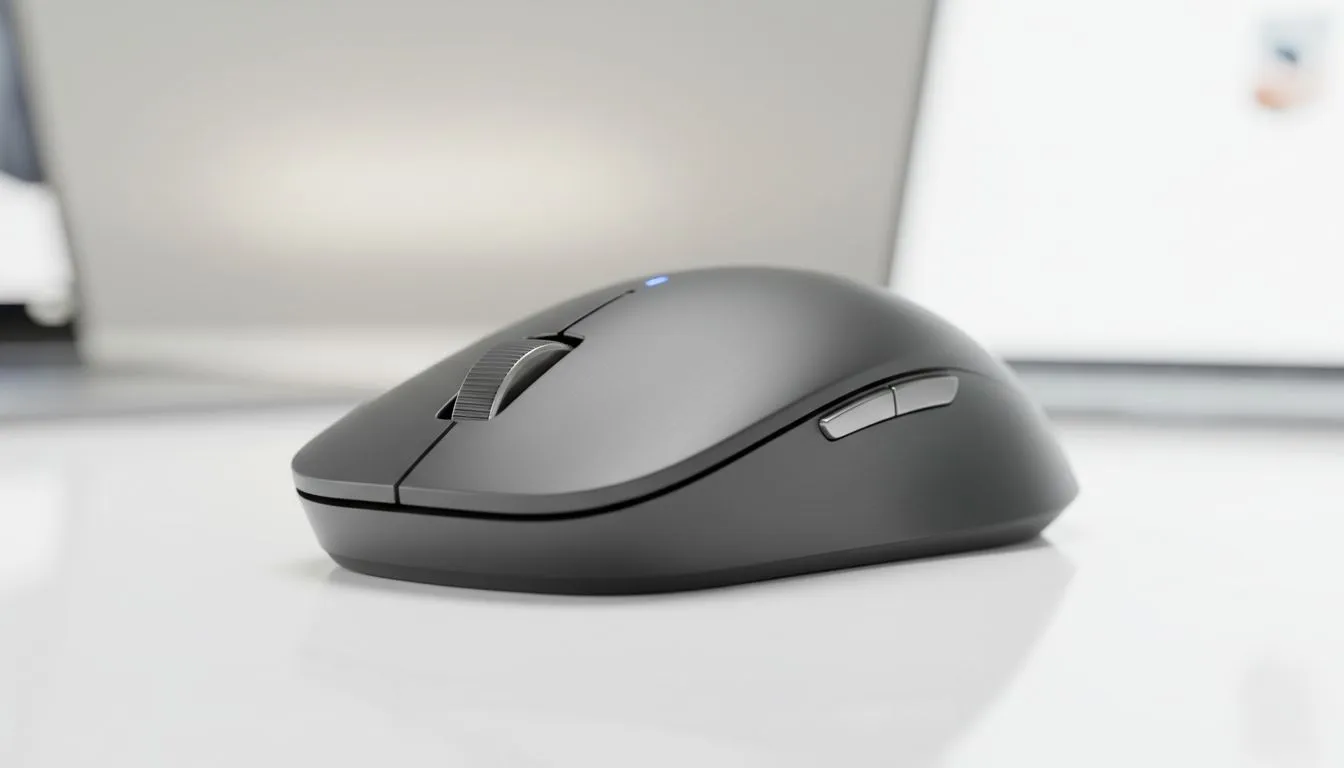
Tired of the constant 'unpair and repair' dance between your work laptop and your gaming rig? It is a mission that most South African tech enthusiasts know all too well. Whether you are switching from a spreadsheet to a session of Apex Legends, you need a setup that keeps up. Learning how to pair Bluetooth mouse to two devices without re-pairing is the ultimate productivity hack for 2024.
The Magic of Multi-Device Wireless Technology ⚡
Modern peripherals have moved past the era of single-device limitations. Many users assume they need to spend thousands of Rands on multiple controllers for different setups. However, if you choose to buy a wireless mouse with multi-host support, you can toggle between your MacBook and your Windows PC with a single flick of a switch. This technology usually relies on a combination of a 2.4GHz USB dongle and Bluetooth channels.
How to Switch Between Devices Seamlessly
To pair Bluetooth mouse to two devices without re-pairing, you generally need a mouse that supports "Multi-Device" or "Easy-Switch" features. Most premium brands like Logitech or Razer include a dedicated button on the underside or near the scroll wheel. You simply pair Device A using the USB receiver and Device B via the Bluetooth settings in Windows or macOS. Once set up, the mouse remembers both unique IDs.
If you are looking for high-performance sensors that offer this versatility, browsing the latest premium gaming mouse options is a great place to start. These units are designed to handle high-intensity movements while maintaining stable connections across different platforms.
Productivity Pro Tip ⚡
Use software like Logitech Flow or Razer SmartSwitch to move your cursor across different screens as if they were one monitor. This allows you to copy and paste files between two separate computers without using a flash drive or cloud storage. It is a massive time-saver for local creators and gamers alike.
Why Multi-Device Pairing Trumps Traditional Setups
While some purists still prefer a high-quality wired mouse for the absolute lowest latency, the gap has narrowed significantly. For the average South African gamer, the convenience of a clean, cable-free desk outweighs the millisecond difference. Plus, keeping your desk tidy with essential mouse accessories like a large desk mat makes the multi-device transition feel even smoother.
Finding the Right Value in South Africa 🇿🇦
You do not need to break the bank to get this level of functionality. We often see incredible value in the market, with some multi-device units starting under R800. Checking out the best gaming mouse deals ensures you get the latest dual-connectivity tech without overspending. Look for models that specifically mention "Dual-Mode" or "Triple-Device" connectivity in the specifications to ensure you can pair Bluetooth mouse to two devices without re-pairing in the future. 🚀
Ready to Find Your Perfect Match? The struggle of cable clutter and constant re-pairing is over. For maximum power, choice, and value in South Africa, our range of multi-device peripherals is hard to beat. Explore our massive range of gaming mouse specials and find the perfect tool to conquer your dual-screen world.











