

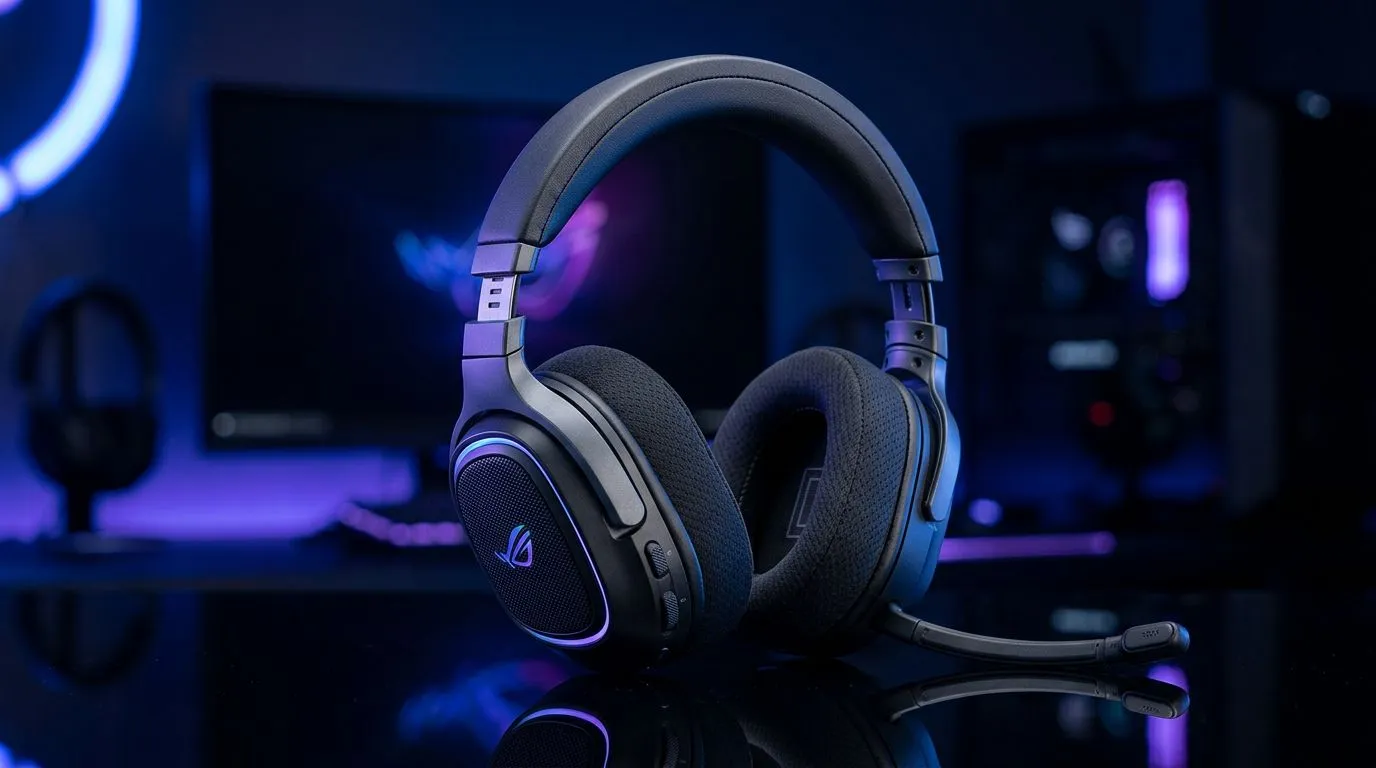
Mastering Your Wireless Audio Experience
Struggling with audio lag during a heated ranked match in Valorant? You aren't alone. In the South African gaming scene, where every millisecond counts, moving to Bluetooth 5.3 is the smartest upgrade you can make. This standard offers lower latency, improved power efficiency, and a rock-solid connection that keeps you in the zone. Whether you are upgrading your setup or troubleshooting a new pair of cans, mastering how to pair and manage Bluetooth 5.3 gaming headsets is essential for peak performance. 🚀
Seamless Pairing and Connection Stability
The beauty of Bluetooth 5.3 lies in its ability to handle interference better than its predecessors. When you first unbox a high-performance peripheral like the Razer Barracuda X Chroma, the pairing process is usually straightforward. Always ensure your PC’s Bluetooth drivers are up to date through Windows Update. To pair, put your headset into discovery mode, navigate to your Windows Bluetooth settings, and select 'Add Device'. If you find your connection drops, ensure you aren't placing your PC tower near other signal-heavy devices like microwaves or cordless phones.
Pro Tip: Audio Latency Hack ⚡
If you notice a slight delay in competitive games, check if your headset supports a dedicated 2.4GHz dongle mode. While Bluetooth 5.3 is fantastic for battery life and mobile use, high-tier gaming often requires the raw speed of a dedicated wireless receiver to eliminate sync issues entirely.
Managing Your Audio Ecosystem
Once paired, managing your devices shouldn't feel like a chore. Windows 11 makes it easy to switch between your speakers and headset via the Quick Settings menu. If you are looking to expand your collection, browsing Razer headphones and headsets will show you the latest tech available for local delivery. Keeping your firmware updated via the manufacturer's software is the secret to ensuring your Bluetooth 5.3 connection stays stable and compatible with future Windows updates. 🔧
Choosing the Right Gear for Your Setup
Not every headset is built the same. When you shop for premium gaming headsets, consider battery life and comfort for those long weekend marathons. Bluetooth 5.3 is particularly kind to your battery, often squeezing extra hours out of a single charge compared to older standards. Always verify if your current motherboard supports the latest Bluetooth version, or consider a simple USB Bluetooth adapter to bring your rig up to speed. ✨
Ready to Find Your Perfect Match? The right audio gear can be the difference between hearing a flanker and losing the round. Explore our curated range of gaming headsets and find the perfect kit to dominate the leaderboard in South Africa.











