

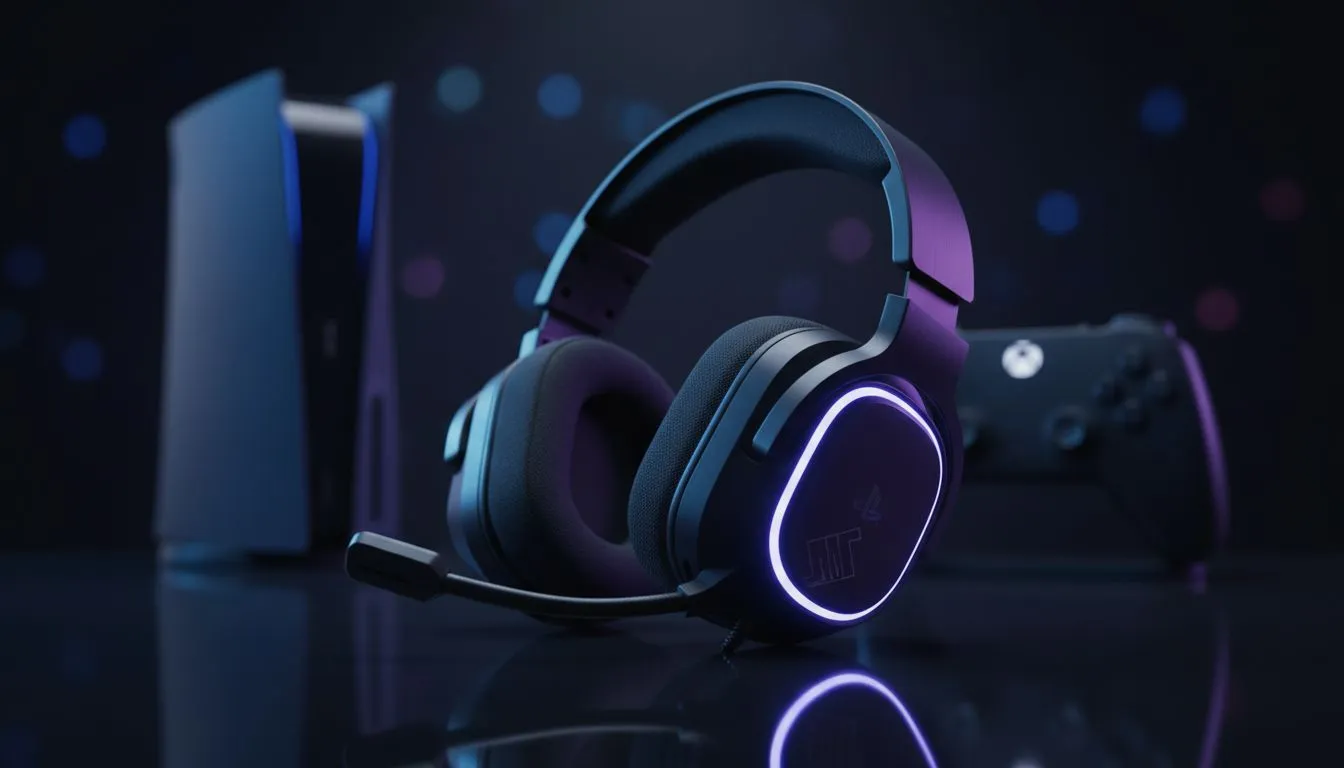
There is nothing more frustrating than dropping into a high-stakes Warzone lobby or a Destiny 2 raid only to realise your squad can’t hear a word you’re saying. Whether you are on PS5 or Series X, party chat issues are the ultimate vibe killer. If your party chat is not working, don’t panic... we have rounded up the essential fixes to get your headset and mic back in action. 🎧
Quick Fixes for PlayStation Party Chat
If you are on a PS4 or PS5 and find yourself shouting into the void, the first step is checking your output device. Sony’s software can sometimes default to the controller mic instead of your dedicated gear. Navigate to Settings > Sound > Microphone and ensure your primary device is selected.
Sometimes, the issue isn't software but hardware fatigue. If your current gear is starting to crackle or cut out, upgrading to a reliable unit like the Razer Barracuda X Chroma Wireless Headset in Phantom White can eliminate many connectivity headaches. It offers seamless switching between console and mobile, which is perfect for South African gamers who juggle Discord on their phones while playing on console.
Solving Xbox Mic Issues and NAT Types
Xbox users often face the dreaded "NAT Type: Strict" error. This is a common hurdle in South Africa due to how certain local ISPs handle traffic. If your NAT type isn't "Open," you will likely experience disconnected party sessions or one-way audio. You can usually fix this by enabling UPnP in your router settings or setting a static IP for your console.
Before you dive into router settings, check your privacy options. Go to Profile & System > Settings > Account > Privacy & online safety. Ensure that "Others can communicate with voice, text, or invites" is set to "Everybody." If you’ve confirmed your settings are correct but the audio quality is still poor, it might be time to browse the latest Razer headphones and headsets to find a model with better noise isolation and mic clarity.
The 3.5mm Cleaning Trick ⚡
If you are using a wired headset and experiencing static or intermittent cutouts, check the 3.5mm jack on your controller. Dust and lint from your pockets or desk can settle inside the port. Use a toothpick or a small blast of compressed air to clear it out. It is a simple fix that solves "broken" headsets more often than you would think!
Hardware vs Software: When to Upgrade
Sometimes, the "Party Chat Not Working" error is simply a sign that your hardware has reached its limit. Internal wires in older headsets can fray over time... leading to those annoying "can you hear me now?" moments. If you have tried resetting your console and checking your privacy settings without luck, the physical connection might be the culprit.
Investing in a high-quality peripheral ensures you aren't the one holding up the lobby. You can explore a massive range of premium headphones and headsets at Evetech to find a replacement that fits your budget and platform. Look for features like flip-to-mute mics and reinforced cables to ensure your next purchase lasts through many more late-night sessions. 🔧
Ready to Fix Your Comms for Good? Don't let technical glitches stand between you and your next win. Whether you need a competitive edge or just want to chat with friends, we have the gear to keep you connected. Explore our massive range of gaming headsets and find the perfect match for your PlayStation or Xbox today.











