

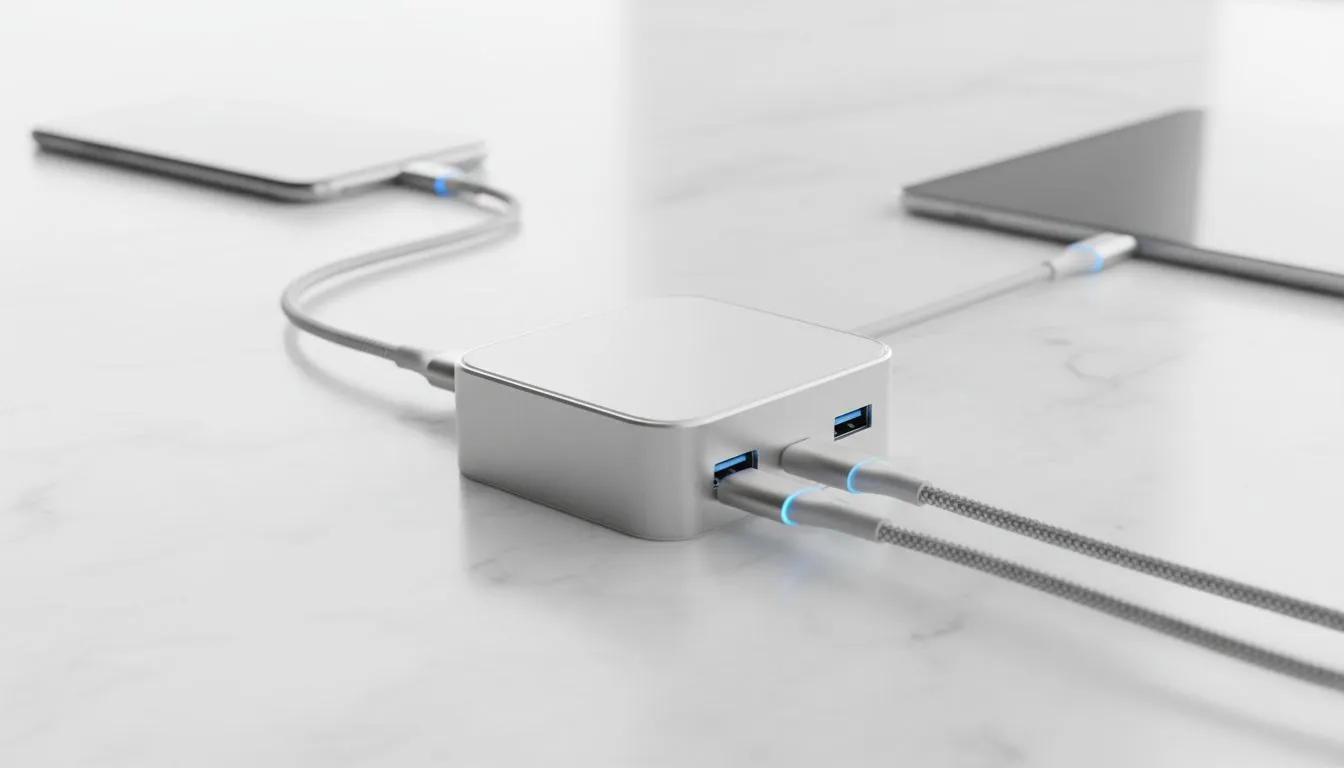
Ever felt the panic of seeing a 5% battery warning during a critical Zoom call or a late-night gaming session because your only USB-C port is taken up by a mouse? In South Africa, where keeping our devices juiced up between power cuts is a national sport, understanding pass-through charging is essential. It’s the clever tech that keeps your laptop alive while connecting your peripherals. ⚡
The Mechanics of Pass-Through Charging
At its core, pass-through charging is a power management feature found in modern USB-C hubs and docks. Instead of the hub drawing all the power for itself, it intelligently "passes" the electrical current from your wall adapter through to your laptop or tablet. This is particularly vital for modern ultrabooks that sacrifice ports for a slim profile. By using a versatile USB-C docking station, you can connect a monitor, keyboard, and mouse while simultaneously charging your device through a single cable.
The magic happens via Power Delivery (PD) technology. The hub negotiates with your charger to determine the maximum wattage available... usually reserving about 10W to 15W to power the ports and connected accessories, while the remainder goes straight to your battery.
Staying Safe with Power Delivery
Safety is a common concern when high-wattage electricity flows through a secondary device. You might notice your hub getting warm during use... this is perfectly normal. High-quality brands like Promate connectivity solutions incorporate advanced chipsets to manage heat and prevent overcharging. These chips act as a gatekeeper, ensuring that the voltage remains stable even if you plug in a power-hungry external hard drive or a mechanical keyboard.
Power Supply Pro Tip ⚡
Always check the wattage of your original laptop charger before buying a hub. If your laptop requires 65W and your hub "consumes" 15W for its own ports, you should ideally use an 80W or 100W wall brick to ensure your laptop still charges at its maximum speed without throttling performance.
Finding the Right Hub for Your Setup
Not every user needs a massive desktop replacement setup. If you are a student or a remote worker on the move, there are several budget-friendly docking hubs that offer reliable pass-through charging without breaking the bank. These smaller units are perfect for keeping in a laptop bag for those "work from a coffee shop" days when power outlets are scarce.
For those who need more "oomph" — perhaps for a dual-monitor setup or high-speed data transfers — investing in high-performance docks under R2000 is the smarter move. These units often feature better heat dissipation and support for higher Power Delivery profiles, ensuring your workstation remains stable during intense workloads or long gaming marathons. 🔧
Why Pass-Through Charging Matters in SA
With our unique energy challenges, efficiency is everything. Pass-through charging allows you to keep your ecosystem consolidated. When the lights go out, having one single cable to unplug from your laptop (while everything else stays connected to the hub) makes transitioning to a battery-powered workspace seamless. It simplifies your cable management and reduces wear and tear on your device's precious ports. 🚀
Ready to Upgrade Your Workspace? Understanding pass-through charging is the first step toward a cleaner, more efficient desk setup. Whether you need a compact hub for travel or a beastly dock for your home office, we have the tech to keep you powered up. Explore our full range of docking stations and find the perfect match for your laptop today.











