

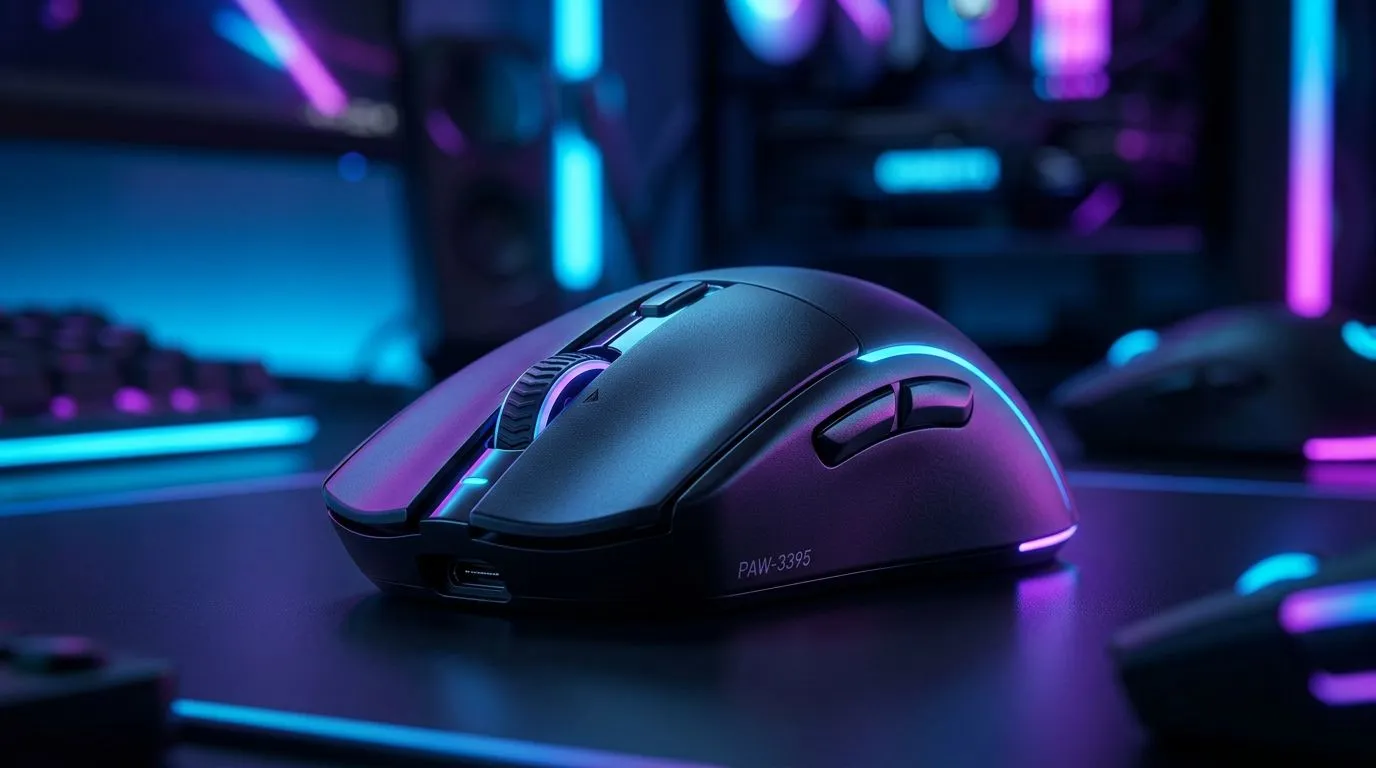
Optimising PixArt PAW-3395 Sensitivity for Precise Tracking ⚡
If you’re a South African gamer chasing pixel-perfect aim and smooth mouse movement, tuning your PixArt PAW-3395 sensitivity is key. This sensor’s reputation for accurate tracking can make the difference between a clutch win and a frustrating miss. But how do you fine-tune it so every flick and swipe feels natural? Start here for expert insights that’ll sharpen your gameplay.
Understanding the PixArt PAW-3395 Sensor for Better Sensitivity Control
The PixArt PAW-3395 sensor is a top-tier optical sensor found in many wired and wireless gaming mice. Its high DPI range and low latency offer great tracking precision for FPS and MOBA players alike. However, to unlock its true potential, tweaking mouse sensitivity settings optimally is crucial.
South African gamers can explore wired mouse options featuring the PAW-3395 sensor on this Evetech wired mouse page. Here you’ll find models suited for different grips and hand sizes, all equipped to leverage sensitivity tuning for peak accuracy.
Step-by-Step Sensitivity Tuning for the PAW-3395 Sensor 🔧
1. Start at a Comfortable DPI
Choose a DPI that complements your play style. For close-quarters combat, a DPI between 400 and 800 usually offers reliable precision. For sniping or long-range shots, increasing DPI up to 1600 might help.
2. Adjust Windows Pointer Speed
Windows often defaults to 6/11 pointer speed, which interferes with raw sensor input. Set this pointer speed to 6/11 for true 1:1 movement with the PixArt PAW-3395 sensor.
3. Use In-Game Sensitivity Settings
Match in-game sensitivity with your mouse DPI to balance speed and control. Many seasoned players in South Africa experiment widely here to find a personal sweet spot.
4. Test and Refine with Mouse Accessories
Consider adding mouse feet or grips to improve smoothness and control in motion. Evetech offers a variety of mouse accessories you can try that help tailor your tracking experience.
Pro Tip for Sharper Tracking
Increasing your mouse polling rate to 1000 Hz enhances response time—ideal for the PixArt PAW-3395 sensor’s potential.
Is Wireless or Wired Better for PAW-3395 Tracking?
The sensor performs excellently on both wired and wireless mice. However, wired mice traditionally have zero lag and zero interference, factors serious FPS gamers consider.
Check out Evetech’s range of wireless mice with PAW-3395 sensors if you prefer cable-free freedom. If latency is your priority, their wired options put you firmly in control.
Where to Find the Best PixArt PAW-3395 Gaming Mice Deals in South Africa
Savvy South Africans can snag the latest models loaded with the PAW-3395 sensor without overspending. Visit Evetech’s best gaming mouse deals page to browse competitive prices from R799 and up.
Also explore the gaming mouse category on Evetech’s site for more choices and detailed specs. Grabbing the right mouse with fine-tuned sensitivity options will boost your tracking like nothing else.
Ready to fine-tune your tracking? Elevate your aim precision now—Shop now at Evetech for performance that leaves lag in the dust.











