Building a new PC is a thrill, but it's also a big investment. Ever stared at your rig and wondered, "How long will this actually last?" In South Africa, where our PCs battle everything from summer heat to unpredictable power, understanding the typical PC component lifespan is crucial. It's not just about when a part might fail; it’s about knowing when it will start holding your system back. Let's break down how long you can expect your precious hardware to perform. 🚀
Understanding PC Component Lifespan
When we talk about "lifespan," we're looking at two different clocks. The first is Mean Time Between Failures (MTBF)—the statistical point where a component is likely to physically fail. For most quality parts, this is surprisingly long.
The second, more practical clock is the "performance lifespan." This is how long a part remains relevant and powerful enough to run the latest games and applications without becoming a frustrating bottleneck. This is the timeline that most South African gamers and creators care about.
The Core Crew: How Long Do Key Parts Last?
Your PC's performance hinges on a few key players. Their longevity varies, influenced by usage, heat, and a bit of luck.
CPU & Motherboard: The PC's Foundation
Your Central Processing Unit is the brain of the operation. Modern CPU processors are incredibly durable and rarely fail on their own. Their lifespan is almost always dictated by performance obsolescence. A mid-range CPU today could easily last 5-8 years for general use, but a high-end gamer might feel the need to upgrade in 3-5 years to keep up with demanding titles.
The motherboard is the nervous system connecting everything. Like the CPU, a good motherboard can last for years, but its lifespan is tied to the CPU socket and chipset. When you upgrade your CPU, you often need new Intel or AMD based motherboards to go with it. Expect a solid 5-7 year run before a full platform upgrade is necessary.
Graphics Card (GPU): The Gaming Powerhouse
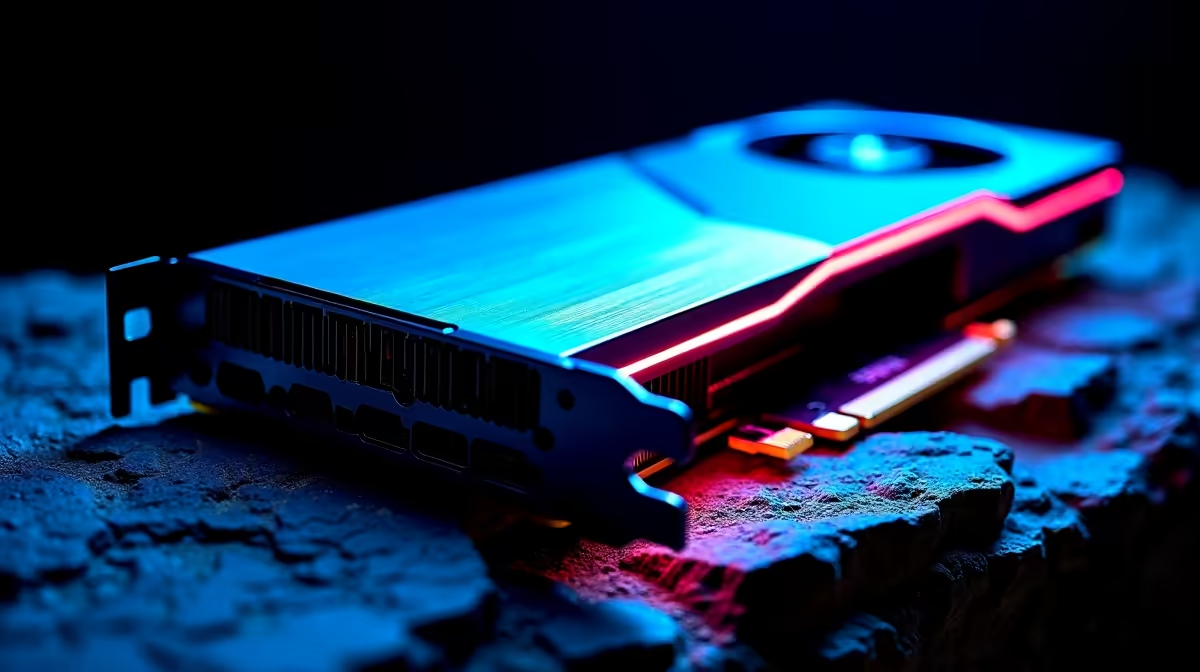
For gamers, this is the big one. The physical lifespan of a GPU can be 8+ years, but its performance lifespan is much shorter. A top-tier card might stay at the peak for 2-3 years, while a mid-range card could feel dated in 3-4 years as game requirements soar. The key factor here is your tolerance for turning down settings. Eventually, you'll need to check out the latest NVIDIA and AMD graphics cards to keep those frame rates high.
RAM & Storage: Memory and Speed
Random Access Memory, or RAM, is one of the most reliable parts in your PC. It has no moving parts and generates little heat. It's not uncommon for DDR gaming RAM modules to outlive the rest of the system. You typically only upgrade RAM when you need more of it or when you change to a new motherboard platform that requires a new standard (e.g., DDR4 to DDR5).
Storage has evolved. Old Hard Disk Drives (HDDs) with their spinning platters had a typical lifespan of 3-5 years before the risk of mechanical failure increased. Modern Solid-State Drives (SSDs) are much more durable and faster. While they have a finite number of writes, for the average user, an SSD will easily last 7-10 years before showing its age.
The Unsung Heroes: Supporting Component Lifespans
These parts might not grab the headlines, but they are vital for the health and longevity of your entire system.
Power Supply Unit (PSU): The Heartbeat
Never, ever skimp on your PSU. A cheap, unreliable power supply is the quickest way to damage your other components, especially during an unexpected outage. A quality unit from a reputable brand can protect your system from power surges. A good Corsair power supply can easily last 7-10 years, often carrying over to your next build. ⚡
SA-Specific Tip: Beat the Dust 🔧
South Africa's dry seasons mean dust is a PC's worst enemy. It clogs fans and insulates components, causing them to run hotter and shorten their lifespan. Once every 3-6 months, take your PC outside and give it a thorough clean with a can of compressed air. Focus on the CPU cooler, GPU fans, and case filters. Your components will thank you with lower temps and a longer life.
Cooling, Cases, and Thermals
Heat is the ultimate enemy of PC component lifespan. Your cooling system is your first line of defence. AIO liquid coolers have a lifespan of about 5-7 years before the pump may fail or liquid permeates. High-quality air-based CPU coolers can last for over a decade, only needing a fan replacement.
Don't forget the small stuff! The thermal solution (paste or pad) between your CPU and its cooler should be replaced every 2-4 years to ensure optimal heat transfer. And finally, a good computer case with excellent airflow is a long-term investment that protects your parts from dust and helps them run cool, easily lasting 10+ years.
Ready for a Performance Boost?
Understanding your PC component lifespan helps you plan smart upgrades. Instead of replacing one part at a time, a balanced upgrade bundle can breathe new life into your rig for years to come. Explore our Intel & AMD Upgrade Bundles and find the perfect core for your next-level gaming experience.