

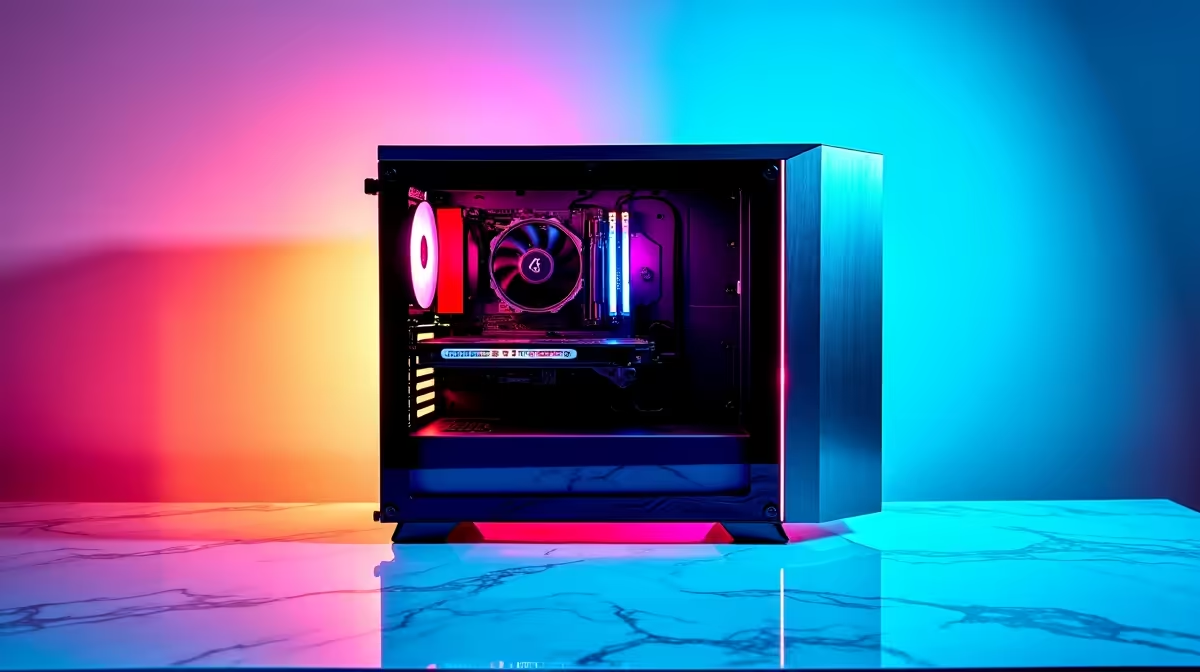
Dust and heat are the silent killers of South African gaming rigs. Between load shedding and our warm summers, your machine takes a beating. If you want your hardware to survive, you need a solid PC maintenance checklist: monthly, quarterly and annual tasks to keep things running smoothly. Let us break down exactly how to protect your investment and maintain maximum frame rates.
Monthly Maintenance: The Quick Sweep 🧹
You do not need to tear your system apart every four weeks. A quick external clean and software check is enough. First, wipe down your case and clear your dust filters. South African dust settles fast. Next, run a quick malware scan and clear out your recycle bin.
If you are running one of our high-end gaming PCs, keeping your storage drives optimised ensures your games load in seconds. Finally, check for Windows updates to keep your security tight.
Quarterly Maintenance: Deep Cleaning and Updates
Every three months, it is time to open the side panel. Power down your machine and take it outside. Use compressed air to blow dust out of your heatsinks and fans. Do not use a vacuum cleaner... static electricity can fry your motherboard instantly.
This rule applies whether you build your own rig or buy pre-built PCs. A clean system runs cooler and faster. If you use portable hardware, like work laptops, use a microfibre cloth and rubbing alcohol to gently clean the keyboard and screen.
On the software side, update your GPU drivers to get the best performance in new game releases. Uninstall games you no longer play to free up valuable SSD space.
Airflow Pro Tip 💨
Hold your cooling fans gently in place while spraying them with compressed air. Letting them spin wildly from the air pressure can damage their bearings and cause annoying rattling noises later on.
Annual Maintenance: Hardware Health Checks 🔧
Once a year, give your system a full physical. Check your CPU and GPU temperatures under heavy load. If your processor is running hotter than usual, it might be time to reapply thermal paste. This simple task costs less than R200 and can drop temperatures significantly.
This is also the perfect time to evaluate your performance. Are you struggling to hit 60 frames per second in the latest titles? It might be time to upgrade your graphics card to handle modern demands. You should also check the health of your storage drives using free diagnostic tools.
If your entire system is feeling sluggish after a few years, upgrading might be cheaper than replacing parts one by one. Keep an eye on our tech specials to find incredible ZAR savings on fresh hardware.
Ready for an Upgrade? Keeping your system clean is vital, but sometimes hardware simply ages out. If your rig is struggling to keep up with modern games, we have the perfect solution. Explore our latest Evetech specials and find the ultimate hardware to level up your gaming experience today.











