

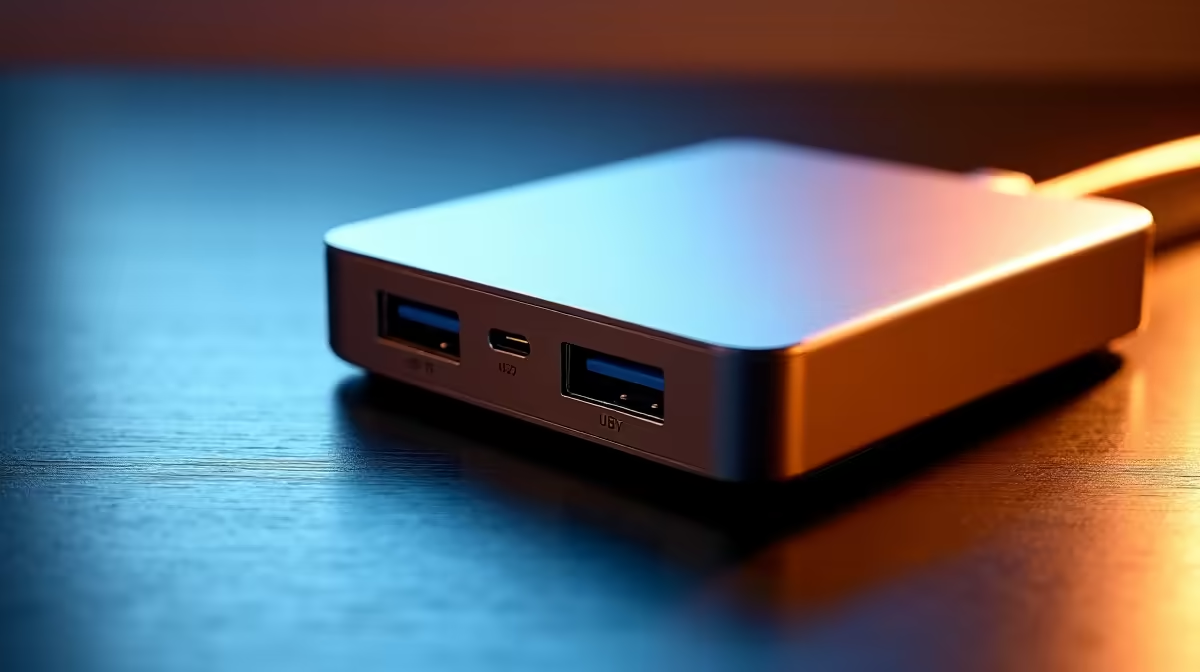
Tired of that tangled mess of cables snaking around your desk? The bulky laptop brick, the phone charger, the dongle for your monitor… it’s a pain. What if you could replace it all with a single, powerful connection? That’s not science fiction; it’s the magic of Power Delivery docks, and they are completely transforming how we manage our workspaces and gaming setups here in South Africa. Say goodbye to clutter and hello to streamlined efficiency. ⚡
What Exactly Are Power Delivery Docks?
At its core, a Power Delivery (PD) dock is a supercharged hub that does two critical jobs at once. It uses a single USB-C cable to send a high-wattage charge to your laptop while simultaneously expanding that one port into a whole suite of useful connections—like HDMI for monitors, USB-A for peripherals, and Ethernet for stable, lag-free internet.
Unlike a basic USB hub that just shuffles data around, a dock with USB-C Power Delivery is a true central station for your entire setup. It simplifies everything, making it perfect for hybrid workers who need to plug-and-play quickly or gamers who demand a clean, organised battle station.
Check Your Port! 🔧
Not all USB-C ports are created equal. Before you buy, check your laptop's specs to ensure its USB-C port supports both Power Delivery (PD) for charging and DisplayPort Alternate Mode (DP Alt Mode) if you plan to connect external monitors.
The Real-World Benefits of a Single-Cable Solution
Switching to a modern docking station isn't just about looking tidy; it’s about optimising your workflow. The primary advantage is convenience. One click of a cable and your laptop is charging, connected to your big screen, your mechanical keyboard, and your mouse. It’s that simple.
But it goes deeper. These devices offer robust power, often from 65W to over 100W, ensuring your machine gets the juice it needs for demanding tasks without throttling. For budget-conscious users, this level of optimisation is more accessible than ever, with many excellent docks available for under R1000 that can seriously streamline a home office.
Finding the Perfect Dock for Your Needs
Choosing the right Power Delivery dock comes down to your specific gear and goals.
- Power Requirements: Check your laptop's original charger. If it’s a 90W charger, you'll want a dock that can supply at least that much power to maintain performance.
- Port Selection: How many monitors do you run? Do you need an SD card reader for your camera? Make a list of your must-have connections.
- Budget: More ports and higher wattage will increase the price. For setups with a 4K monitor and several high-speed peripherals, exploring options up to the R2000 mark is a smart move. Top brands like Promate consistently deliver reliable performance and a great variety of ports. ✨
Ultimately, investing in the right laptop charging dock is an investment in a smarter, faster, and cleaner workspace.
Ready to Unclutter Your Desk? Reclaim your space and simplify your connections with a powerful, all-in-one solution. Explore Evetech's full range of docking stations and find the perfect hub for your setup today.











