

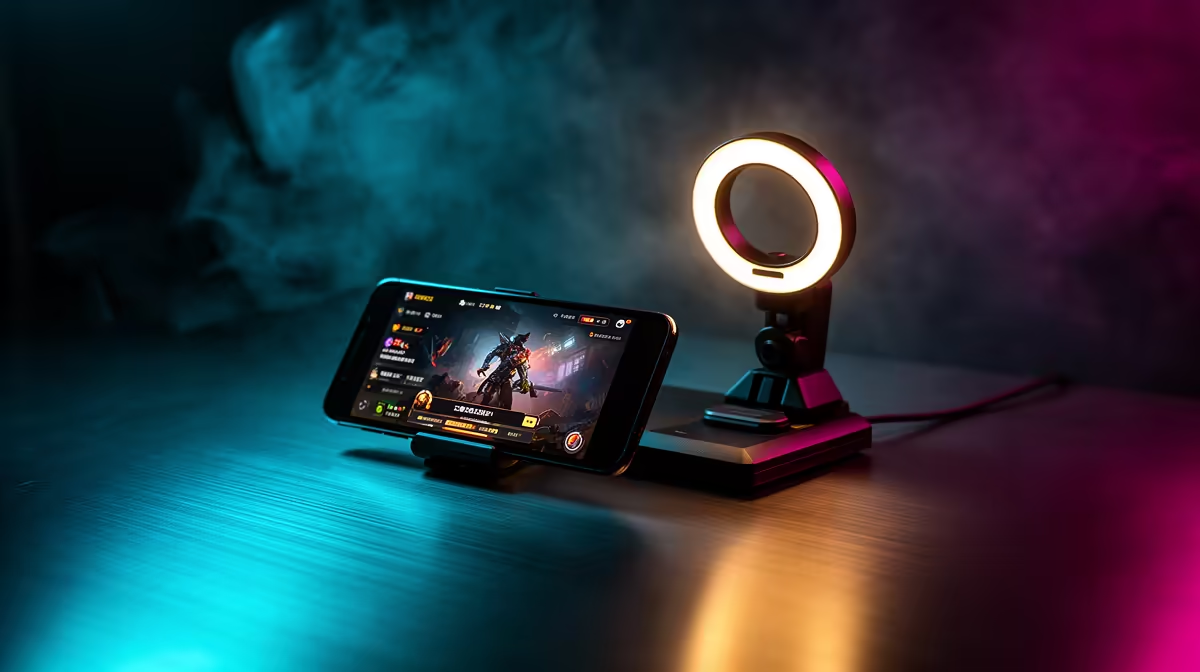
Dreaming of streaming your Apex Legends Mobile wins but your budget is tighter than a final circle? Good news. You can create a quality phone streaming setup without extra gear... or at least, without breaking the bank. Your smartphone is already a broadcast powerhouse just waiting to be unleashed. Let's ditch the idea that you need a fortune in equipment and get you live for your followers, right now. 📱
Your Core Phone Streaming Setup: The Device Itself
Before you even think about peripherals, the heart of your operation is the phone in your pocket. Modern smartphones are incredibly capable. The secret to a smooth phone streaming setup without extra gear is leveraging what you already have. Your phone's processor handles the game, the encoding, and the broadcast simultaneously.
Most modern Android and iOS devices have built-in screen recording and broadcasting tools that can link directly to platforms like YouTube or Twitch. This is the most straightforward way to start. Just swipe down, find the screen record icon, and look for the live stream option. It’s a simple, effective way to test the waters and start building your audience without spending a single Rand.
Essential Apps to Get You Live
While built-in tools are great, dedicated apps give you more control. Apps like Streamlabs Mobile or Omlet Arcade are brilliant for managing your stream directly from your device. They let you add custom overlays, alert boxes for new followers, and even a chatbox on your screen. This creates a more professional look and feel for your viewers.
Setting up these apps is your first step towards a more polished broadcast. They handle the technical side, letting you focus on your gameplay and engaging with your community. Once you're comfortable and want to add a few physical elements, you can browse a fantastic selection of affordable streaming upgrades under R6000 to take things to the next level.
Pro Audio Tip ����
Plug in your gaming headset! Your phone's built-in mic picks up everything, including annoying finger taps on the screen. Your headset mic is directional, focusing on your voice for clearer commentary your viewers will appreciate.
Levelling Up Your Visuals & Audio (The Smart Way)
A professional stream isn't just about the game... it's about the experience. You can dramatically improve your stream's quality with a few clever, no-cost tricks.
Smart Lighting & Stability
Forget expensive studio lights for now. Your best friend is natural light. Position your setup facing a window to get clear, soft lighting on your face if you use a facecam. For stability, you don't need a fancy tripod to start. A stack of books or a coffee mug can hold your phone steady, eliminating shaky footage. A stable picture makes your stream instantly look more professional. ✨
Clean Background
Take a moment to check what's behind you. A cluttered background can be distracting. A plain wall or a neatened-up bookshelf works perfectly. This simple act of tidying up focuses all the attention on you and your gameplay, which is exactly what you want for your mobile streaming setup.
Beyond the Basics: When You're Ready to Optimise 🚀
Once you've got a few streams under your belt and are building a community, you might feel the itch to upgrade. This is where small, strategic investments can make a massive impact. You're no longer building a phone streaming setup without extra gear; you're optimising the one you've already proven works.
A dedicated microphone or a ring light can be your first step. You could also add some personality to your background with a pop of colour using some smart Cololight panels that react to your game. Investing in quality gear from trusted brands like CORSAIR ensures your equipment is reliable and built to last, protecting your investment as your channel grows.
Ready to Build Your Dream Stream? From your first stream to a full pro setup, Evetech has your back with gear that delivers. Check out our full range of streaming essentials and find the perfect upgrade for your channel today.











