

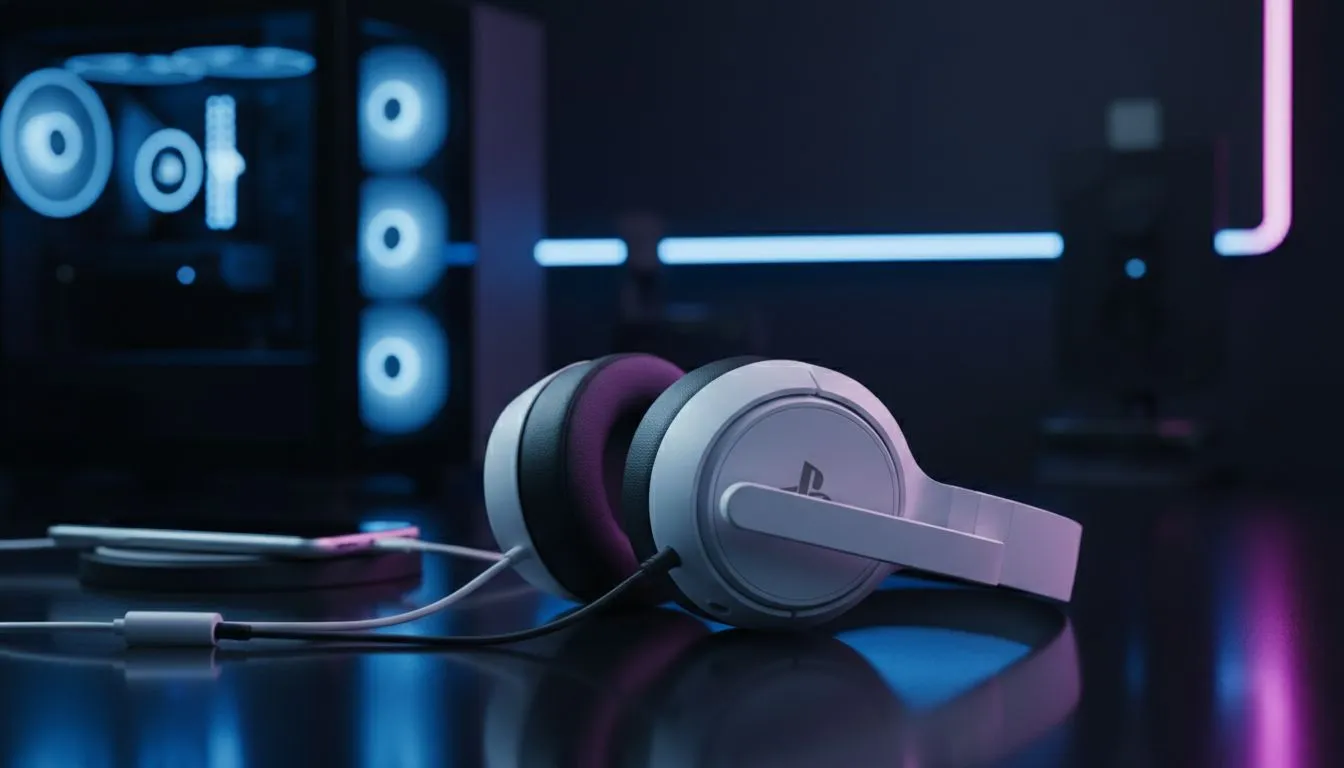
Bridging the Gap: PlayStation Wireless Headset on PC and Mobile
Ever wondered if your sleek PlayStation headset is locked to your console while your PC and phone sit lonely on the side? Whether you own the Pulse 3D or the new Pulse Elite, the good news is that these headsets aren't just for Kratos and Spider-Man. In South Africa, where we value versatility and getting the most bang for our buck, knowing how to bridge that gap is essential.
Seamless Connectivity for the Modern Gamer
The short answer is a resounding yes... you can absolutely use a PlayStation Wireless Headset on PC and Mobile. Most modern Sony headsets, like the Pulse 3D and the Pulse Elite, are designed with a plug-and-play philosophy. For PC users, the process is usually as simple as plugging the included USB wireless adapter into an open port. Windows should recognise the device instantly, allowing you to enjoy high-quality audio without fiddling with complex drivers.
If you are looking for a device that handles multi-platform switching even more gracefully, you might want to consider the Razer Barracuda X Chroma. It offers incredible flexibility across different systems with a dedicated SmartSwitch toggle.
Mobile Integration and Bluetooth Nuances
When it comes to mobile devices, the experience depends on which model you own. The original Pulse 3D headset does not have built-in Bluetooth... it requires a 3.5mm wired connection to your phone or the use of a USB-C OTG adapter for the dongle. However, the newer Pulse Elite and Pulse Explore earbuds feature PlayStation Link and integrated Bluetooth. This allows you to connect to your phone and your console simultaneously. You can take a call from your mobile while still hearing your game audio on the PC or PS5. ⚡
Dual-Device Pro Tip ⚡
If you are using the Pulse Elite or Explore, you can pair them to your mobile via Bluetooth while the USB dongle is in your PC. This lets you listen to a podcast or take a WhatsApp call without ever muting your game audio. It is the ultimate way to stay connected while grinding in your favourite RPG.
Why Versatility Matters in South Africa
With the current exchange rate making tech a significant investment, South African gamers often look for "one headset to rule them all." While Sony's offerings are fantastic for the ecosystem, the broader Razer headset lineup often provides more robust software support for PC users, such as THX Spatial Audio. Sony headsets on PC are great, but they often lack the granular EQ customisation available on the console.
If you find that the PlayStation-specific features aren't a priority, exploring an extensive range of gaming headsets can help you find a pair that offers better mic monitoring or longer battery life for those marathon sessions. 🚀
Final Verdict: Is it Worth It?
Using your PlayStation Wireless Headset on PC and Mobile is a great way to sweat your assets and get more value from your purchase. While you might lose some console-specific features like on-screen battery indicators, the core audio experience remains top-tier. Whether you are hopping onto a Discord call on PC or commuting with your phone, your PlayStation gear is more capable than you think. ✨
Ready to Find Your Perfect Match? Finding the right balance between console compatibility and PC performance can be tricky in the local market. Explore our massive range of headset specials and find the perfect gear to elevate your audio experience across every platform.











