

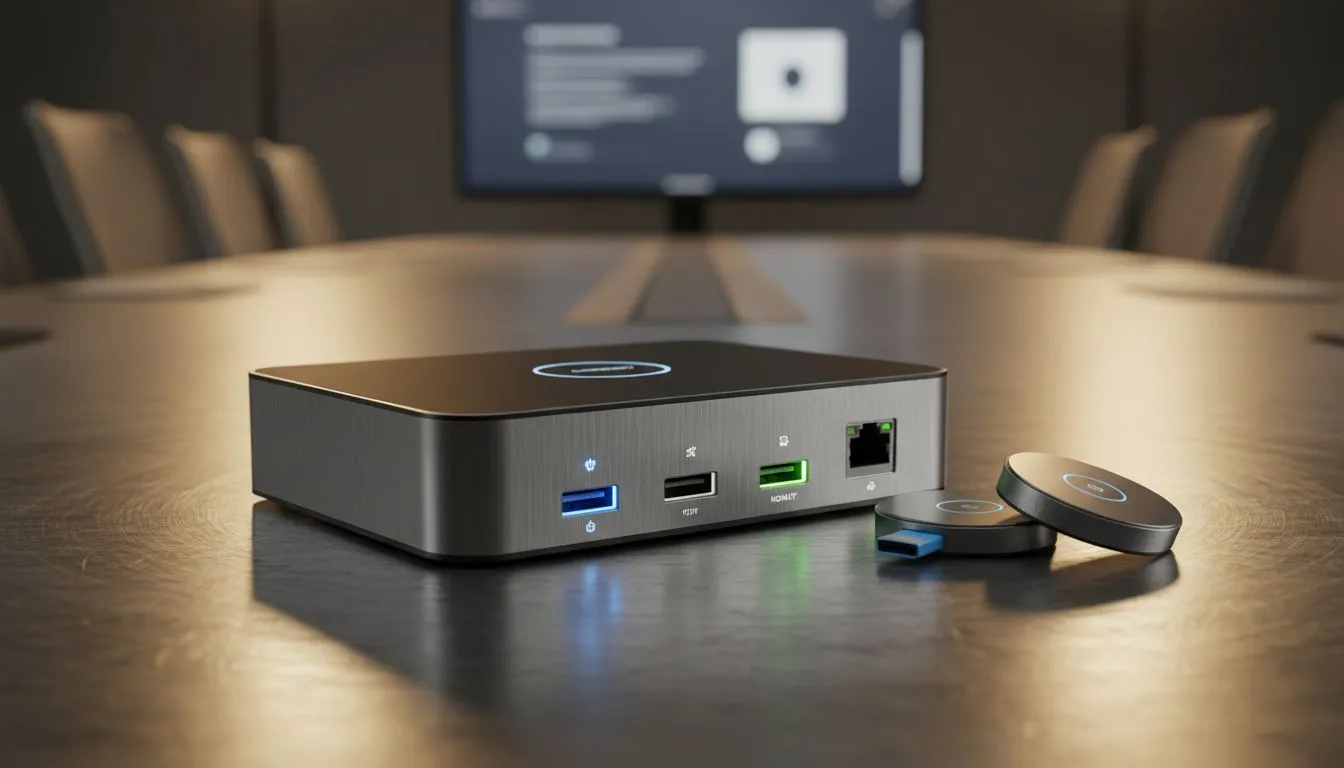
Plug-and-Play boardroom setup essentials
Want to walk into a meeting, plug one cable, and watch your presentation appear like magic? South African teams value time and clarity — a true Plug-and-Play boardroom setup removes tech friction so ideas take centre stage. In this guide you'll get a practical roadmap, gear suggestions, and a few pro tricks to keep meetings on schedule and stress-free 🔧✨.
Plug-and-Play boardroom setup: connectivity and gear
Start with the basics: reliable cable standards, a modern wireless presenter, and a hub that supports HDMI and USB-C. A single USB-C-to-HDMI hub often fixes 90% of compatibility headaches between laptops and projectors. For accessories and adaptors, check Evetech’s gaming and accessory range for robust cables and dongles that work across brands: Evetech’s gaming accessories range has plenty of options to pick from. (See product listings and specs for compatibility details.)
Small story: I helped a Cape Town start-up move from a tangle of adapters to a single dock. Their team cut setup time from "frantic minute" to "quiet minute" — people actually started on time. That’s the difference a considered Plug-and-Play boardroom setup makes 🚀.
Plug-and-Play boardroom setup: audio, display and wireless tips
Good audio is non-negotiable. Use a USB soundbar or a conference microphone array that auto-adjusts gain. Wireless casting is convenient but test it first; corporate Wi‑Fi can block discovery protocols. For budget-friendly deals on mics, dongles and cables, browse the latest accessories deals at Evetech to compare prices in ZAR and pick what fits your room size and budget.
Pro tip: lock your primary display resolution to the projector's native setting to avoid scaling woes. For an easy backup, keep a short HDMI cable in the cupboard — it’s the fastest fail-safe.
Setup Speed Tip ⚡
Keep a labelled “meeting kit” with one USB-C hub, one HDMI cable, spare batteries for the presenter and a wired mouse. Store it with the remote so any presenter can walk in and connect within 60 seconds.
Plug-and-Play boardroom setup: quick checklist and maintenance
Checklist to print and pin:
- One universal hub (USB-C to HDMI + power passthrough)
- HDMI cable (2 m) and short backup (0.5 m)
- Wireless presenter with laser and USB receiver
- Conference speaker/mic with USB or Bluetooth fallback
If you need tailored accessories, Evetech lists a dedicated gaming accessories category where many compatible hubs and peripherals appear with clear specs — handy when confirming port types and power delivery. Also consider browsing special offers to save on bundles before a big outfitting purchase.
FAQs and final setup psychology
Q: What if presenters bring old laptops? A: Keep an inexpensive adapter kit and a charger with multiple tips. Q: Wireless or wired? A: Wired is more reliable; wireless is great for convenience once tested.
Every good meeting setup reduces cognitive load and improves meeting outcomes. Small investments in the right kit produce outsized returns in time saved.
Ready to Find Your Perfect Match? The Mac vs Windows debate is complex, but for maximum power, choice, and value in South Africa, Windows is hard to beat. Explore our massive range of laptop specials and find the perfect machine to conquer your world.











