

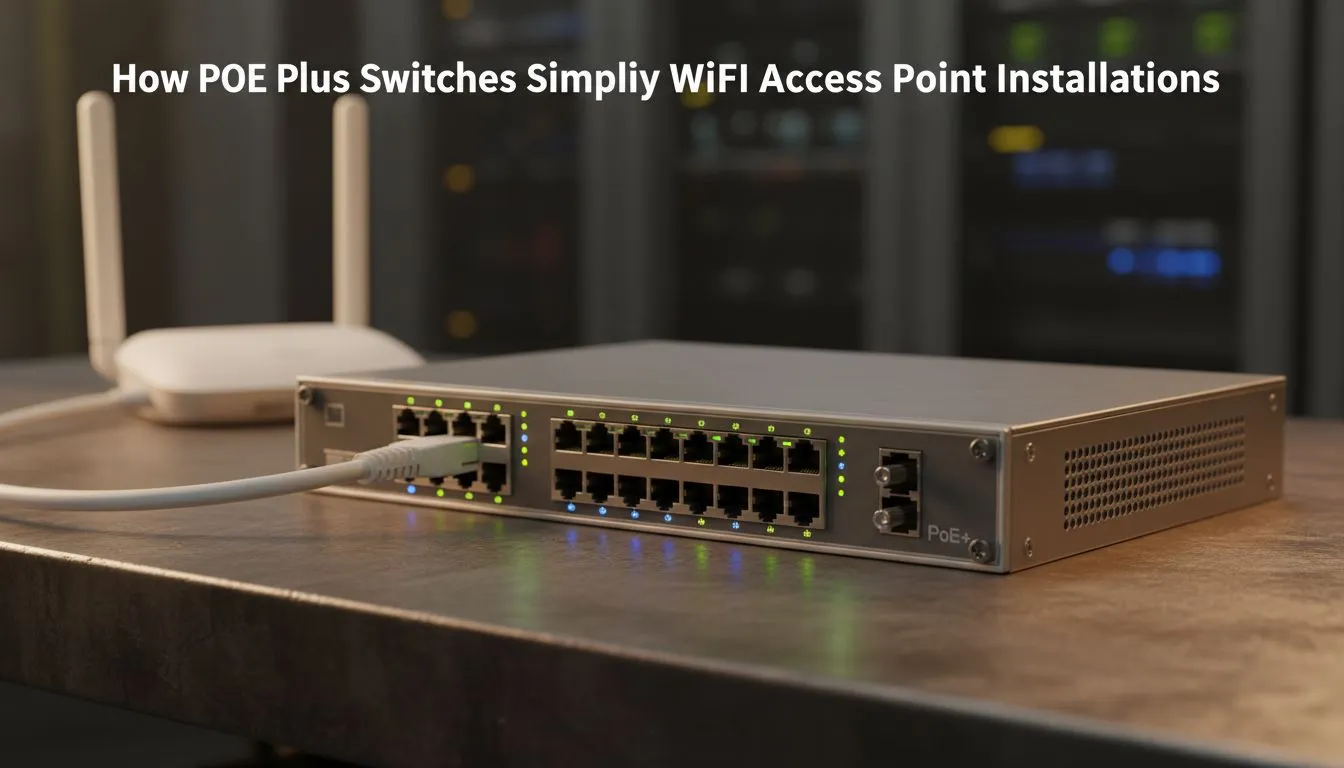
Tired of seeing messy power cables trailing up your walls just to get decent WiFi? Installing high-performance access points should be simple... not a mission involving an electrician. PoE Plus switches are the secret to a clean, professional setup. By delivering both data and power over a single Ethernet cable, you can mount your gear exactly where it needs to be for the best coverage across your home.
The Magic of PoE Plus Switches for Modern Networking
When you look to buy switches for your home or office, choosing a Power over Ethernet (PoE) model is a smart move. Standard PoE is great for basic IP cameras... but modern WiFi 6 access points are hungry for more juice. That is where PoE Plus (802.3at) comes in. It provides up to 30 Watts per port... ensuring your high-speed wireless gear never throttles due to low power.
Using PoE Plus switches: Simplify WiFi Access Point Installations by removing the need for a dedicated power outlet at every mounting point. You can place your APs on the ceiling or high on a wall to avoid interference... all while keeping the aesthetic of your room clean and clutter-free. ⚡
Why PoE+ is Essential for WiFi 6 Access Points
Modern wireless standards require more internal processing power to handle hundreds of concurrent devices. If you try to power a high-end WiFi 6 unit with an old PoE injector, you might experience random reboots or dropped signals. Reliable networking brands like Cudy offer specialised hardware designed to handle these higher loads without breaking a sweat.
Installation Pro Tip ⚡
When mounting your access points, avoid placing them directly against large metal objects or inside cupboards. For the best signal penetration across a South African brick-and-mortar home, mount your AP centrally on the ceiling using a single CAT6 cable connected to your PoE switch. This ensures maximum coverage with the least amount of cable management hassle.
Cost-Effective Upgrades for South African Homes
You do not need an enterprise-level budget to get professional results. Investing in mid-range PoE switches priced from around R1,153 ensures your network remains stable even when the whole family is streaming or gaming at once. By centralising your power source, you also make it easier to add a single Uninterruptible Power Supply (UPS) to your switch... keeping your entire WiFi network alive during those pesky bouts of load shedding. 🔧
Streamlining Your Hardware Setup
Managing a bunch of individual power bricks is a nightmare for cable management. A dedicated switch allows you to optimise your rack or desk space. It acts as the "brain" of your wired network... distributing high-speed data while simultaneously keeping your wireless mesh nodes or access points powered up. It is the most efficient way to build a future-proof network that just works. 🚀
Ready to Simplify Your Network? Tired of messy cables and weak WiFi signals? Upgrading to a PoE+ solution is the most effective way to professionalise your home or office connectivity. Explore our massive range of PoE switches and find the perfect hardware to power your digital life.











