

Ever shared your WiFi password with a friend only to wonder if their malware-riddled phone is "talking" to your gaming PC? In South Africa, where home offices and gaming dens often share the same fibre line, security is paramount. Implementing Port Isolation for Guest WiFi is a simple way to improve network security without needing a degree in IT... it keeps your private data private. ✨
Why Port Isolation for Guest WiFi is Essential for Gamers
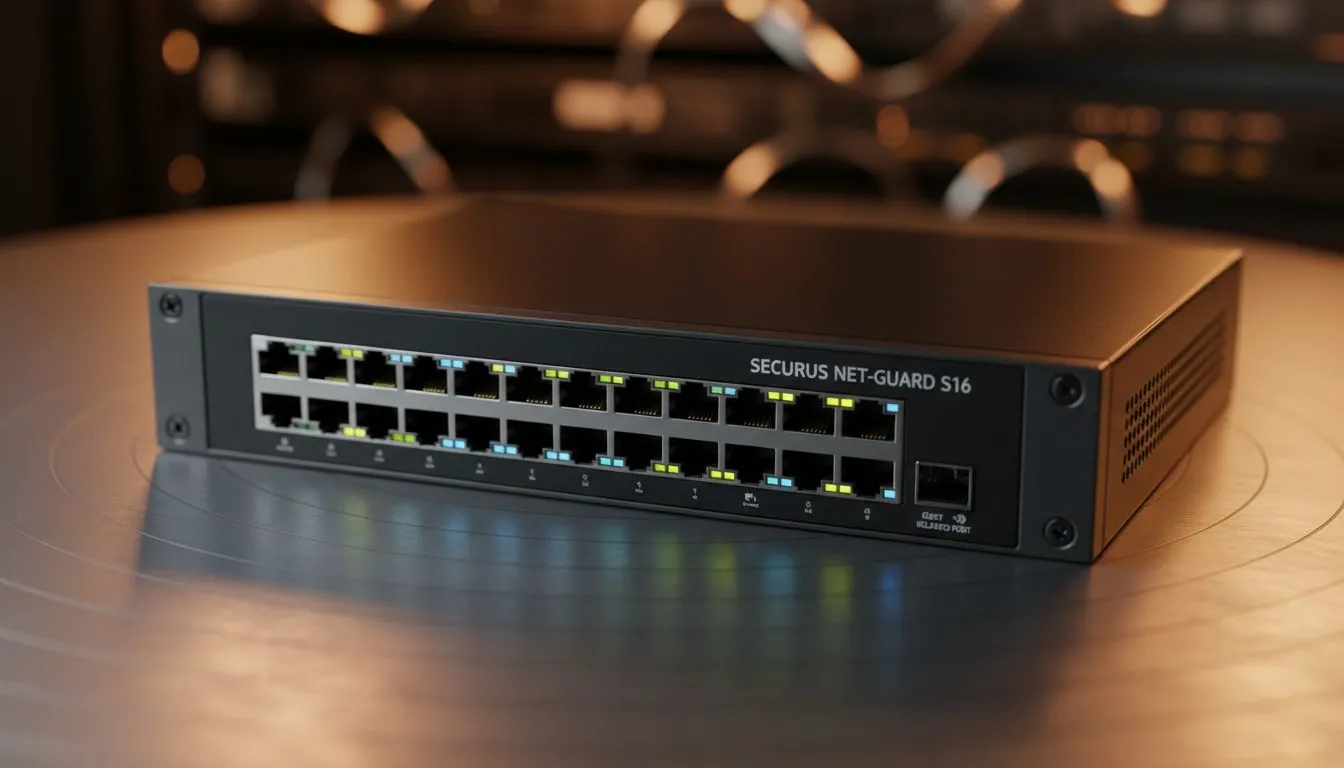
Most standard routers treat every connected device like a trusted member of the family. If a guest connects to your WiFi, their device can technically "see" your NAS, your smart fridge, and your high-end rig. This is a massive vulnerability. By using reliable network switches that support port isolation, you create a digital wall.
Port isolation ensures that even if a guest is on your network, they cannot communicate with other local devices. They get internet access, but your private files remain invisible to them. This is especially important if you host frequent LAN parties or have visitors coming in and out.
Improve Network Security with Smarter Hardware
You don't need to spend tens of thousands of Rands to secure your home. Many affordable options, like Cudy networking gear, offer these advanced features out of the box. These devices allow you to toggle "Client Isolation" or "Guest Mode" with a single click in the settings menu.
When you isolate a port, you are essentially telling the switch to treat that specific connection as a silo. This prevents "lateral movement"... a term security experts use when a virus spreads from one computer to another on the same network. 🔧
Network Hygiene Pro Tip ⚡
Always change your router's default "admin" password immediately. Most hackers use automated scripts to try common defaults like "admin" or "1234". Combining a strong password with port isolation creates a double-layered defence for your gaming sanctuary.
Choosing the Right Gear for Your Setup
If you are serious about protecting your hardware, look for managed or "smart" switches. While basic unmanaged switches are fine for simple setups, professional-grade hardware gives you the granular control needed for port isolation. You can find excellent options starting around R1,200 that offer robust security features. 🚀
Setting this up usually takes less than ten minutes. Once configured, you can hand out your WiFi password with peace of mind. Your guests stay connected, and your gaming performance remains uncompromised by unwanted background traffic. ⚡
Ready to Secure Your Home Network? Protecting your data is just as important as high frame rates. Whether you need a smart switch or a high-speed router, we have the hardware to keep you safe. Explore our massive range of networking specials and find the perfect gear to fortify your digital world.











