

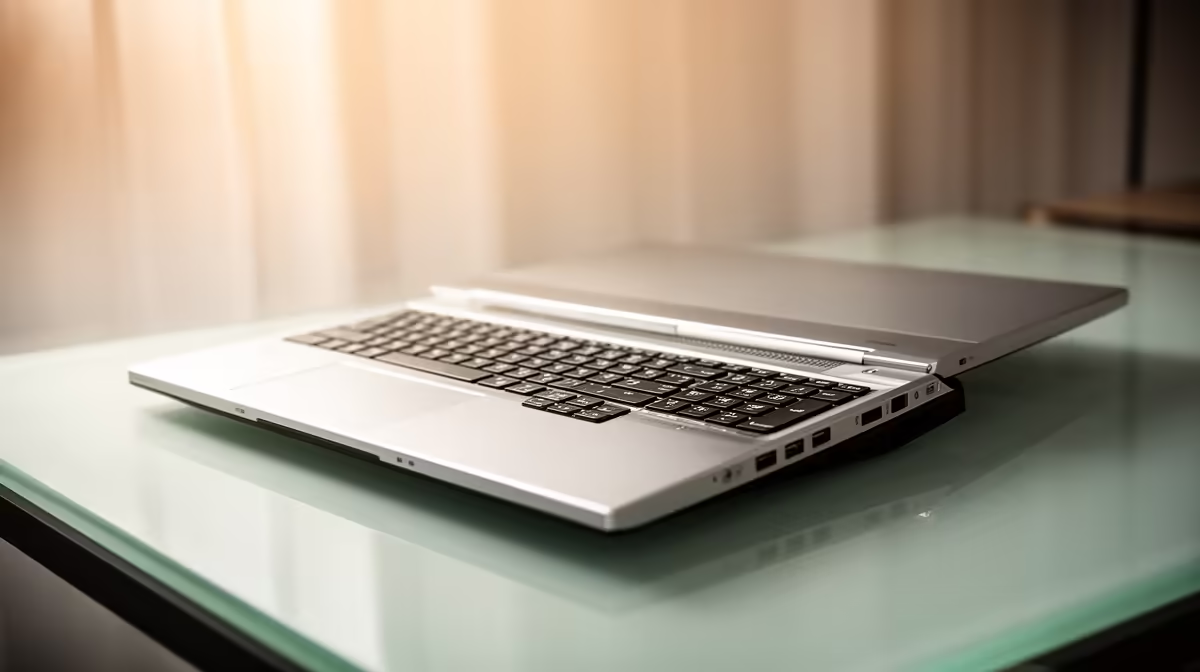
Tired of your laptop wheezing during a 4K render? Or maybe you’re a designer in Cape Town who needs desktop power without the bulky tower. The solution is here: portable PCs for creative workflows. These compact powerhouses pack a serious punch, letting you edit, design, and create anywhere in South Africa without compromising on performance. It’s time to rethink what a creative setup looks like. 🚀
Why Compact PCs are a Creative's Best Friend
For too long, South African creatives have faced a tough choice: the raw power of a desktop or the portability of a laptop. A powerful, portable PC bridges that gap beautifully. Imagine setting up your entire video editing suite at a client's office in minutes, or having a 3D rendering machine that fits neatly in your backpack.
These machines offer a phenomenal power-to-size ratio, making them ideal for:
- Graphic Designers: Run the full Adobe Creative Suite without a single stutter.
- Video Editors: Edit high-resolution footage smoothly, even when load shedding hits and you're running on a UPS.
- Music Producers: Handle complex multi-track projects with dozens of plugins effortlessly.
The beauty of these compact but mighty mini PCs is that they free you from a single desk, giving you the flexibility to work wherever inspiration strikes.
Key Features in a Portable PC for Creative Work
Not all small PCs are built for the demands of creative software. When you're browsing, focus on the core components that will directly impact your workflow and prevent frustrating bottlenecks. A well-chosen portable PC for creative workflows will feel snappy and responsive, even under heavy load.
Processor (CPU): The Brains of the Operation
Your CPU does the heavy lifting in most creative applications. For tasks like rendering, encoding, and complex calculations, a multi-core processor is non-negotiable. Look for modern Intel Core i5/i7 or AMD Ryzen 5/7 series chips. These offer a great balance of single-core speed for active tasks and multi-core performance for background processes.
Pro Tip: Check Your Connections ⚡
Ensure your portable PC has enough ports for your creative gear. Thunderbolt or USB4 ports are brilliant for high-speed external drives and connecting multiple monitors, streamlining your entire setup.
RAM & Storage: Speed and Space
For creative work, 16GB of RAM is the absolute minimum, but 32GB is the sweet spot for smooth multitasking between apps like After Effects and Photoshop. Paired with a fast NVMe SSD, your projects will load in a flash, and saving large files won't bring your system to a halt. Don't let slow storage kill your creative momentum; it's one of the most noticeable upgrades you can make. When you're ready, you can check out the latest range of Mini PCs to see these specs in action.
Spotlight on Performance: The Minisforum Edge ✨
When it comes to getting maximum performance in a tiny chassis, some brands just get it right. Minisforum has become a favourite among creatives for its clever engineering, powerful AMD Ryzen processors, and excellent thermal design. They manage to pack desktop-grade components into enclosures that are often smaller than a textbook.
These machines prove that a portable creative PC doesn't mean sacrificing power. Whether you're a photographer editing massive RAW files or an architect working with complex CAD models, these rigs are designed to keep up. Exploring the powerful Minisforum models available at Evetech is a great starting point for anyone serious about upgrading to a compact, high-performance setup.
Unbox Your Next Big Idea Stop letting bulky hardware limit your creativity. Explore our curated selection of portable PCs and find the perfect compact rig to power your workflow. Shop our Mini PC range at Evetech and make your workspace as flexible as your imagination.











