

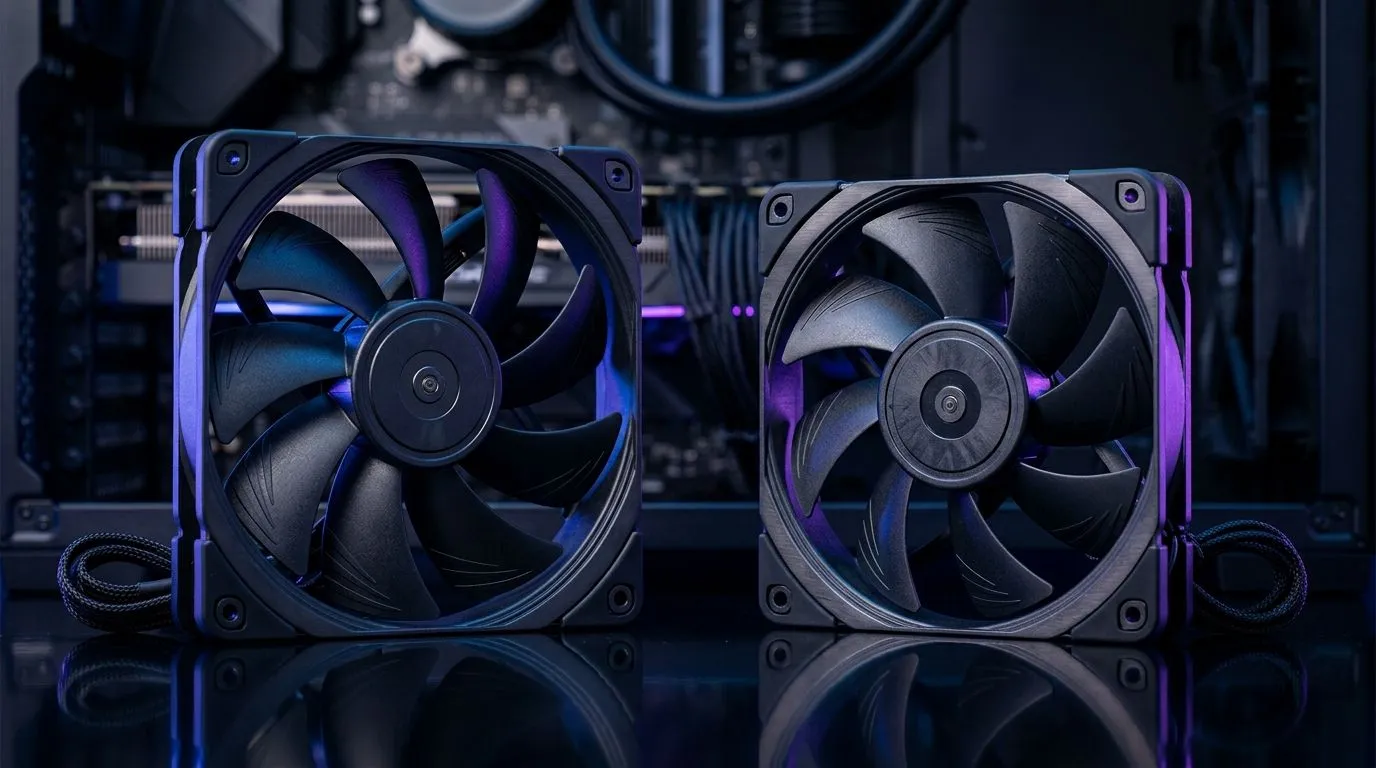
How to Position High-Airflow and High Static Pressure Fans in a South African PC Build
If your PC is throttling in July heat or your GPU fans sound like they’re about to take off… the culprit is often cooling airflow. South African gamers also hit dust, power spikes, and tight case layouts. That’s why choosing the right fan setup matters: high-airflow for open areas, and high static pressure for dense heatsinks and restrictive front panels. 🔧
In this Deep Dives guide, you’ll learn how to position fans for the best temps, quieter operation, and more stable gaming performance… without wasting money.
Positioning Strategy: High-Airflow vs High Static Pressure
Before you move a single cable, match the fan type to the job:
High-airflow fans (for open paths)
These move lots of air where there’s minimal resistance, like:
- Case top exhaust (above GPU/radiator)
- Rear exhaust in roomy back chambers
- Front intake when you have a relatively open mesh
High static pressure fans (for restriction)
Static pressure matters when air must push through resistance, like:
- Radiator fins (AIO or custom loops)
- Dense heatsinks (CPU tower coolers)
- Front panels with filters and glass-like restrictions
In short: airflow chases volume, static pressure chases resistance.
Fan Placement Pro Tip 🚀
On most gaming cases, mounting the intake fans at the front and the exhaust fans at the rear and top creates a clean front-to-back airflow path. If you’re using a radiator at the front, prioritise high static pressure fans because the radiator adds restriction.
Where to Mount Each Fan for Maximum Cooling
Start with a simple map: intake cools, exhaust removes heat. Then place fans so hot air can leave without recirculating.
Front intake (cooling GPUs)
- Use intake fans to pull in cooler air toward the GPU.
- If your front panel has a dust filter, you’re adding restriction. Static pressure helps here.
- If you’re using an AIO radiator at the front, treat it like a “static pressure job” every time.
You can browse Evetech’s fan options here: 120mm case fans for your next build
Top exhaust (heat evacuation)
Heat rises. A top exhaust typically helps clear warm air trapped around the motherboard and GPU area. If you’re running fewer intakes, top exhaust becomes even more important. For tighter cases, you’ll often get better results with fans that can maintain flow against resistance.
Want larger options? 140mm case fans for quieter, smoother airflow
Rear exhaust (the “final exit”)
Rear exhaust fans stabilise airflow and reduce heat soak. They’re usually the easiest win for consistent gaming temps.
For general selection, compare what’s available: Case fans at Evetech
If you’re brand-loyal, you can narrow quickly: Corsair case fans
And if you prefer Deepcool options: Deepcool case fans
Fine-Tuning: RPM, Curves, and Noise in Real Life
Here’s what I’ve seen across South African builds: people install good fans but run them at mismatched curves. Fan control is where your “positioning” payoff becomes real.
- Use a temperature-based fan curve (CPU or GPU temp) so fans ramp when you actually game.
- Aim for “audible at load, quiet at idle” rather than max RPM always.
- Item
Ready to Find Your Perfect Match?
Ready to Find Your Perfect Match? The Mac vs Windows debate is complex, but for maximum power, choice, and value in South Africa, Windows is hard to beat. Explore our massive range of laptop specials and find the perfect machine to conquer your world.











