

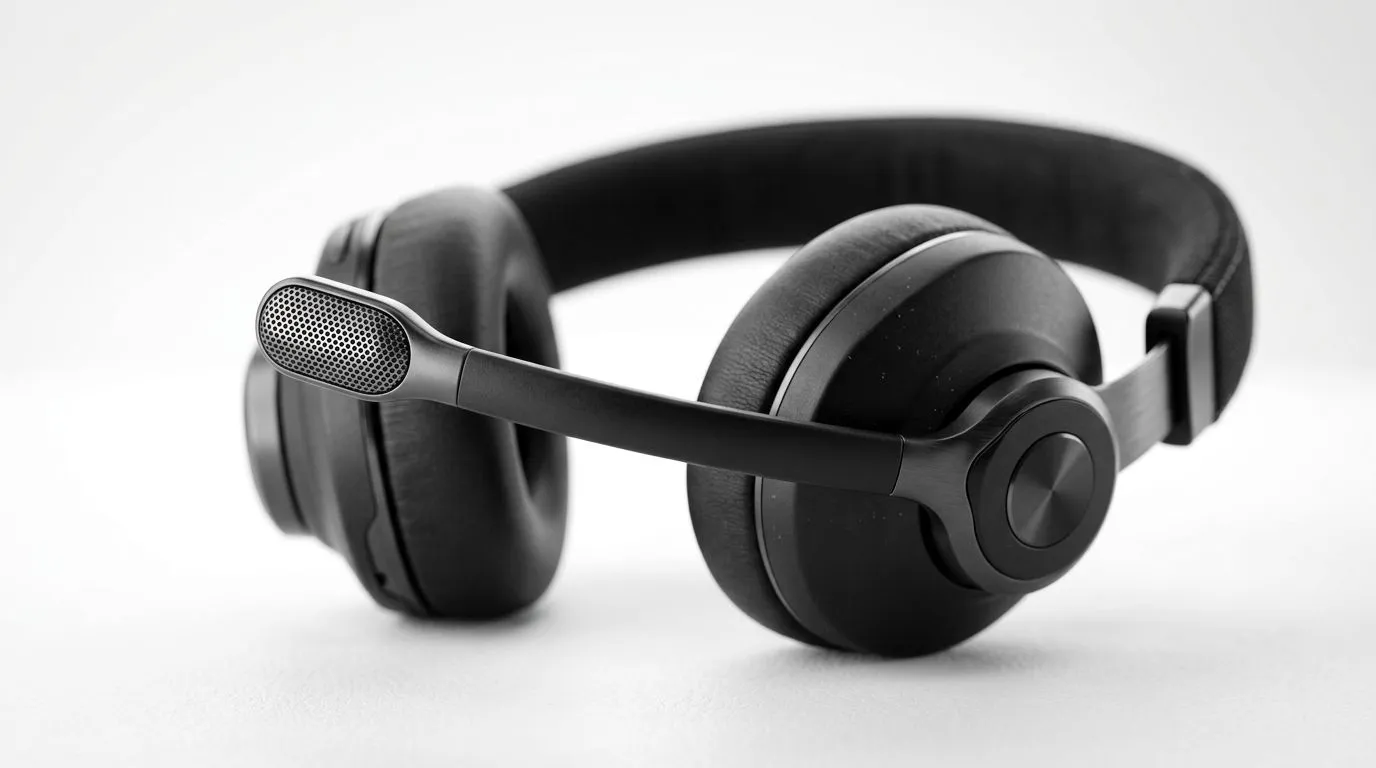
A mic that sounds expensive can still sound bad if it’s pointing at the wrong place. That’s the sneaky part. South African gamers often chase a better headset, then blame Discord, game chat, or “bad audio” when the real issue is simple positioning. If your rotating noise-cancelling microphone sits too far off-axis, your voice loses clarity fast... especially in noisy homes, shared rooms, or late-night sessions. 🔧
How to Position a Rotating Noise-Cancelling Microphone for Clarity
The best starting point is closer than most people think. Aim the microphone boom so the capsule sits just off the corner of your mouth, not directly in front of it. That small offset helps reduce breath noise while keeping your voice full and natural.
A rotating mic is designed for flexibility, so use it. Rotate the boom until it feels almost parallel with your cheek. You want the mic close enough to pick up speech clearly, but not so close that plosives like “p” and “b” sound harsh. If you can hear yourself breathing in voice notes, it’s probably too close or aimed too directly at your lips.
Keep the capsule slightly off-axis
For clarity, angle the microphone a little away from your mouth. Off-axis positioning helps reduce unwanted pops and improves comfort during long sessions. It also makes a difference if you game in a room with a fan, a TV in the background, or siblings arguing in the next room... which, let’s be honest, is a very South African audio test.
Match the mic to your speaking style
Everyone talks differently. Some people project. Others speak softly. If you lean in when things get tense in Valorant or EA FC, position the mic a touch farther away. If your voice is naturally quiet, bring it in slightly. The trick is consistency... set it once, then test it in a voice recorder or Discord call.
Quick Mic Setup Tip 🎙️
When testing your mic position, record 10 seconds of normal speech, then replay it through headphones. Adjust the boom in tiny steps... just a few millimetres at a time. Big changes usually make the problem worse, not better.
How to Position a Rotating Noise-Cancelling Microphone for Noisy Rooms
Noise-cancelling microphones work best when they can focus on your voice and ignore everything else. That means your placement matters even more in a busy household. If your headset has a detachable or rotatable boom, keep the mic on the quieter side of your face, away from the nearest speaker, window, or desk fan.
If you’re shopping for a headset with solid voice pickup, it helps to look at trusted product ranges first. Evetech’s Razer headset selection is a useful place to compare options, while the broader headphone and headset range can help you weigh comfort, microphone style, and price in ZAR.
Use the headset’s own hardware correctly
Many gamers forget that the boom hinge is part of the tuning. If the mic rotates too freely, it may drift during movement. Gently bend it into position before each session. If your model supports flip-to-mute, check that the mic remains aligned after flipping back down. A slightly shifted boom can be enough to make your voice sound thin.
Test with real-world noise
Don’t test in silence and assume you’re done. Open a window. Turn on the fan. Run the game you usually play. Then ask a friend or teammate how your voice sounds. This gives you a more realistic result than a quiet bedroom test ever will.
How to Position a Rotating Noise-Cancelling Microphone for Better Gaming Gear Choices
Positioning matters, but so does the headset itself. Some mics are tuned better for chat, while others focus on everyday convenience. If you’re considering a wireless upgrade, the Razer Barracuda X Chroma Wireless Headset in Phantom White is worth a look for players who want a clean setup and flexible use across gaming and daily listening.
The real win is knowing what you need before you spend. If voice clarity is your priority, choose a headset with a boom that stays where you put it. If comfort matters most, make sure the mic doesn’t sit too close to your face or brush against your cheek during long sessions. Small details like that can decide whether a headset feels premium or just awkward.
A simple setup routine that works
Try this every time you get a new headset:
- Put the headset on properly.
- Rotate the mic so it sits just off the mouth.
- Speak normally for a few seconds.
- Listen back.
- Adjust in tiny increments.
It’s quick. It’s practical. And it usually solves most clarity issues before you touch any software settings.
How to Position a Rotating Noise-Cancelling Microphone for Consistent Results
Once you find the sweet spot, don’t keep changing it. Consistency is what makes your voice sound dependable across meetings, streams, and squad chat. Mark the position in your head, or even use the shape of the boom as a reference point. If the headset gets shared in the house, show others where the mic should sit... they’ll thank you later.
Better mic placement won’t magically fix a weak headset, but it can absolutely unlock better sound from one you already own. And in gaming, that’s often the difference between sounding muddy and sounding sharp.
Ready to Find Your Perfect Match? The Mac vs Windows debate is complex, but for maximum power, choice, and value in South Africa, Windows is hard to beat. Explore our massive range of laptop specials and find the perfect machine to conquer your world.











