

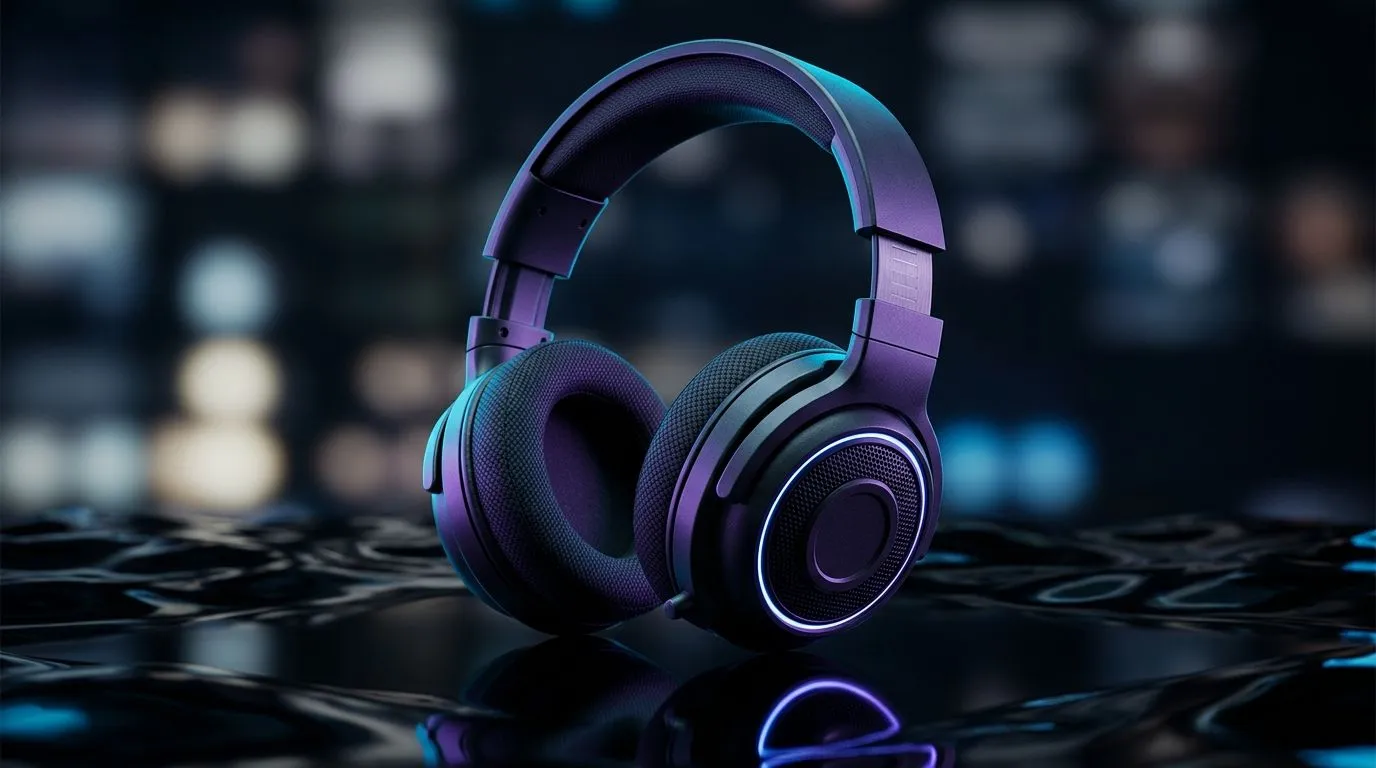
Positional Sound Settings for 40mm Drivers in Gaming: The First 70 Words That Matter
If your footsteps sound like they’re “floating” instead of coming from the side, it’s not always the game. For many players using compact 40mm-driver headsets, the fix is surprisingly practical: positional sound tuning. 🎮 In this guide, you’ll learn how to set up positional audio so explosions land where you expect them… and footsteps feel closer, clearer, and easier to track in South African matches where ping and chaos already test your reactions.
Positional Sound Settings for 40mm Drivers in Gaming: Start With the Right Output Mode
Before touching sliders, confirm what your headset is actually receiving. Wireless headsets often switch between modes (game vs chat), and that can shift spatial cues. For a clean baseline, start with:
- Stereo output (in-game) and no extra surround processing if you’re using headset software positional audio.
- Or, if your headset software already provides spatial imaging, set the game to stereo and let the headset do the heavy lifting.
A common mistake is double-processing surround, which can blur direction cues. If you want a ready-made entry point, Evetech’s Razer Barracuda X Chroma listings are a good place to compare what features come with popular gaming headsets and bundles in SA. ✨ Shop Razer Barracuda X Chroma Wireless from Evetech
Positional Sound Settings for 40mm Drivers in Gaming: EQ Tuning That Helps Directional Cues
40mm drivers can still deliver strong positional audio. The key is shaping frequencies that carry “location” information.
Try this approach:
- Reduce muddy lows: if footsteps are muffled, lower the bass slightly (around -2 to -4 dB).
- Nudge mid clarity: raise presence around the lower mids (about +1 to +3 dB) so movement sounds pop out.
- Be careful with treble: too much high-end creates harsh sizzle and hides detail. Keep it subtle.
Why this works: direction cues rely on how different parts of the sound reach your ears. When bass dominates, it masks the micro-details that tell you “left, right, or behind.”
Need a broader comparison of headphone options and driver styles Evetech stocks? Use this category hub to explore what fits your setup: Browse Razer headsets and headphones on Evetech
Positional Sound Settings for 40mm Drivers in Gaming: Placement, Volume, and “Trust the Balance”
Here’s a quick reality check. Your headset positioning affects stereo imaging more than you’d think.
- Keep the left/right cups aligned with your ears.
- Avoid having the mic boom press on the cup.
- Set volume so gunfire doesn’t clip. If it’s too loud, you lose detail first… and that’s directionally painful.
A micro-test: in a quiet custom match, turn slightly and listen for consistent changes. If the audio doesn’t “move” when your head angle changes, you’re either relying on the wrong output mode or running conflicting spatial profiles.
Productivity Pro Tip ⚡
Productivity Pro Tip ⚡
On Windows, use the PowerToys FancyZones utility to create custom snap layouts for your windows. It's a lifesaver for managing multiple apps on an ultrawide monitor, letting you organise your timeline, preview window, and asset folders perfectly for video editing.
This same idea applies to gaming too: keep your chat, settings panel, and test audio side-by-side so changes are quick and consistent.
Positional Sound Settings for 40mm Drivers in Gaming: A Simple Preset You Can Dial In Today
Use this workflow for fast results:
- Turn off extra surround in the game (set to stereo).
- Enable spatial/positional audio in your headset software if available.
- Start with a neutral EQ.
- Apply small edits: -3 dB bass, +2 dB presence, small treble cut if needed.
- Test with footsteps and reload sounds for 60 seconds each.
If you’re still stuck, check the headset family and driver mix you’re using. Evetech’s headphone-and-headset category can help you find options designed for clearer imaging at a range of budgets in South Africa. 🚀 Explore headphone headsets on Evetech
Positional Sound Settings for 40mm Drivers in Gaming: Next Step to Better Ranked Audio
Positional audio tuning is part science, part “what your ears notice.” Once your directions are stable, you stop guessing and start reacting. That’s how you win fights before your opponent even rounds the corner.
Ready to Find Your Perfect Match? The Mac vs Windows debate is complex, but for maximum power, choice, and value in South Africa, Windows is hard to beat. Explore our massive range of laptop specials and find the perfect machine to conquer your world.











