

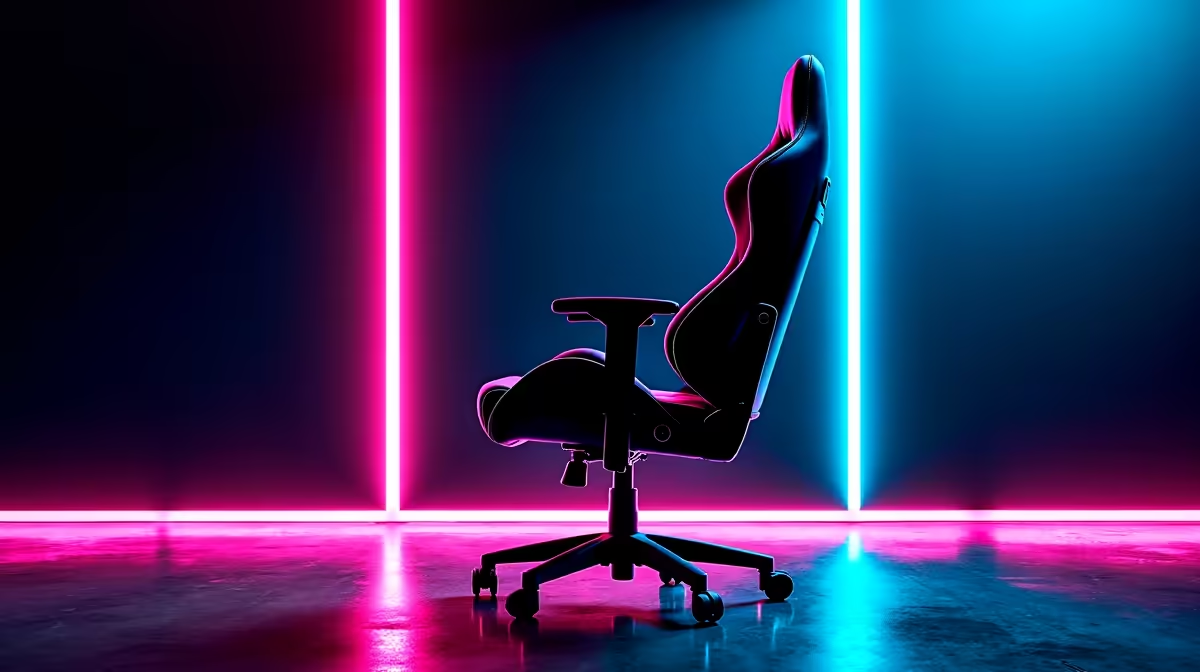
South African gamers are logging longer sessions than ever - and the physical cost of bad posture compounds quietly until it becomes a real problem. Whether you're grinding ranked in a res room, working from home, or running a full home setup, the chair you sit in for 4-8 hours a day deserves as much thought as your GPU.
Quick Answer
A good gaming chair for SA gamers should support lumbar curvature, allow height adjustment for local desk setups, and maintain comfort through long sessions. Prioritise adjustable armrests, lumbar support, and breathable material. Evetech stocks a range of gaming chairs suited to different budgets and body types.
🪑 What Actually Matters in a Gaming Chair
Marketing language around gaming chairs is noisy, but a few features genuinely matter for posture. Lumbar support - either a built-in curve or an adjustable pillow - is non-negotiable. Without it, your lower back rounds forward within an hour, creating strain that builds up over sessions. Adjustable armrests (height and width at minimum) allow you to support your forearms at keyboard level, reducing shoulder tension. Seat depth matters too: your thighs should be supported without the edge of the seat cutting into the back of your knees. Evetech's gaming chair range includes options across budget tiers with these features covered.
🖥️ Setting Up Your Chair for Your Desk and Monitor
A chair is only part of the ergonomic equation. Once you have the right chair, set seat height so your feet are flat on the floor and your thighs are roughly parallel. Your monitor should sit at eye level or just below - most SA desk setups have monitors too low, causing neck strain. If you're pairing your chair with a new monitor, a monitor arm lets you dial in exact positioning without relying on stand height adjustments alone.
💪 Breaking Bad Posture Habits While Gaming
Chair setup alone won't fix posture if your habits work against you. Taking a 5-minute break every 45-60 minutes to stand, stretch your hip flexors, and roll your shoulders back counteracts the compressive effect of sitting. Gaming chairs with recline functionality are useful not just for comfort but for shifting spinal load - changing your position slightly throughout a session reduces fatigue even without leaving the chair. Set a timer if you need the reminder.
❓ FAQ
Q: Are gaming chairs better than office chairs for long sessions? High-quality gaming chairs and ergonomic office chairs can both support good posture. The key is adjustability and lumbar support, not branding. Budget gaming chairs are often inferior to mid-range office chairs - invest appropriately.
Q: What chair height should I set for gaming? Seat height should allow your feet flat on the floor with knees at roughly 90 degrees. Most gaming chairs accommodate a height range of 160–200cm users effectively.
Q: Do gaming chairs help with back pain? A good chair can reduce ongoing back pain caused by poor support, but it's not a medical treatment. If you have persistent back pain, consult a physiotherapist alongside improving your setup.
Evetech stocks Graphics Card Deals and Evetech Best Sellers — great options for your gaming setup.
Ready to Find Your Perfect Match? Browse Evetech's full gaming chair range and find the right support for your setup.











